Forum
Questions, builds, help and the odd argument. The mods and guides are out front.
Notifications
Clear all


Jun 17, 2015 3:58 pm
"This video is private."

Jun 17, 2015 4:13 pm
you mean engine sound volume? sound volume can be edited in the rpk file

Topic starter
Jun 17, 2015 5:28 pm
yes the engine sound volume. but what exactly do i edit in the rpk?
Added 3 minutes later:
# mindeliszz :
you mean engine sound volume? sound volume can be edited in the rpk file
when i tried it crashed my game
Added 6 minutes later:
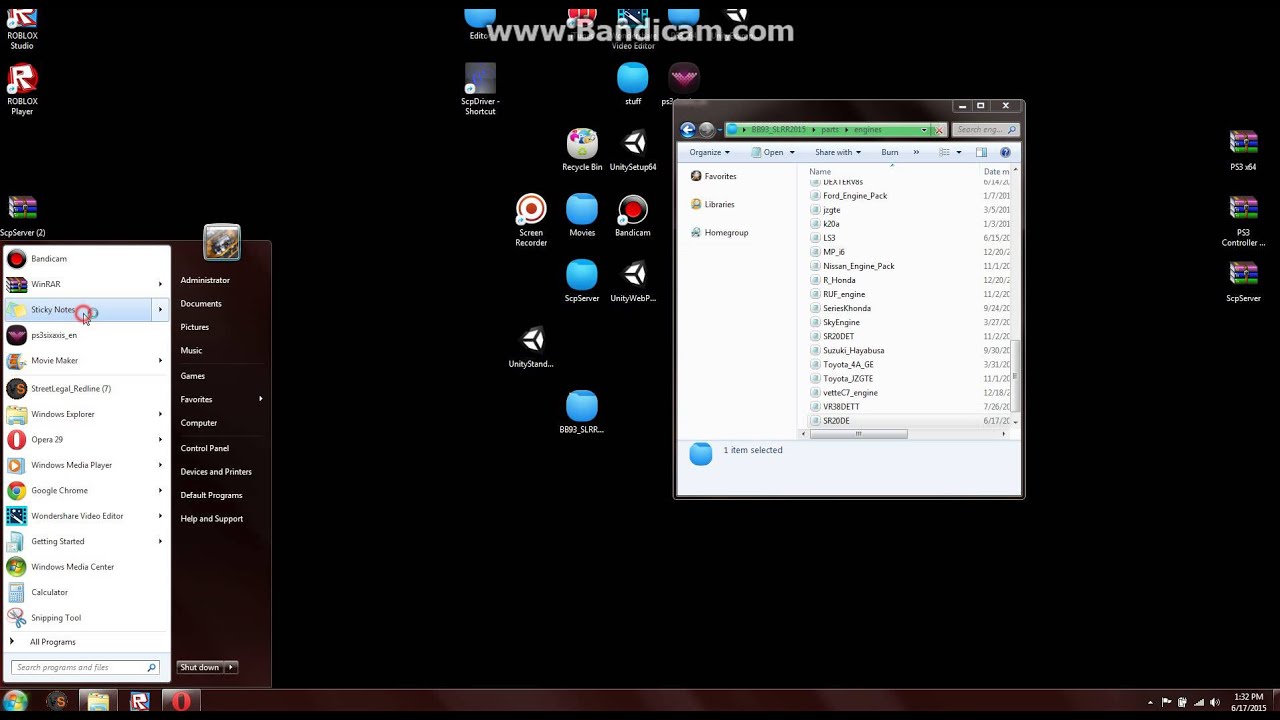
heres what i did
Jun 17, 2015 9:50 pm
You need convert the .rpk to .rdb before edit lol
Download resource converter and convert it to .rdb, then open it with a text editor and edit the volumes and convert to .rpk again
you can also try to edit the sounds samples using a audio editor (like Audacity)
Topic starter
Jun 18, 2015 2:40 am
# adnan54 :
You need convert the .rpk to .rdb before edit lol
Download resource converter and convert it to .rdb, then open it with a text editor and edit the volumes and convert to .rpk again
you can also try to edit the sounds samples using a audio editor (like Audacity)
i already tried the resdeoder to decode the rpk, but it doesn't work.

Jun 18, 2015 2:49 am
Use this /d/3712-resource-converter-rpk-converter