Forum
Questions, builds, help and the odd argument. The mods and guides are out front.
Notifications
Clear all

Topic starter
Jun 16, 2015 8:15 pm
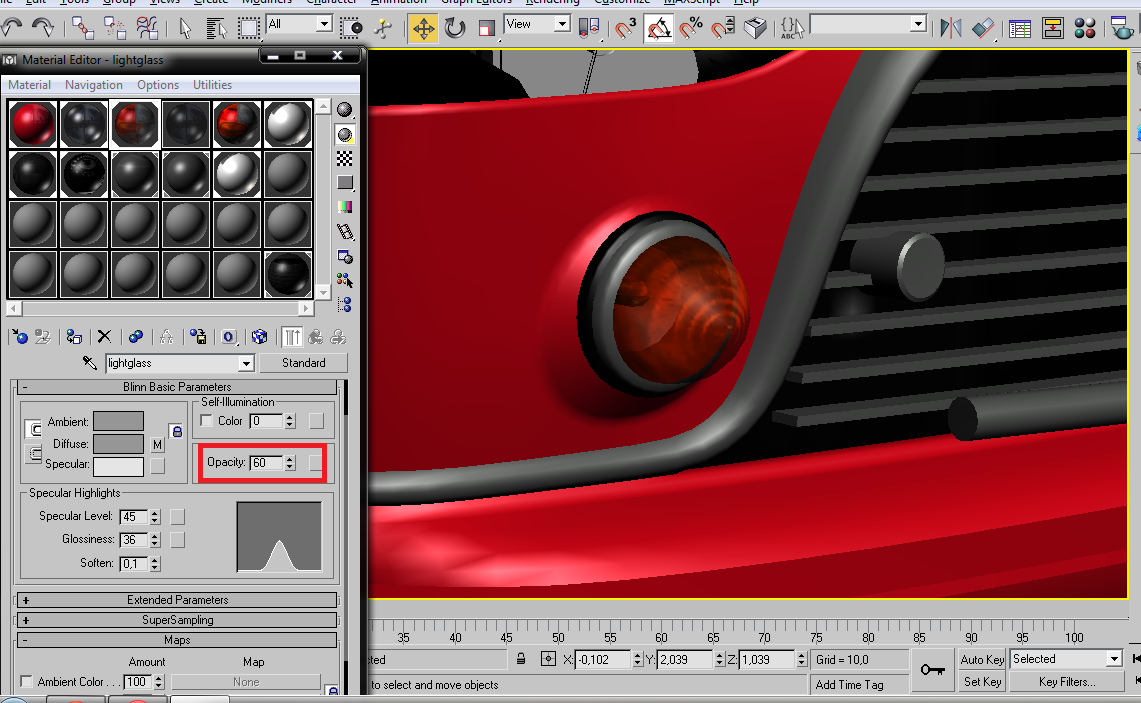
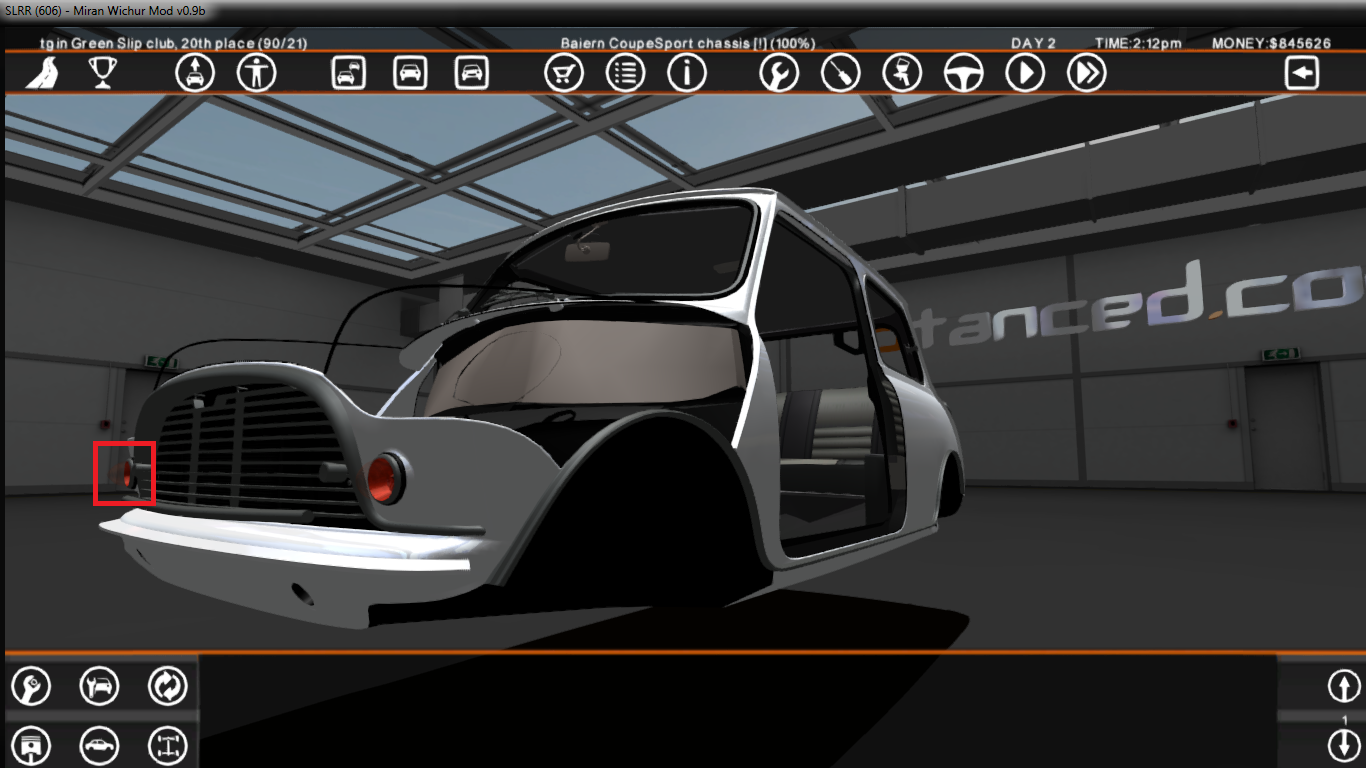
so i use 60% of opacity on 3ds max, but on game look like i use 100%
why? :/

Jun 16, 2015 9:32 pm
I think you cannot use this opacity with a texture map, the only way to get a transparent texture in game is using the alpha channel

Jun 16, 2015 9:49 pm
Thyago download addi w126 sec and look how he get good results + reflections.
You can add in cfg next render line. Plastic (with opacity) add to rpk only mesh and render.
Pivot need be to the same with normal part.
Topic starter
Jun 17, 2015 7:49 am
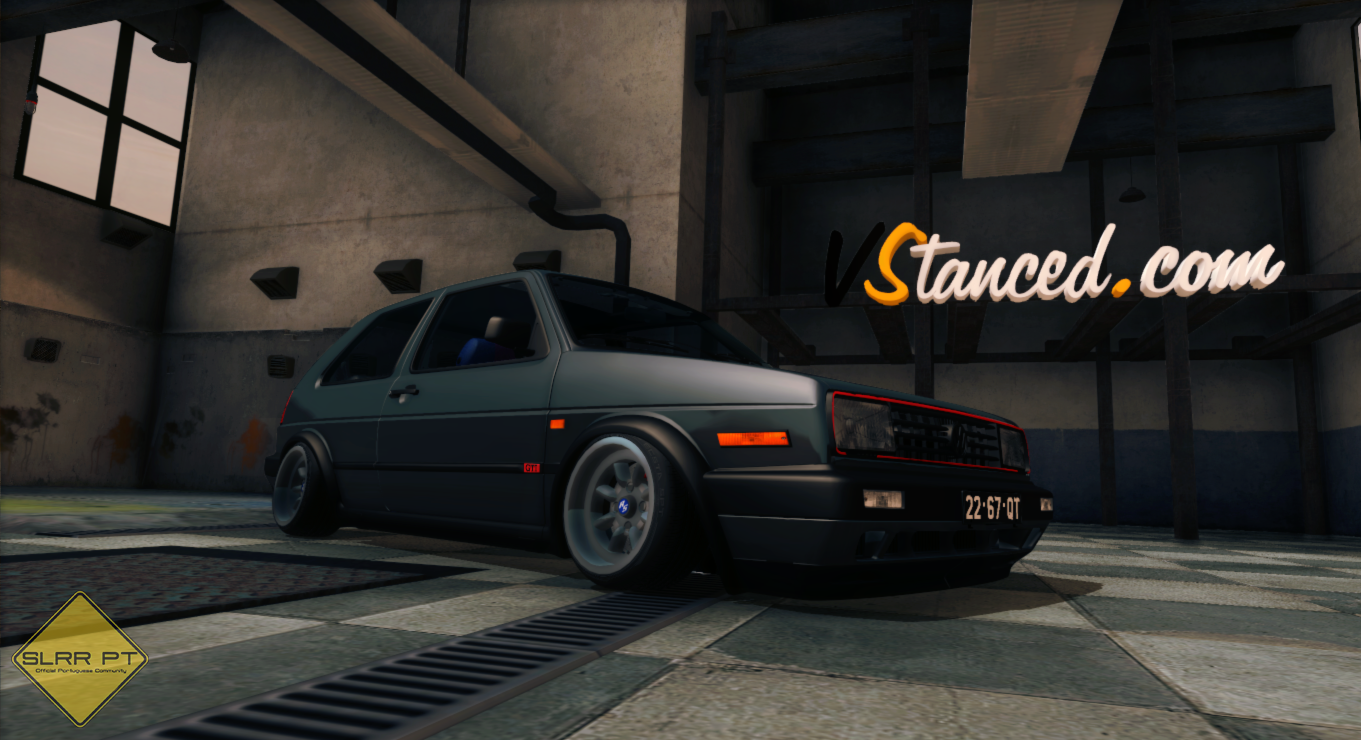
i already use it the JC materials but for nothing look like this
here is ok

Jun 17, 2015 8:36 am
Try to use .tga and check the alpha channel of it in PS
Topic starter
Jun 17, 2015 11:11 am
thanks everyone
Topic starter
Jun 17, 2015 1:18 pm
updated, the alpha channel is ok

Jun 17, 2015 1:20 pm
pix? 😛
Topic starter
Jun 17, 2015 1:54 pm
pix? :/
Jun 17, 2015 5:00 pm
pix! 😮
Topic starter
Jun 18, 2015 12:01 pm
😮 pix 🙂)

Jun 18, 2015 1:08 pm
pix B)