Forum
Questions, builds, help and the odd argument. The mods and guides are out front.
Notifications
Clear all
General
39
Posts
14
Users
0
Reactions
20 K
Views

Jan 1, 2018 2:33 am
Dont forget to use good quality mods. And lighting is super important too.
As a last resource, i go to photoshop and blur every edge, its time consuming so I’m trying to find a faster way to do it. Yet my photos still look bad. This game is really old, let’s not forget about that.

Topic starter
Jan 1, 2018 8:54 am
# Yeda :
That mustang pic is mine and since you liked, i may tell you what i do, to make the pics looking clean. (Btw, my pc specs are kinda low, i use a monitor that is 1440x900 and just a 9500GT by geforce)
First of all, don't even think of running slrr in window mode, unless you use a potato has a computer.
Second, the Enb that i used to take that pic you showed, was the "Better Everything Sweet FX" (That can be found in DL section)(But i don't recommend you to use it and i will explain why a few lines below)
Third, if you have a nvidia video card, you'll need to force AA (Mine are set to maximum), 'cause the original AA of slrr looks like crap.
Fourth, run slrr in your native screen resolution (Mine are 1440x900, so i programmed to run in that res.), if you do this you should be fine.
Fifth, if you don't have a powerful PC, prepare yourself, 'cause slrr will run with 20fps or less.
Sixth, be patient, usually i take around a half an hour to build just one car. And the other half of hour, taking pics.
Seventh, don't use any other slrr besides BB93's one to take pics. The one he made is the best. No wonder he's the boss. (Just use the other ones if you are looking for a real gameplay, like racing or build for fun.)
Eighth, here's a recent pic i took Spoiler: , the ENB i used for that pic is the one made by doge's (Can also be found i DL section). Use the one made by him (doge), 'cause the "Better Everything Sweet FX" can't handle slrr too well, and by that i mean it still looks like the raw slrr.
Ninth, if you use a lot of mods, the game might crash a few times (Slrr if very unstable), if it does, just restart it. (Remember to always save your car by, exiting your career and reloading it)
Tenth, personally i think there's nothing wrong by taking pics directly in slrr (Pressing F12). But at this point you should decide which way is the best for you.If you have any more questions or doubts, just PM me for further information.
Thank you very much! I'll try these out when I get home to my PC.

Jan 1, 2018 9:21 am
I use a really shitty laptop so mine aren't the greatest and most of the work is done post production.
I only have an AMD card but i have all the settings maxed.
I run my screen res to almost my exact monitors res and run in windowed (Was having problems when crashing in fullscreen)
Screenshot with fraps.
Crop out the desktop bits and blur surroundings with CS6.
Spoiler: 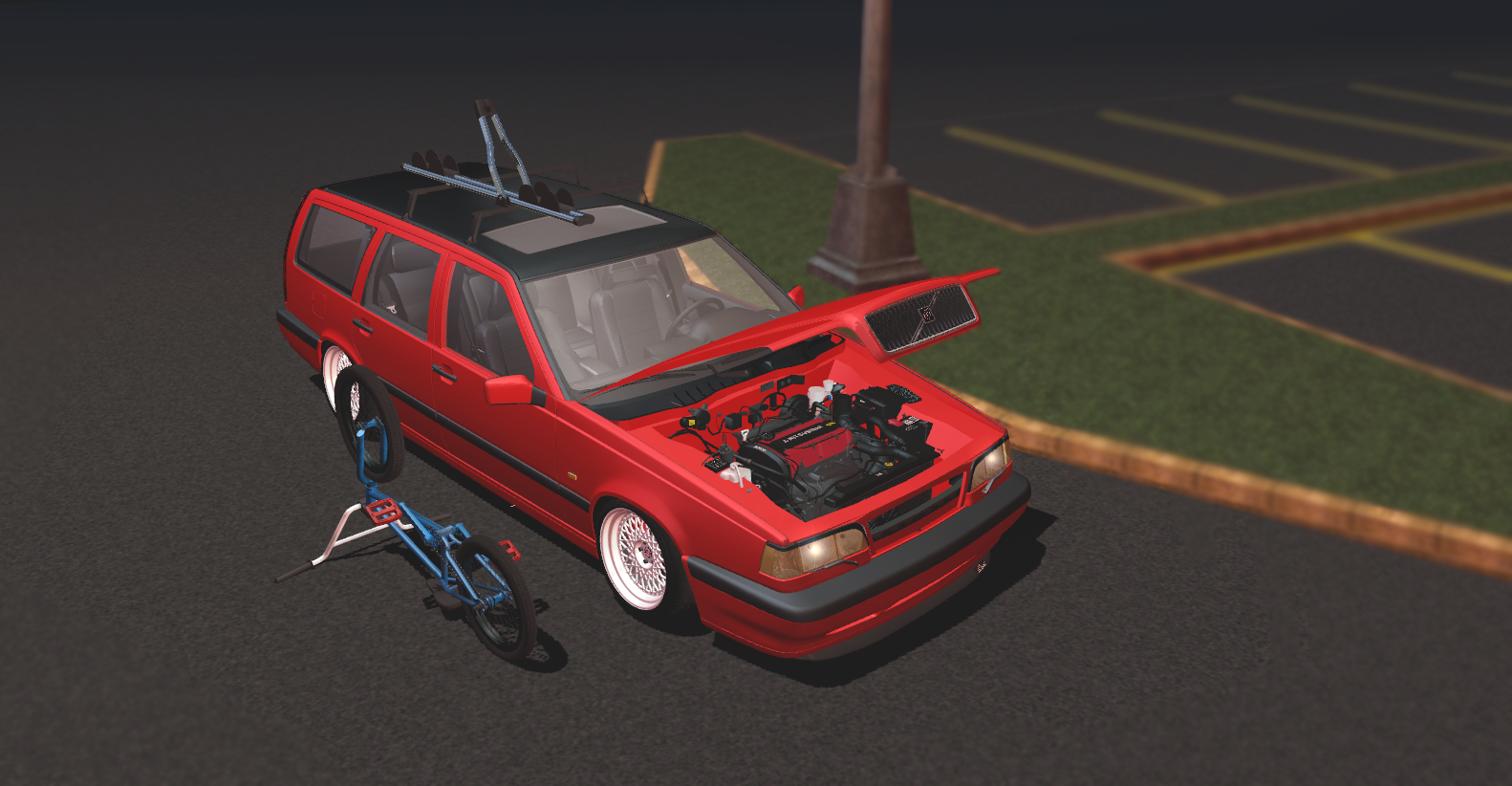
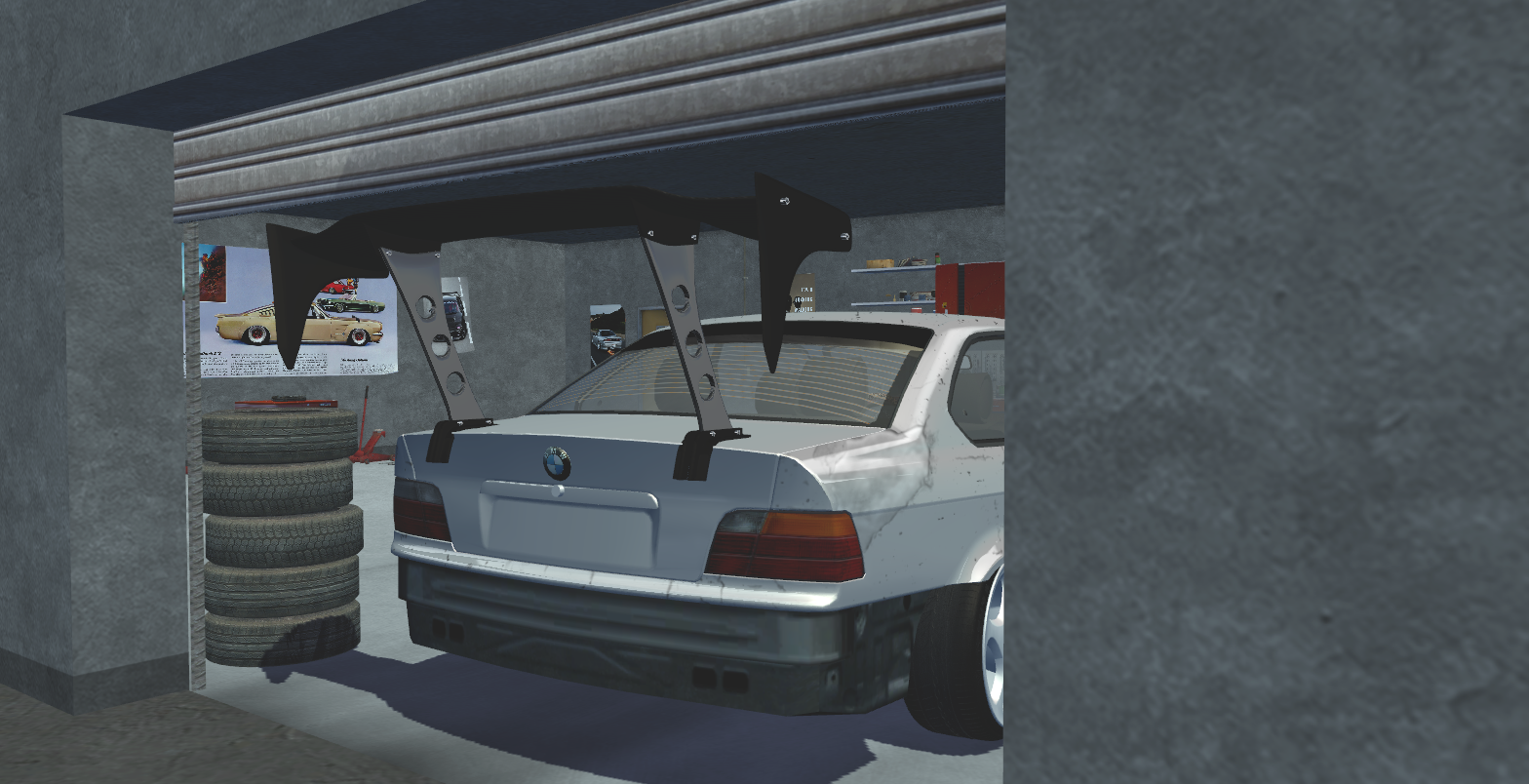
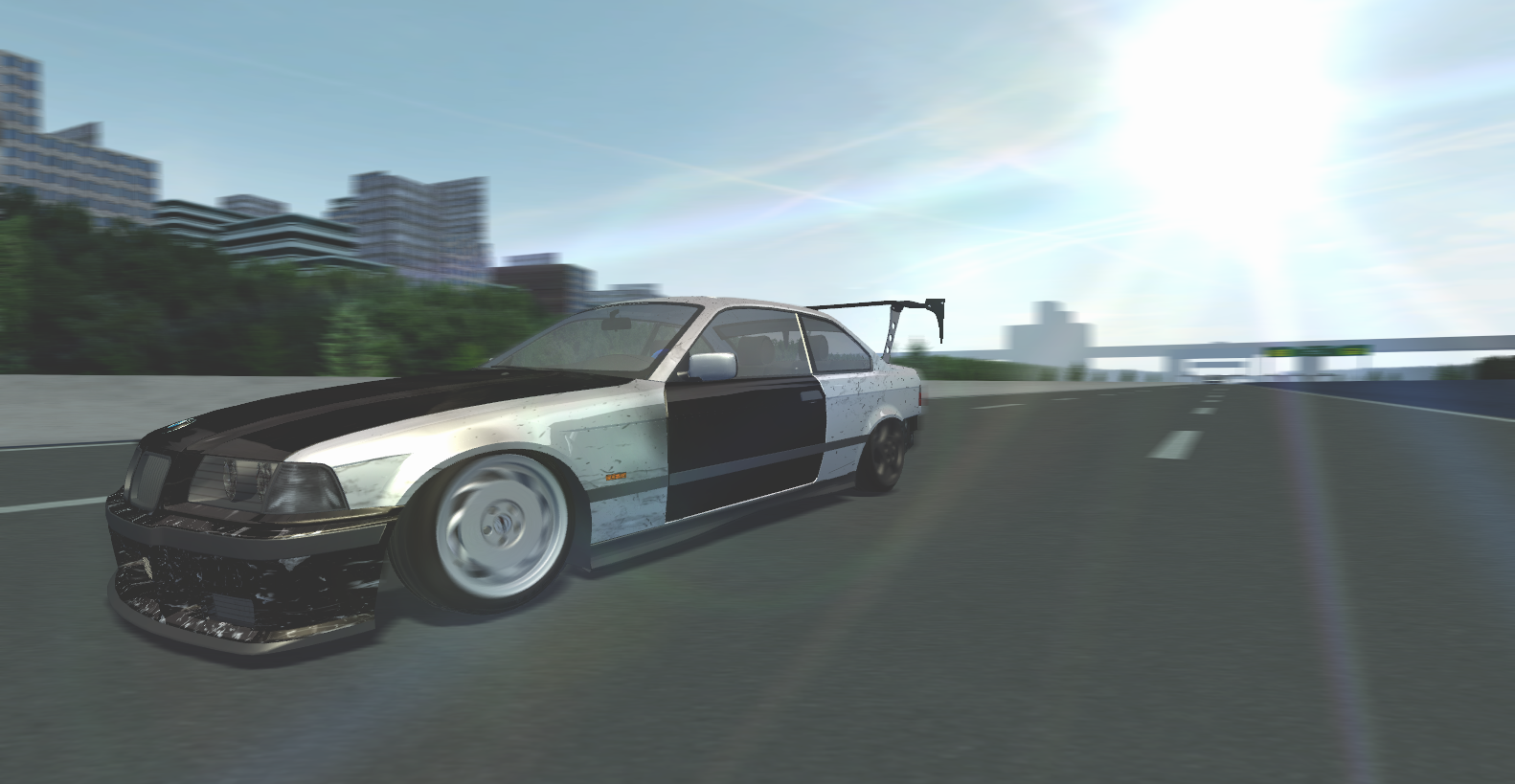

Jan 1, 2018 10:43 am
# ShadoWPhoeniX :
So here's a screenshot I took with SLRR Light Edition (which people claim to be the best):bla bla
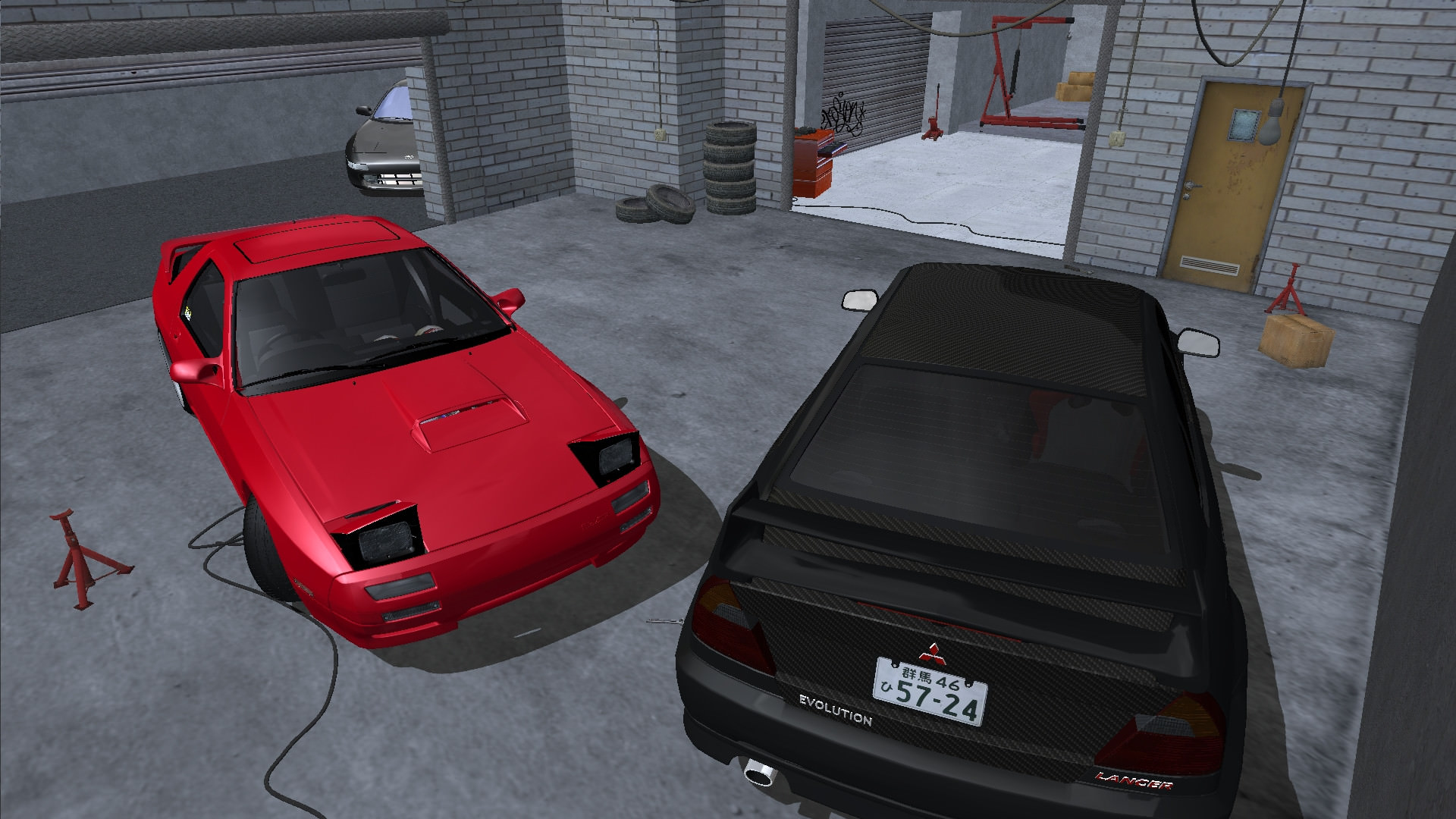
Dude those are preddy damn good shots for a 750ti anymore than that and you will have to upgrade your card..
Topic starter
Jan 1, 2018 10:58 am
I noticed that every single one of my photos are locked to 5.93MB. No matter if it's 1600x900, 1920x1080, with AA, without, with DSR or without, it's always that size no matter what I do. Maybe that has something to do with the bad quality?
If I take a picture in FRAPS though it looks worse, so I don't know what screencapping program I should use.
Jan 1, 2018 11:00 am
This is on a GTX770 but its a 4gb one.
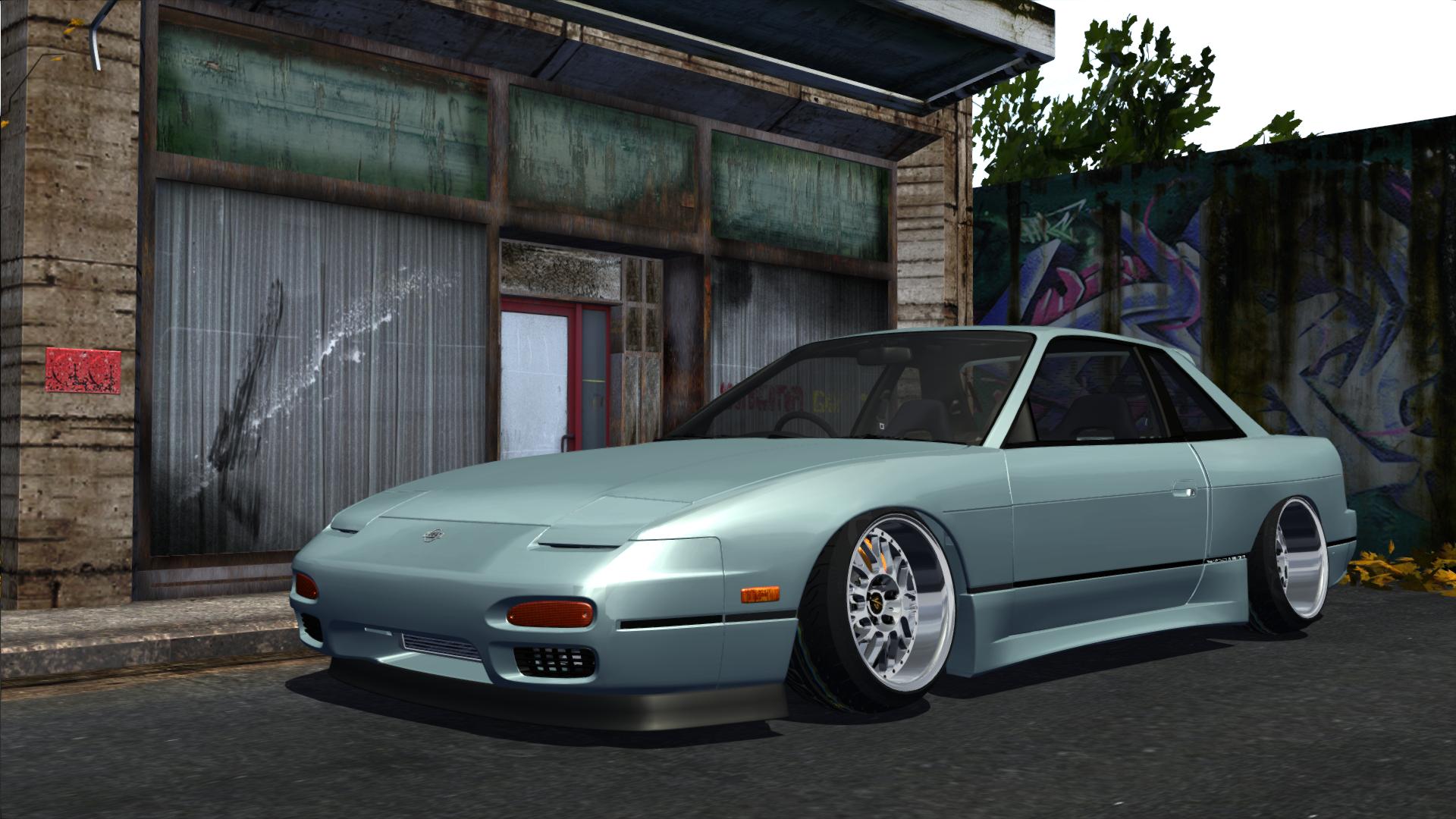
Just force AA through Nvidia control panel or Nvidia Inspector. Your game will have slow loading times but you should be able to get the look you are after.
Also use zoom when taking photos.
Edit: Just saw your post, use the ingame screenshot tool... its perfectly capable enough. Then just open it with a photo editing program or w/e and export as a .png or .jpg
4k is totally useless on SLRR its over 7 years old.
Topic starter
Jan 1, 2018 12:16 pm
What program should I use to convert TGA to JPG without any loss in quality? Saving it as JPG in Paint.Net strips off some of the quality of the original photo.
Also what do you mean when you say to use zoom when taking photos?

Jan 1, 2018 1:30 pm
You can open the .tga with 'Image Magick' or GIMP, then export to a .png.
This means you don't lose as much quality as you do with .jpg.

Jan 1, 2018 1:32 pm
Paint.NET never lost any quality for me, I was exporting as JPEG so maybe try that.
Using zoom decreases the FOV and makes the shot look a lot better, use + and - to change it.

Jan 1, 2018 2:53 pm
fuck now i found my problem When i upgraded for win 10 i was getting wy worse pictures but never taught it was because my converter changed to jpg
Topic starter
Jan 1, 2018 3:37 pm
I found a picture in SLRR that was taken in 1440p and it looks VASTLY better than all of the photos in this thread. I wanna know how to run SLRR in 1440P... 🙁

Jan 1, 2018 4:06 pm
Bigger monitor
Jan 1, 2018 4:09 pm
Try an ENB like everyone is telling you. Most if not all will improve AA, take Coprones enb that l linked in an earlier post for example.
And btw, you're kinda expecting too much from this 14 year old game. You aren't gonna get amazing graphics without some amount of photoshop too.
Topic starter
Jan 1, 2018 4:21 pm
Fair enough, I guess I should start on my photoshop skills. What are the most important for making a shot look good in Photoshop?

Jan 1, 2018 4:26 pm
# ShadoWPhoeniX :
Spoiler:
I found a picture in SLRR that was taken in 1440p and it looks VASTLY better than all of the photos in this thread. I wanna know how to run SLRR in 1440P... 🙁
Dude, use your native screen resolution. If you do that you'll get better results. (To change it, use the MWM Resulution Changer that comes with BB93's slrr). And btw, the only aspect in which the 4k is good, is that when used, you can zoom in without losing quality