Forum
Questions, builds, help and the odd argument. The mods and guides are out front.
Notifications
Clear all

Topic starter
Jul 23, 2018 11:56 am
We found out what the issues were with Jfernando1's setup and I made an update to the corresponding files ("Ever refreshing patchlink" for SlrrExhaustive and the SlrrExhaustiveBits) it was caused by an uninitialised variable. sad...
I also lowered the default value of the ambient on the overwritten materials I see that lot's of people find it surprising.
This new version has the shadow rendering overwritten aswell no actual change to the appearance just a technical challenge it can easily be disabled in the reshade menu.
I included a dynamic object detail hmm method in this release it lowers or raises the object detail in reference to a target fps and the current rendertime this is disabled by default, as it is intrusive (changes a game setting that gets preserved in the options file)

Jul 23, 2018 1:46 pm
Looking really nice, i have just a few problems, red windows when the car is under lights (see pic below) and on the reshade menu i only see reflection settings and physics settings. AO, bloom, etc etc cant be adjusted

Jul 23, 2018 2:26 pm
Franco, change it to the configuration mode. Then you can modify graphical settings.
Topic starter
Jul 23, 2018 4:25 pm
Franco wroteAO, bloom, etc etc cant be adjusted
The setting you are looking for is in the ReflectionSettings named ReflectingAmbientMult I hope, if not there is a separate setting for spot lights (ReflectingSpotLightMult) and this is caused by the spot lights having their ambient set to a reddish color.
Configuration for the other stuff you are missing can be enabled by switching reshade into config mode in the Settings tab.
Added 58 minutes later:
(I'm leaving for holidays and wont be posting for a week)

Jul 25, 2018 9:04 am
HI Amilmand, love your SLRR its the best and the more stable ever seen, but i have an important question, even if your game dont have crash, i cant use the "EMULATED FFB STRENGTH" when you try to click on the slider the game crash with syntax error on a car, i know im maybe the only person who play SLRR with a G27 but i have a custom version of SLRR ( very bugged ) and i can have a very good physic
, do you have a fix for it please ?? 😃 Thanks for your work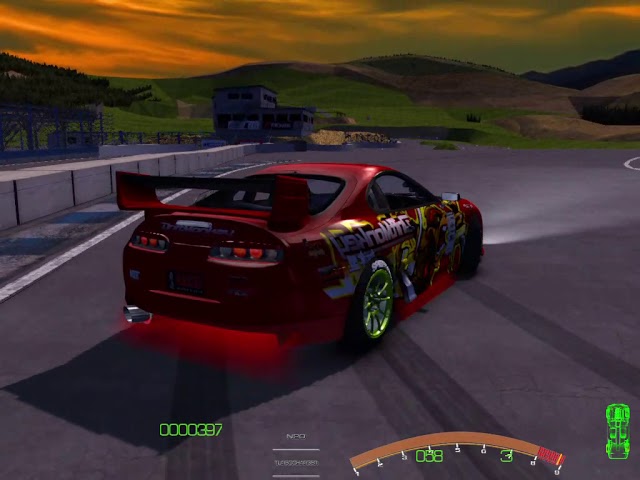
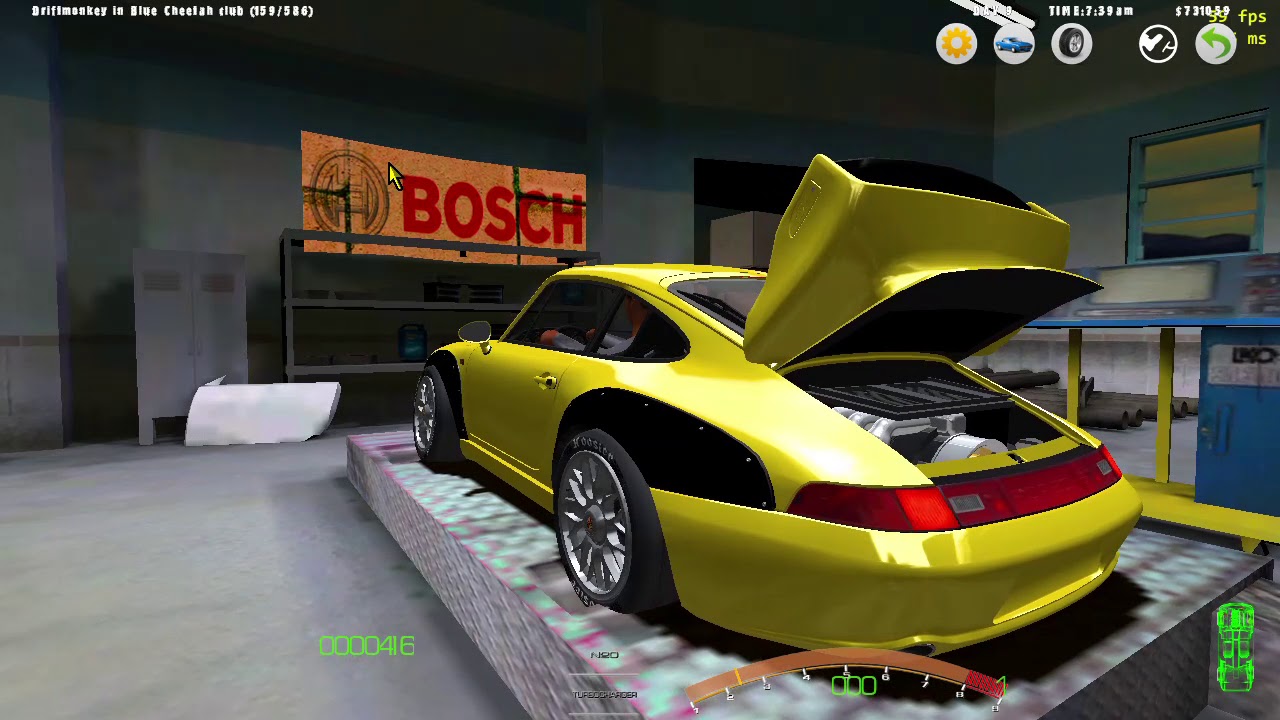
PS : oh and if someone is interested, i've made some simple but good engine sound for the V10 Viper
and the Flat 6 porsche it fit perfectly in your game because it replace the stock sound in engine folder, no need to add RPK or other things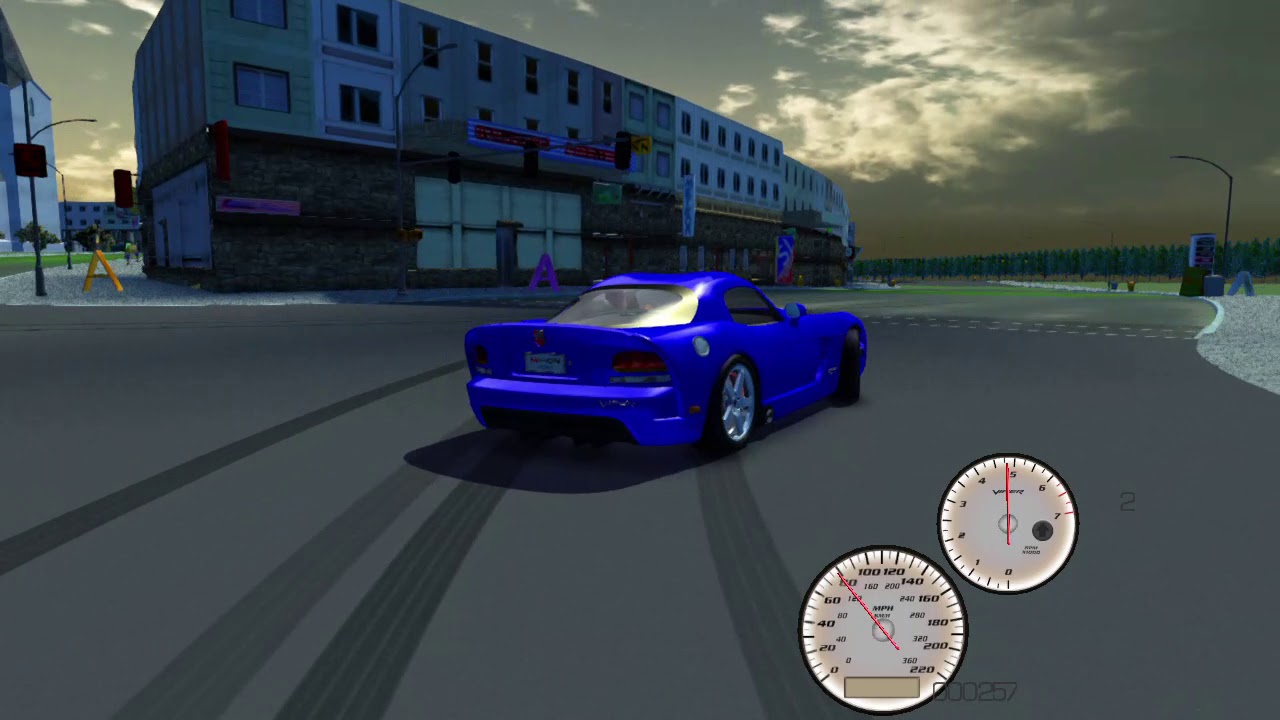
Jul 26, 2018 12:07 pm
My bad, the FFB works great when using ONLY the "REAL FFB STRENGHT" slider 🙂

Jul 26, 2018 2:22 pm
Hello Amilmand, I love your work on SLRR, do you think its possible to make a skin loader? I mean exactly like your abstract paints mode, where you can apply a texture on the whole car, but instead, load specific textures for each car from its own folder/skins for example? This way whould be easier to create new skins externaly, apply them or switch betwen them... 🙂
Jul 27, 2018 5:45 pm
some of them like the celica Castrol are available as paintjob, i have it 🙂
Topic starter
Aug 1, 2018 11:40 am
Driftmonkey06370 wroteclick on the slider the game crash with syntax error on a car,
Thank you!
Yes there was a command id collision in the options java (inherited form MWM so this is something that need fixing in every pack based on MWM) I corrected it and uploaded the new patch to the "Ever refreshing patchlink" for SlrrExhaustive.
Andy_Brazil wrotemake a skin loader [..] load specific textures for each car [..] new skins externaly
The main problem with this is that I regenerated the UVs for the cars added to the pack so making them externally would be quite hard as the reference skin is missing even if one was provided for the original mod and would not be that much help anyway because the UVs are continuous there are no "seams" in the generated coordinates so the resulting reference would not be understandable, and because I used a transformed (bent and scaled) sphere as the projecting hmm.. geometry, it is a bit warped so a straight line with constant width would neither appear straight nor constant in width on the actual 3D geometry (the car) and as a death blow the mapping from the 2D coordinates to the 3D surface is not a function: one point on the 2D texture could correspond to more than one 3D point on the 3D surface :/
But there is the original skin loading and saving functionality of the game with which you could create the desired skins (though) ingame using the decals 🙁 thats the best we can do now
Aug 4, 2018 4:25 pm
# amilmand :
The main problem with this is that I regenerated the UVs for the cars... create the desired skins (though) ingame using the decals 🙁 thats the best we can do now
Thanks for the answer!
The UVW Mapping is not a problem for me, because I'm creating a new game version, and I will do all the cars for this version so the 3D will be perfectly mapped, also well done mods with correct UVs and template can use this too, what I asked for is, Is it possible to make a code to load textures from a car's folder when entering the skins/abstract paint mode? Instead of loading them from the index in Gamelogic.java? Thats my problem, load skins from a current car folder, the rest I can handle... hehe 😃
Topic starter
Aug 4, 2018 9:00 pm
Ah I see there is a way to load any arbitrary texture from disk (in a proper format) the Decal is nothing more than a wrapper over the makeTexture function of the ResourceRef class so you can directly use it like:
ResourceRef texture = new Decal("MW_Mod\\Textures\\checkerd.png");this in turn can be used with the Part.setTexture like
p.setTexture(texture.id());But it would be better if you created a proper RPK entry for each texture because these dynamic resources will have a dynamic typeID (0xFFFF....) and I'm unsure what will happen if you try and save a part with such a texture it's not impossible it'll work but I have not tested this.
If you test this out and it works then I see no other potential problem with the implementation.

Aug 8, 2018 6:51 am
Hi amilmand. You've been doing great work with this patch and expansion. One thing I've noticed though is that your .exe compared to BB93's or LE(Light Edition's)gives me slower fps and things load slower. And I've tried different settings(Both in-game and in the Reshade file)and it makes little to no difference(and on the worse side). I was wondering if you could try to implement a memory fix like in BB93's or at least compare the two .exes(Unless there's already a setting that i missed.)
My specs: Intel i5 @ 2.80 ghz, Nvidia 1050 GTX1050 Ti, 8 GB Ram
Topic starter
Aug 8, 2018 10:19 am
I have some further questions because performance is incomparably better with the mod on my end (and it is rightfully so I made a lot of fps/loading related modifications (I thought for the better))
Are you using the latest stuff?
Are you running the game with the provided Slrr_GI.exe?
What installation are you using? If its heavily modded and I cant recreate it try and install a clean LightEdition or BB's pack and apply the MWM version of "the bits" on it and see if it also happens with a clean setup
(to compare run the game with the Slrr_GI.exe a bit exit then rename the d3d9.dll to something else (NOT_d3d9.dll) and try it with the original exe the difference should be apparent)
As far as I can tell the exe in BB's pack only has the "application can handle large addresses" flag set and nothing else regarding memory which is set in the Slrr_GI.exe aswell (the game will crash at around 3.7GB of memory allocated) and there isn't really anything more to do
if you really struggle with memory consumption consider adjusting the cfg_mem_texture_max, cfg_mem_vertex_max (lowering them).
Do you know of anything else in BB's exe?
Aug 8, 2018 11:05 am
I’m using the latest version on BB93’s install and I don’t have that many mods installed. And I am using the .exe provided in the patch. I wouldn’t know anything else in BB’s .exe(that’s probably the only thing he’s done, but you’d have to ask him.) I’ll try to adjust the cfg mem tex and the vertex max.
Added 6 minutes later:
The only mod I have that would change graphics is the ambient lighting mod by gorgoil and lexotic08. But that shouldn’t be performance impacting
Topic starter
Aug 8, 2018 11:31 am
So just that we are on the same page BB's is this(?): LINK
Do you have a link for the "ambient lighting mod"? I don't know about that one.
So a clean install produces the issue aswell?