Forum
Questions, builds, help and the odd argument. The mods and guides are out front.
Notifications
Clear all

Topic starter
Apr 25, 2014 10:34 am
Even if I scripted the .rdb before making a .rpk from the information that exist in it with the ID´s as found in the .cfgs´ the parts meshes won´t show up properly with it´s own meshes. Why is this happening?
Pictures (All the parts that are invinsible in-game as seen here):
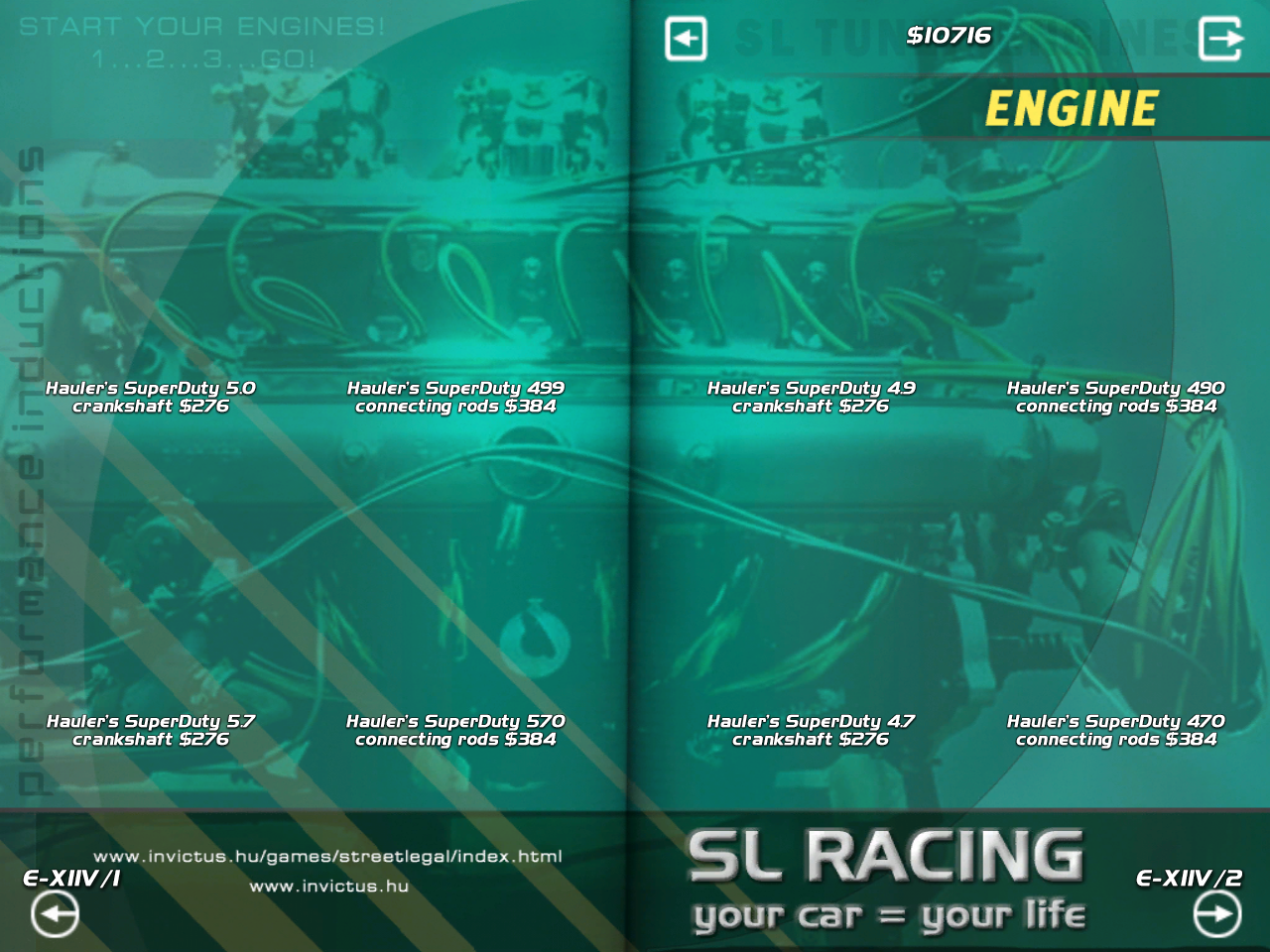
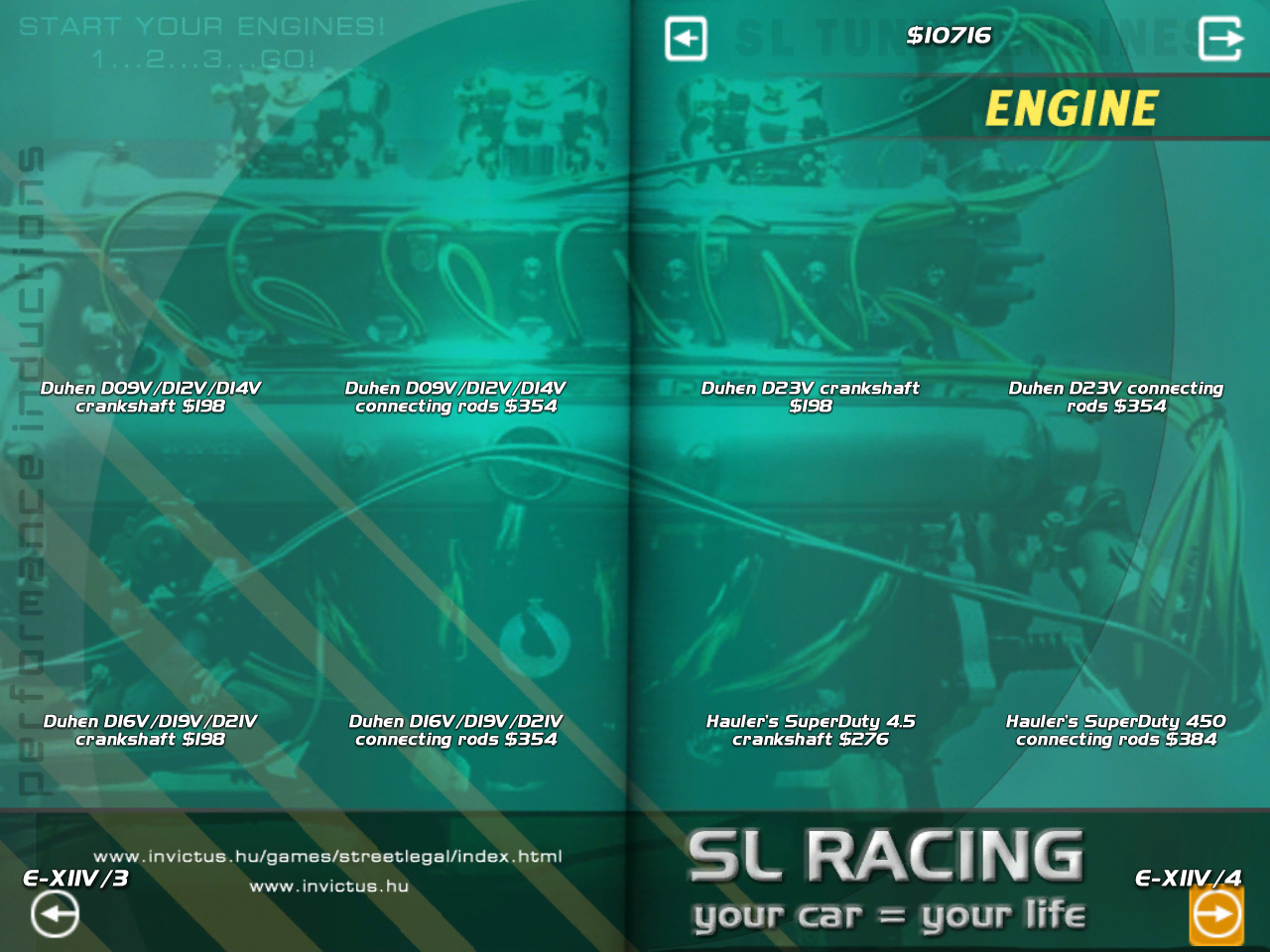
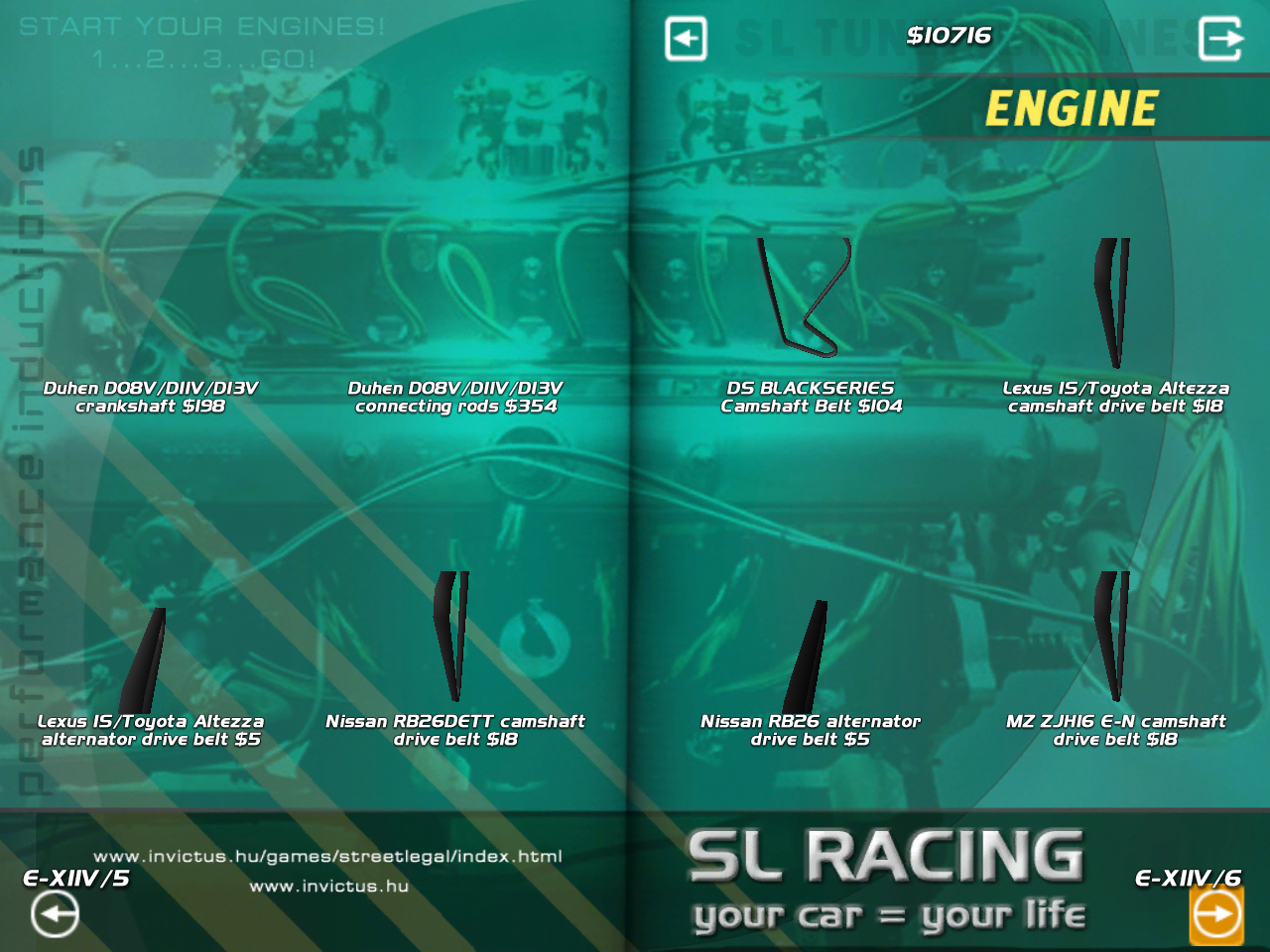

Apr 25, 2014 12:26 pm
check your render ids on the rdb, and in case they have these:
shd_center 0.000 0.000 0.000
shd_diru 0.000 0.000 0.000
shd_dirv 0.000 0.000 0.000
shd_vbase 0.000 0.000 0.000
shd_vup 0.000 0.000 0.000
delete them
Topic starter
Apr 25, 2014 3:10 pm
I don´t have those types of lines in the .rdb so what else could cause this?
Etc how a line for renders in the .rdbs´ I´ve written (entirely from scratch if it weren´t for lines that I have borrowed from already working ones to later use as templates).
How it looks like:
pre
I think it could also have to do with ID´s that might exist in other engine( parts) mods or similar so it would be a good time to change them?
Apr 25, 2014 3:19 pm
no each rpk have its own ids and even if they are same as another rpk they cant conflict.
check mesh and render id on the cfg, or mesh id on the render id on rdb
Added 18 seconds later:
# PXRZ :
pre
Topic starter
Apr 25, 2014 3:24 pm
They´re all the same in the .rdb as in the .cfgs´. Wonder if these things can be caused by adding extra parts to it without testing it ingame before adding the parts?
Added 22 hours 50 minutes later:
Since this seems to be a click def error I get and how do I solve those?
Apr 26, 2014 2:24 pm
show the error log
Topic starter
Apr 28, 2014 8:26 pm
Most appropriate part of the error.log:
Invalid clickdef (0000008a) in 00210087 (parts\EngineXtra_parts.rpk)
Invalid clickdef (0000006f) in 002100a8 (parts\EngineXtra_parts.rpk)
Invalid clickdef (00000057) in 0021000b (parts\EngineXtra_parts.rpk)
Invalid clickdef (0000008a) in 00210187 (parts\EngineXtra_parts.rpk)
Invalid clickdef (0000008a) in 00210287 (parts\EngineXtra_parts.rpk)
Invalid clickdef (0000008a) in 00210387 (parts\EngineXtra_parts.rpk)
Invalid clickdef (0000006f) in 002101a8 (parts\EngineXtra_parts.rpk)
Invalid clickdef (00000057) in 0021010b (parts\EngineXtra_parts.rpk)
Invalid clickdef (0000006f) in 002102a8 (parts\EngineXtra_parts.rpk)
Invalid clickdef (00000057) in 0021020b (parts\EngineXtra_parts.rpk)
Invalid clickdef (0000006f) in 002103a8 (parts\EngineXtra_parts.rpk)
Invalid clickdef (00000057) in 0021030b (parts\EngineXtra_parts.rpk)
Invalid clickdef (0000006f) in 002104a8 (parts\EngineXtra_parts.rpk)
Invalid clickdef (00000057) in 0021040b (parts\EngineXtra_parts.rpk)
Turns out to be clickdef but dunno how to solve it.