Forum
Questions, builds, help and the odd argument. The mods and guides are out front.
Notifications
Clear all

Topic starter
Feb 21, 2015 4:15 pm
Hey, the problem is that if I even max out my graphic's settings on Nvidia CP, Nvidia Inspector and FXAA, the game still looks too much sharp (as compared with other people screenshots). I think it's because my laptop has Nvidia Optimus - Intel HD and Nvidia graphics card. Maybe someone had the same problem and fixed it? Any ideas?
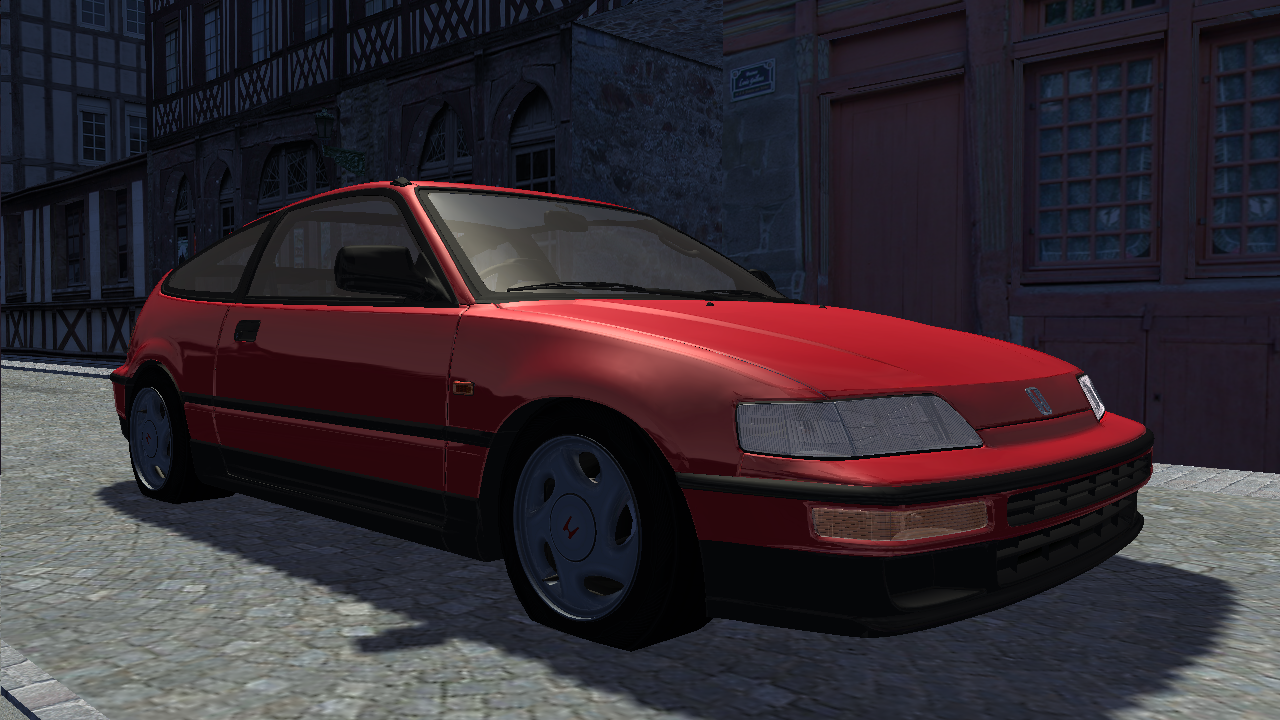
that's how it looks like. (raw screenshot)

Feb 21, 2015 6:08 pm
maybe it's running on intel graphics card. try removing d3d9.dll from slrr main folder

Feb 21, 2015 6:13 pm
# Marciius :
Hey, the problem is that if I even max out my graphic's settings on Nvidia CP, Nvidia Inspector and FXAA, the game still looks too much sharp (as compared with other people screenshots). I think it's because my laptop has Nvidia Optimus - Intel HD and Nvidia graphics card. Maybe someone had the same problem and fixed it? Any ideas?
that's how it looks like. (raw screenshot)
I've had this problem for a long time too, after all I gave up and decided to install and ENB with SMAA, but if someone knows a solution for this I would like to know, I also have Nvidia Optimus.