Forum
Questions, builds, help and the odd argument. The mods and guides are out front.
Notifications
Clear all

Aug 27, 2015 10:53 am
Did you install my painter mod?

Aug 27, 2015 10:54 am
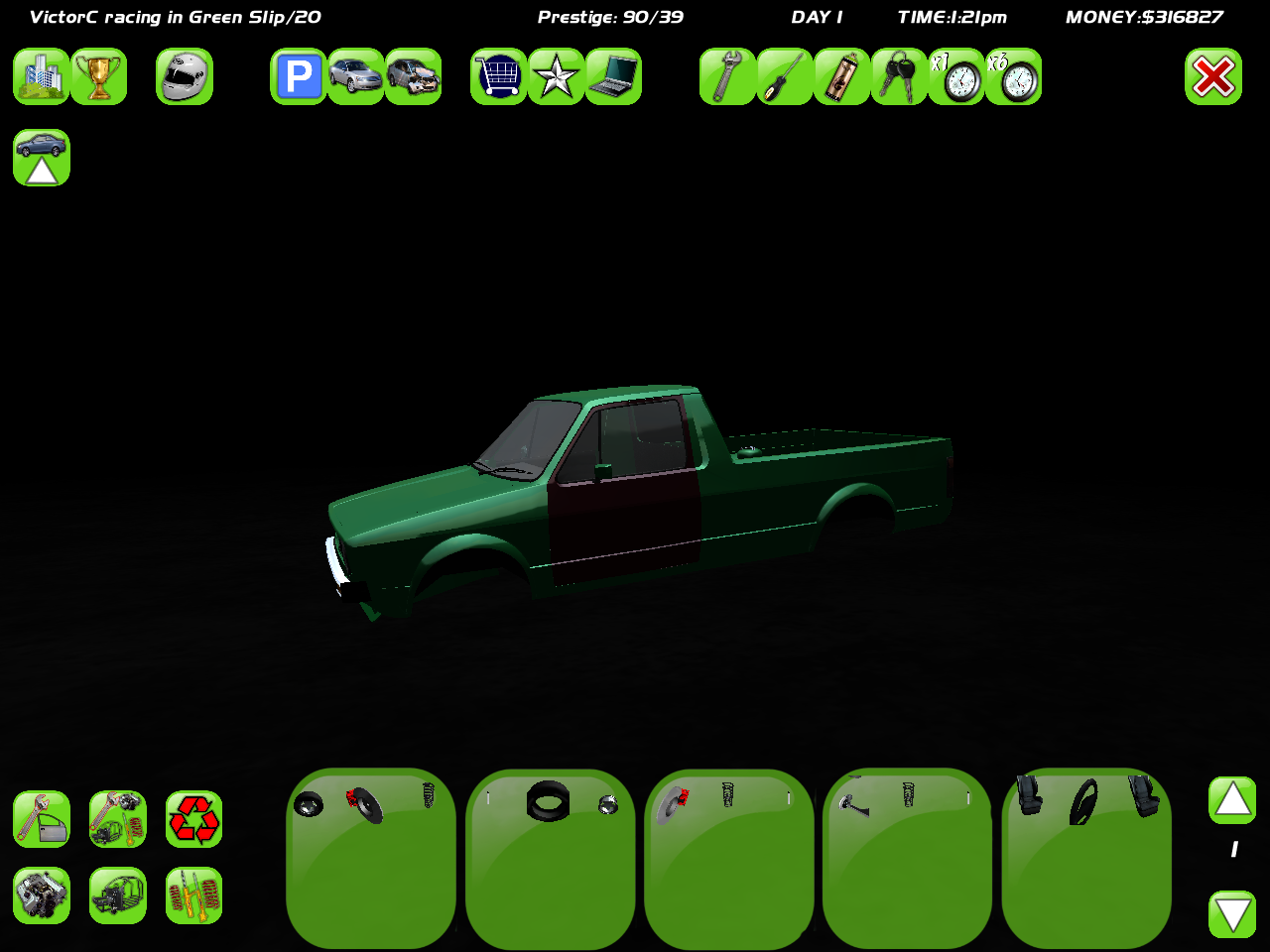
Open your VisualInventory.java in ...BIGBOSSisMYlordANDiamHISbitch/SLRR LOL/sl/Scripts/game/src & edit it. Search for "linesPerPage=".
There change the number after it to 1. In the next line where "partsPerLine" is, change the number to 5. Save it & voila.

Topic starter
Aug 27, 2015 12:14 pm
# Coprone :
Open your VisualInventory.java in ...BIGBOSSisMYlordANDiamHISbitch/SLRR LOL/sl/Scripts/game/src & edit it. Search for "linesPerPage=".
There change the number after it to 1. In the next line where "partsPerLine" is, change the number to 5. Save it & voila.
thanks a lot man, you are a true hero, and yes BigBoss, i installed your painter mod =))
L.E. Can someone upload this file ? because i deleted her accidentally.
Aug 27, 2015 8:20 pm
I might could do it tomorrow
Added 1 minute later:
But if you changed the numbers, saved the java file & ran the game, you don't need that java anymore as it complied itself into .class file