Forum
Questions, builds, help and the odd argument. The mods and guides are out front.
Notifications
Clear all
Software
68
Posts
31
Users
0
Reactions
52.3 K
Views

Topic starter
Dec 4, 2014 5:10 pm
I got bored & decided to create this sort of topic to here as I've seen that also on other forums, that focus on computers. It's just a thread to show everyone how does your desktop look like.
How to do a screenshot of your desktop?
- Just press "Print Screen" on your keyboard, usually it's next to Scroll lock.
Let's start off with this, remember to put spoiler if the screenshot is big 🙂 Here is my desktop
Spoiler:

Dec 4, 2014 5:16 pm
Just your typical laptop desktop.

Dec 4, 2014 5:39 pm
Too much crap on my desktop but oh well...
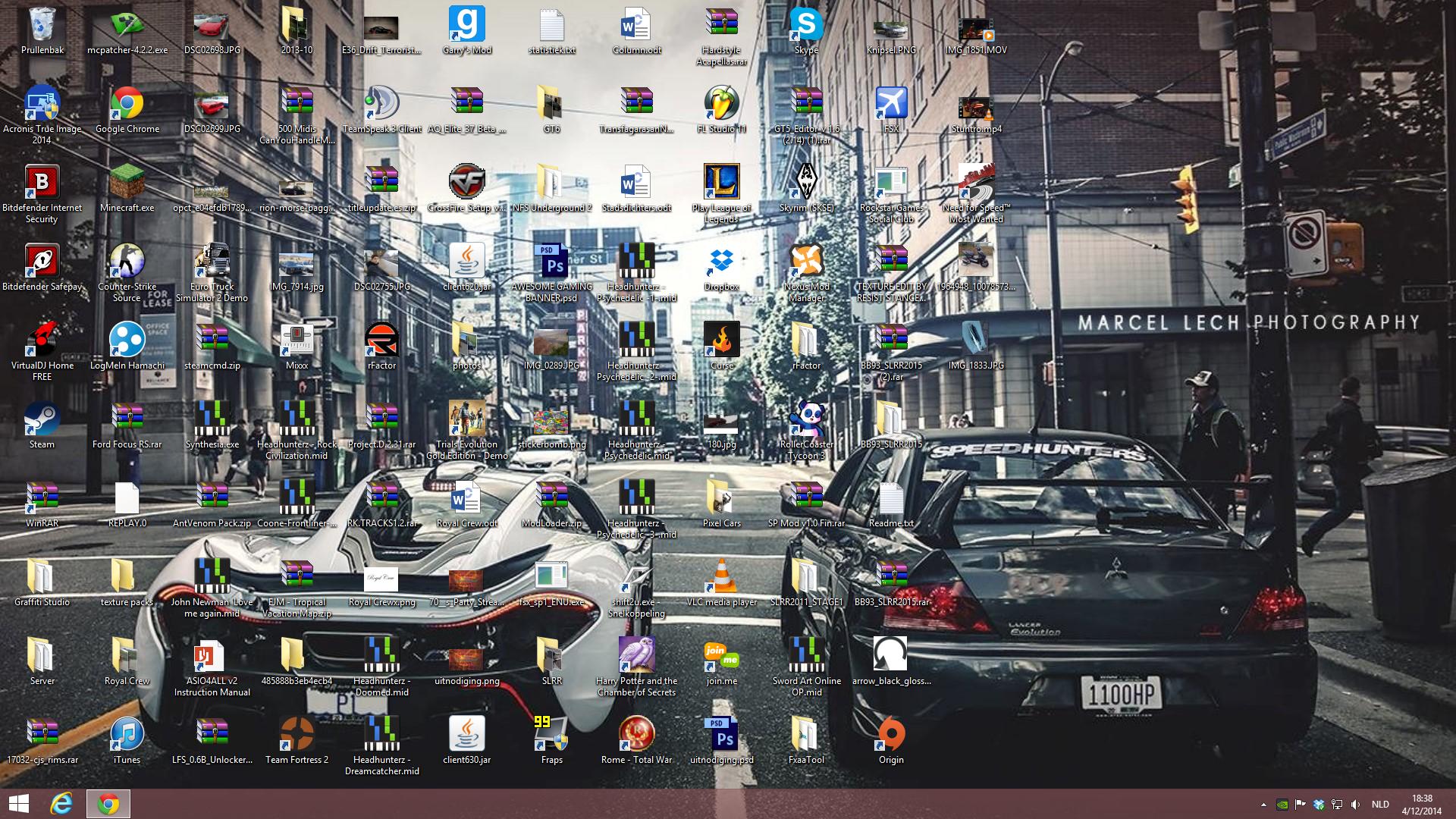

Dec 4, 2014 5:44 pm
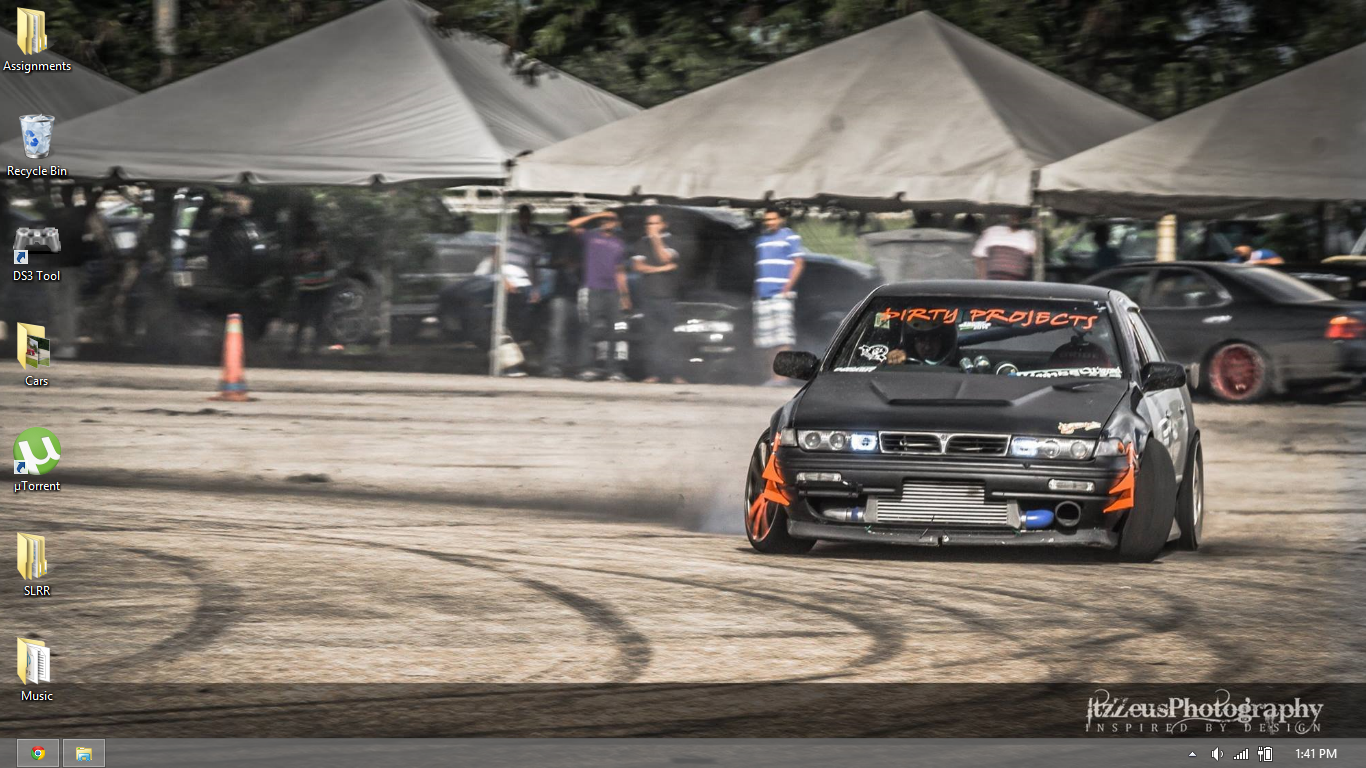
A30Juan


Dec 4, 2014 6:06 pm
@coprone What CPU/RAM/HDD meter is that??
Topic starter
Dec 4, 2014 6:15 pm
@KeeJay - too lazy to move cursor always to right?
@dxg1997 - http://win7gadgets.com/pc-system/compstatus_side_show.html


Dec 4, 2014 6:16 pm
rocking dat 5:4 aspect ratio yo

Dec 4, 2014 6:38 pm
not much but its how i like it clean and simple

Dec 4, 2014 7:11 pm
Your left side is too chaotic for me xD
..and i still have to delete something lol

Dec 4, 2014 7:20 pm
My Desktop is Amazing
Dec 4, 2014 7:26 pm
OCD pumpin' in 3, 2, 1
Dec 4, 2014 8:08 pm
@bb93 your taskbar is to much for me aha i have to have mine clean as i barley see my desktop nowdays as i leave everything open
oh and the saddest thing is i only use 3 folders on the desktop the rest is my girlfriend aha so im lucky its this clean
Page 1 / 5
Next