Forum
Questions, builds, help and the odd argument. The mods and guides are out front.
Notifications
Clear all

Topic starter
Feb 2, 2016 9:58 pm
Hahah, Kornis isn't wrong.
Added 5 minutes later:
I have no idea what I'm doing
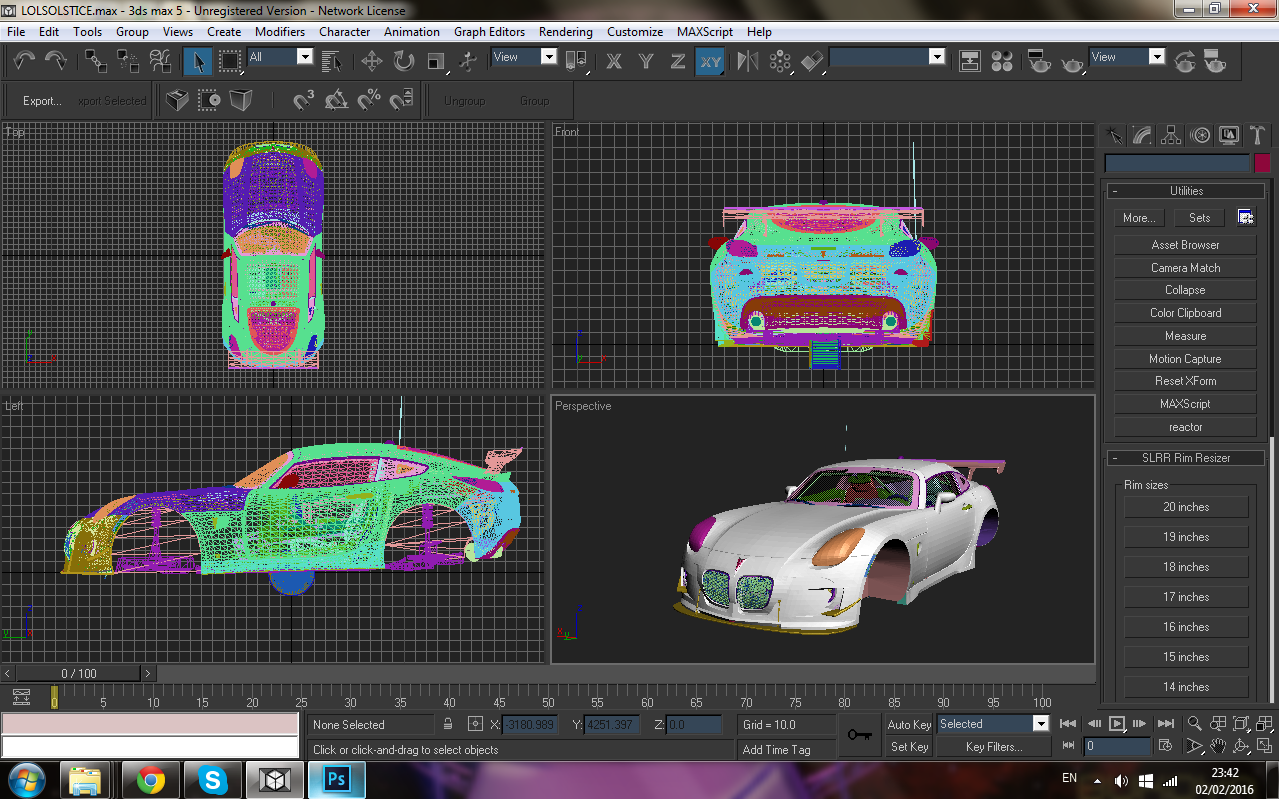

Feb 2, 2016 11:17 pm
Hey, nice! You've got it into Max. That's a good first step.
Materials are going to be important, next. You're going to have to assign paintable materials, as well as headlight and tail light glass, to all of that.
Do you know how to set those up, or would you like me to walk you through it?
Topic starter
Feb 3, 2016 5:32 pm
Doing stuff late at night is not helpful at all...
I don't remember how to assign materials entirely... So yeah, I'd much appreciate it if you could help me 🙂
...
I need to write this shit down next time...

Feb 3, 2016 7:39 pm
You could do the Vantage, it's a really nice car, but i think you should focus on the cars that don't exist for SLRR yet.
You made the Solstice pretty good... not really the car for my taste but still, respect to you man 🙂
Topic starter
Feb 3, 2016 7:43 pm
Thanks mate!
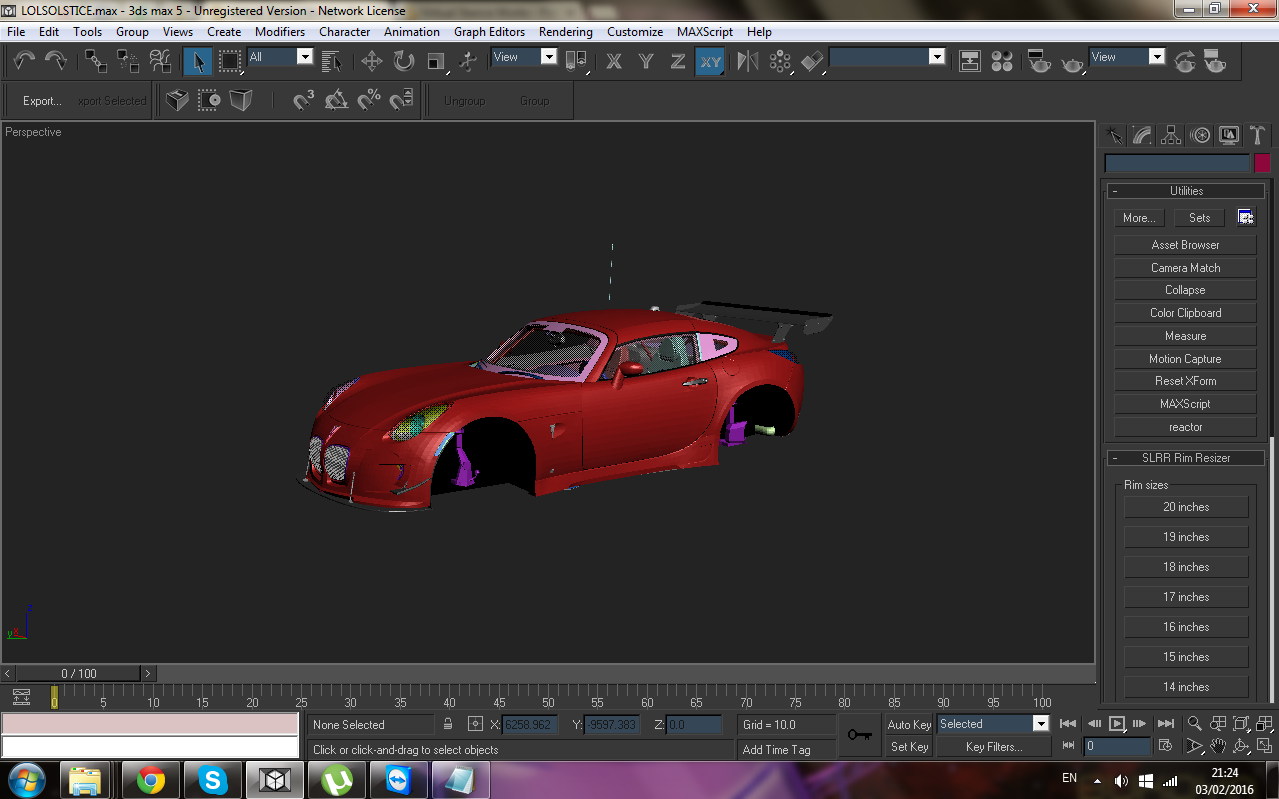
Here's some progress on it. Most stuff have materials assigned!

Feb 3, 2016 8:04 pm
Modifiers-> Smooth -> Auto smooth
Feb 3, 2016 8:06 pm
He hasn't really done anything yet except get the car imported into 3DS Max 😛
Okay, so, here's a set of material settings that I use. Do you need help ripping the textures for the Solstice with Forza Studio? If so, I can talk you through that, but it's really simple. (Go to Textures tab -> click the texture you want -> right click -> export as PNG; repeat for all textures you need.)
Spoiler: Okay, so:
Open the MAX scene included in this file, and go to "Merge" and merge in your whole car you imported in another Max scene.
You should see a button with four circles on it (it's in the top right corner of the window). Click on that. You should get a dialog with all of the material settings in it.
You may notice that some of them say "YOURCAR" at the end of them. Change "YOURCAR" to "Solstice" or whatever (this isn't actually that important, but it helps you keep track if you're working with multiple Forza sources at once, like I tend to end up doing).
Then, copy in the Solstice's LOD0 textures (nodamage_lod0, interior_lod0, lights_lod0, wheel_lod0) and rename them to "Solstice_nodamage_lod0" etc.
Go into the "LightsInner_YOURCAR" (now "LightsInner_Solstice") material and click on the boxes for the "GTR_lights_lod0.png" texture. You should get a window that looks like this.

Change these to "Solstice_lights_lod0" (one of your files) by clicking on the file name and path button. Also make sure that the green settings are marked the way that they are shown in the picture - this will be important for things like glass. Repeat this with all the bitmaps that have "GTR_" file names.
Now - you can click on a material and select a part, and click on the third button on the long row of buttons in that dialog (the arrow pointing from a sphere to a box) to assign materials to your car.
This may be a little slow. If you can figure out how, you can speed it up by using the Selection Floater (Tools -> "Selection Floater...") and selecting all "Body" parts to put the "Paint" material on, all the "interior" parts to put the "Interior_Basic" material on, etc.
Let me know if you get stuck!
EDIT: Oh, whoops. He posted that whole update in the time it took for me to type this up. xD
But, yes, do smoothing. (I wouldn't recommend auto smoothing. Just put one smoothing group - like group 1 - on everything. Only use auto smooth if it screws up the door seams or something.)
Topic starter
Feb 3, 2016 8:30 pm
I'll save that tutorial though. Thanks!
Added 4 minutes later:
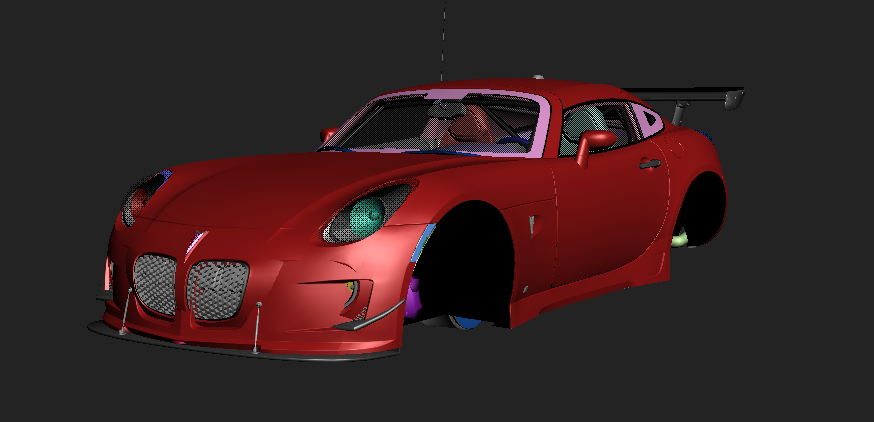
You've been hit by, you've been struck by...
A SMOOTH CRIMINAL!
Feb 3, 2016 8:46 pm
Looking good!
Feb 3, 2016 8:50 pm
Press f9 to render 🙂
Looking good in max, i suggest you to clean the model, remove useless parts I mean

Feb 3, 2016 8:53 pm
I'm pretty sure that this model don't have useless parts, until you call FM aero useless.
I know, because I exported it.
Feb 3, 2016 8:55 pm
Whats the stuff between the wheel arches? and the blu thing under the car?

Feb 3, 2016 8:58 pm
# Robustock :
Whats the stuff between the wheel arches? and the blu thing under the car?
A wheel with no materials applied
Added 1 minute later:
Also, is a this a direct FM4 rip with LOD0 parts or is this a GTASA rip?
Feb 3, 2016 8:59 pm
Blu thing? Stock wheel (with blur version, but it's just two parts), and what do you mean by the stuff between arches? FM suspension?
Topic starter
Feb 3, 2016 9:03 pm
# Jaziba :
A wheel with no materials appliedAdded 1 minute later:
Also, is a this a direct FM4 rip with LOD0 parts or is this a GTASA rip?
Direct FM4 rip with LOD0 parts.
Also, here's a render 😃