Forum
Questions, builds, help and the odd argument. The mods and guides are out front.
Notifications
Clear all

Jan 24, 2016 9:39 pm
So, I except him to go full Ey Papa, showing some freshly imported models as WIPs.

Topic starter
Jan 24, 2016 11:18 pm
I meant expect gee xD
I was too excited I didn't even care.
Anyway, I'll probably have something to show by tomorrow.
Added 46 minutes later:
Who am I kidding?
Here's something. So far it's very messy, but I'll have all this madness sorted out tomorrow... I hope
Jan 25, 2016 10:00 am
What car is this? I can't really tell from this mess.
Topic starter
Jan 25, 2016 1:17 pm
It's the Kuruma from GTA III. HD Model is taken with permission from OnePiece's model pack

Jan 25, 2016 1:27 pm
good job man, good start, i wish i can do that :'D

Jan 25, 2016 1:59 pm
looks mad! the model could use some smoothing tho 😉
Jan 25, 2016 2:04 pm
Kuruma? Hell yes!
Topic starter
Jan 25, 2016 2:14 pm
@Conkaa I have to get all the parts in game, and also put them in correct positions.
Smoothing will come, as well as texturing 🙂
@KeeJay I'll also do the Deluxo, and probably some other cars from the pack.
Jan 25, 2016 2:20 pm
Nice. However, I recommend you to do the 3D work first, and then put it in game.
Topic starter
Jan 25, 2016 2:22 pm
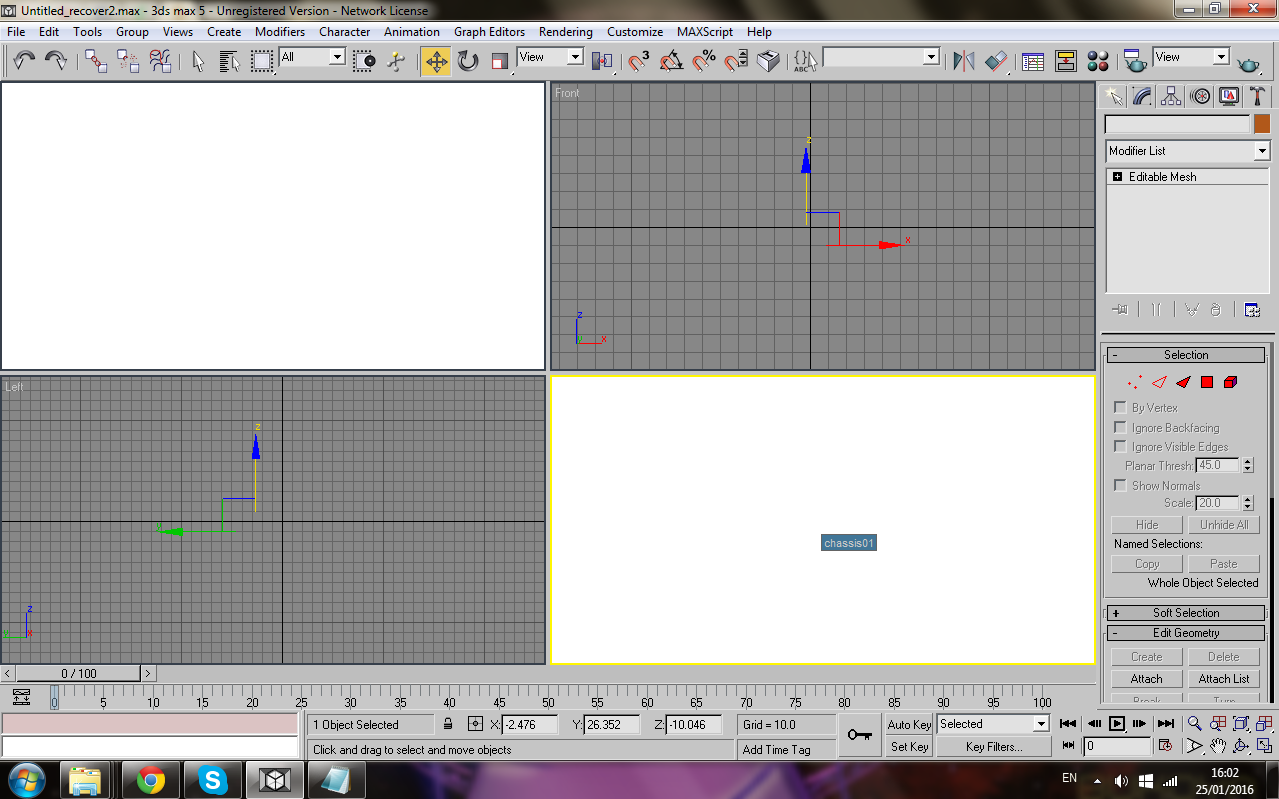
If anyone could explain to me why this happens, I'd be grapefruit. Right click menu hides in the white boxes
I would also be grateful if someone explained to me how to smooth because I can't find anything:
Topic starter
Jan 25, 2016 8:57 pm
Massive thanks to Bigg Boss for helping me through the whole process!
Without him, I'd have achieved nothing!
Alright, so I have progress of it
Parts are still not aligned properly, but hey, at least they're in a better position now!
Jan 25, 2016 9:15 pm
Big-ass like for you.
Topic starter
Jan 26, 2016 12:37 am
After hours of TeamViewing, giving BB headaches and me getting tutored, this is how far it has gotten:
I somehow messed up most parts and I don't remember how to get their normal coordinates xD
at least headlights are in correct position... I think...

Jan 26, 2016 12:11 pm
^ you just have to reset parts positions from their cfgs(so that they're set only from main cfg and not split 50/50 between the two)
Topic starter
Jan 26, 2016 2:19 pm
ayy
Mitch is enjoying his not even close to finished ride
Now, to figure out how to import the rest of the parts without getting "Improper File Format"...