Forum
Questions, builds, help and the odd argument. The mods and guides are out front.
Notifications
Clear all

Topic starter
Aug 23, 2014 8:58 pm
Yea... so i recently tried unseen's enb and got bad results 🙁
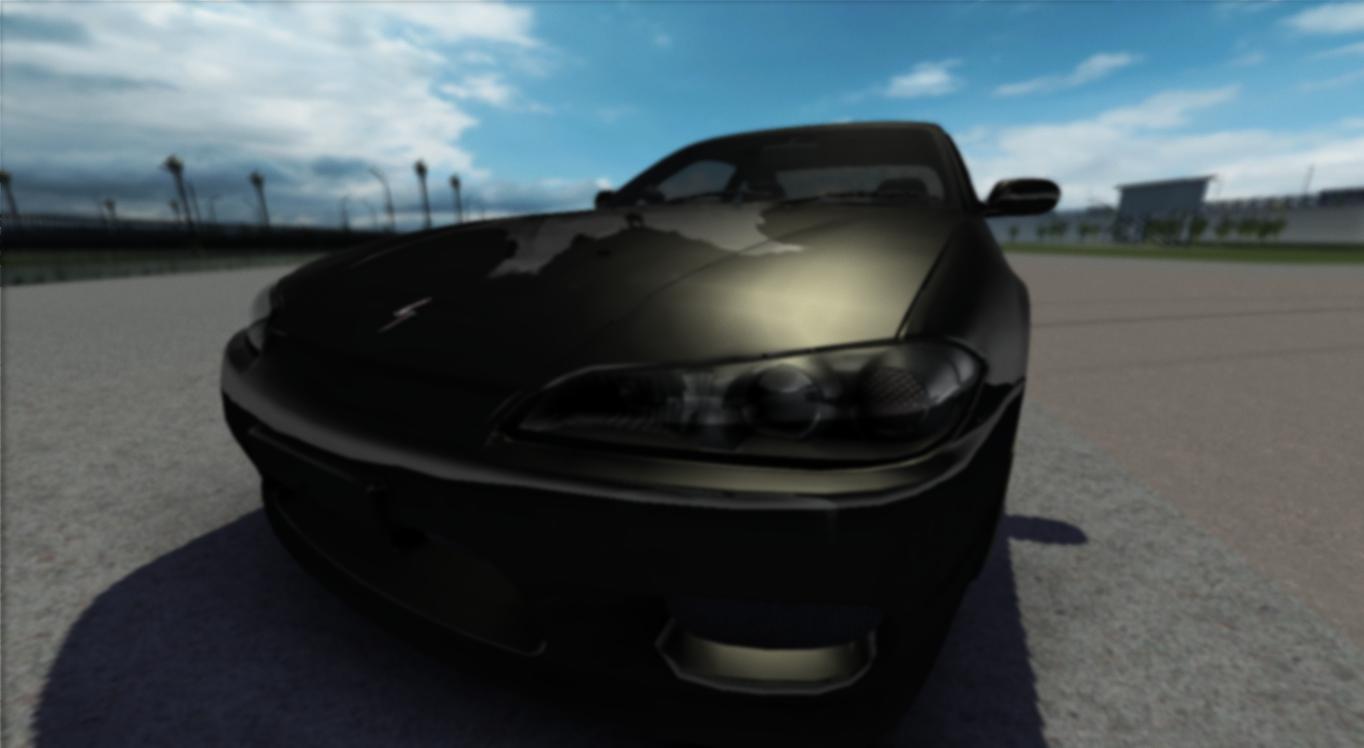
It's like wearing glasses 😃
I tried messing with the bloom and motionblur but nothing...
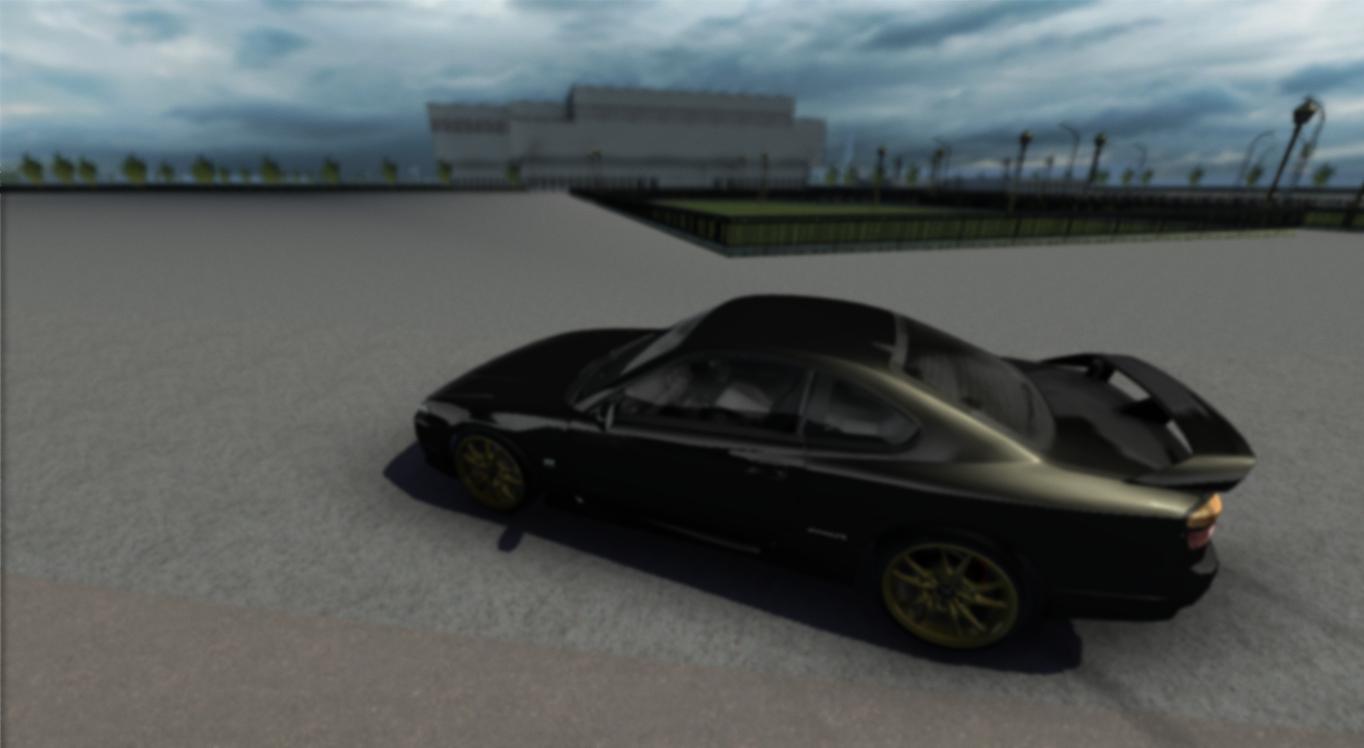
Any solution?(btw i'm using nvidia geforce gt710m)

Aug 23, 2014 9:35 pm
The "bug" is related to the DOF (depht of field).
You need to get closer to the car and look for the angle, cuz that tool (dof) makes the background blured, so, sometimes make this kind of "bug". Or just turn it off from enbseries.ini/Effetc.txt

Aug 24, 2014 12:41 am
use the POV to zoom in. The zoom in is + on the number pad and the zoom out is - on the number pad as well .

Aug 24, 2014 6:22 am
# BLiTz :
It's like wearing glasses 😃
lawl that's the first thing i thinked to xD anyway the best way to resolve problems with ENB is get rid of it(sorry i hate it)

Aug 24, 2014 8:42 am
Opposite of wearing glasses actually when you need glasses lol.

Aug 24, 2014 1:12 pm
Increase your resolution OP, some of these effects are per pixel so the more pixels (res) you have the better it will look.
720p
1440p
Topic starter
Aug 25, 2014 2:25 am
You see...that's the problem.I'm using a laptop and on slrr i'm using resolution editor for 1366x768 :\
Aug 25, 2014 3:08 am
Im sure is a dof problem. You need to angle and zoom in, or turn it off as i already say.
Im playing @1080p with my personal ENB (with dof) and sometimes have the same "problem".

Aug 31, 2014 7:47 pm
how do i turn my depth of field off?
Aug 31, 2014 7:56 pm
Enter enbseries_mastereffect.ini and delete all this lines:
//[DOF]
#define DEPTH_OF_FIELD_QULITY 1
#define POLYGONAL_BOKEH
#define POLYGON_NUM 3
float2 FocusPoint= float2(0.5, 0.5);
#define FocusSampleRange 1.00
#define NearBlurCurve 2.0
#define FarBlurCurve 2.0
#define DepthClip 99999999.0
#define BokehBias 0.0025
#define BokehBiasCurve 0.00
#define BokehBrightnessThreshold 1.6
#define BokehBrightnessMultipiler 4.0
#define RadiusSacleMultipiler 3.0
#define NoiseAmount 0.075
#define NoiseCurve 0.177
#define ChromaticAberrationAmount 0.1
And that should be it (dunno how he manage to activate it) if not, check enbseries.ini and in the end of the txt file you should find DOF lines.
Aug 31, 2014 9:14 pm
# PzyDuck :
Enter enbseries_mastereffect.ini and delete all this lines://[DOF]
#define DEPTH_OF_FIELD_QULITY 1
#define POLYGONAL_BOKEH
#define POLYGON_NUM 3
float2 FocusPoint= float2(0.5, 0.5);
#define FocusSampleRange 1.00
#define NearBlurCurve 2.0
#define FarBlurCurve 2.0
#define DepthClip 99999999.0
#define BokehBias 0.0025
#define BokehBiasCurve 0.00
#define BokehBrightnessThreshold 1.6
#define BokehBrightnessMultipiler 4.0
#define RadiusSacleMultipiler 3.0
#define NoiseAmount 0.075
#define NoiseCurve 0.177
#define ChromaticAberrationAmount 0.1And that should be it (dunno how he manage to activate it) if not, check enbseries.ini and in the end of the txt file you should find DOF lines.
ok i'll try it now,cheers man.
EDIT:this it the picture i got from it(cba to turn graphics up atm)
Aug 31, 2014 9:23 pm
Let me know whats the result 🙂
Aug 31, 2014 9:26 pm
check the edit bro 🙂^^
Aug 31, 2014 10:16 pm
Wich card are you using? you need to open Nvidia control panel/ati catalyst center and turn AA up. You can use Nvidia inspector, tho (if nvidia)
Sep 1, 2014 3:15 pm
# PzyDuck :
Wich card are you using? you need to open Nvidia control panel/ati catalyst center and turn AA up. You can use Nvidia inspector, tho (if nvidia)
i got a built in gpu, AMD radeon 8330,ill turn it up now and try another shot.
Added 13 minutes later:
tried as you said,this looking better?
Page 1 / 2
Next