Forum
Questions, builds, help and the odd argument. The mods and guides are out front.
Notifications
Clear all

Topic starter
Jan 3, 2015 3:04 pm
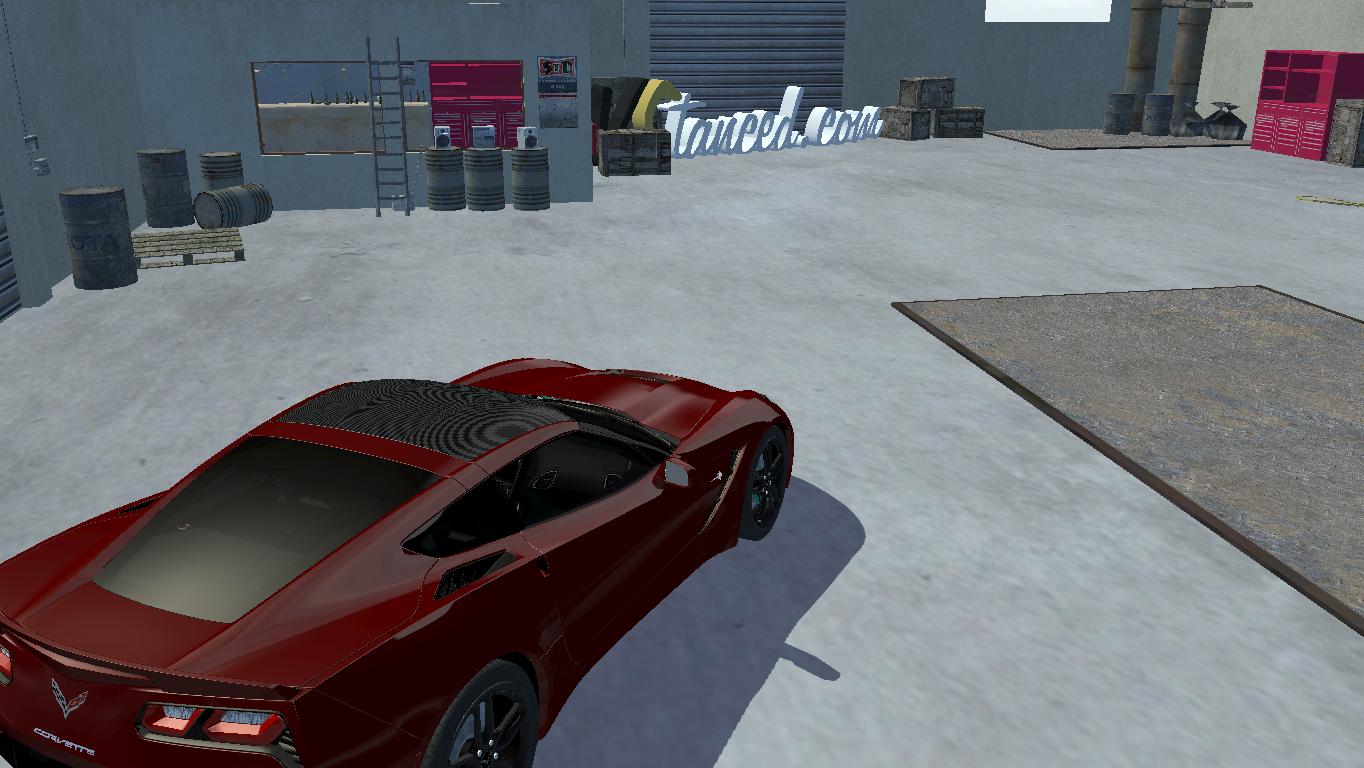
So i can't do nothing about it...i enhanced the graphics via Nvidia control panel and here is the result 🙁 :
BEFORE:
AFTER:
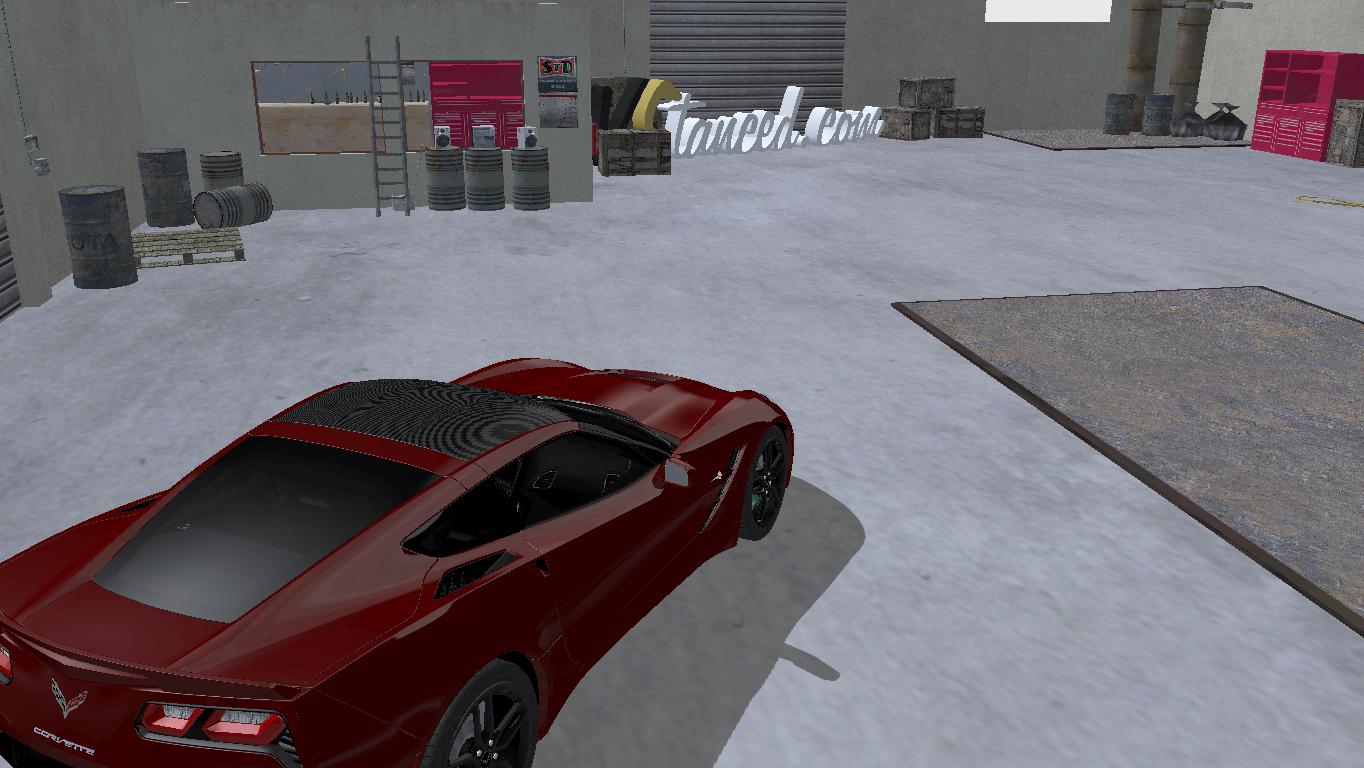
PS:I set the AA to x32CSAA and as you can see it's shit
(USE FULLSCREEN)

Jan 3, 2015 3:07 pm
Are you sure you changed like this? /d/3457-graphics-nice-shots-with-nvidia-gpu
Topic starter
Jan 3, 2015 3:11 pm
Mine's are on 8x supersample and nothing 🙁
Added later:
Mine's are on 8x supersample and nothing 🙁

Jan 3, 2015 3:17 pm
Try using an ENB with SMAA or some kind of Anti-Aliasing.
Topic starter
Jan 3, 2015 3:21 pm
After some tweaking:
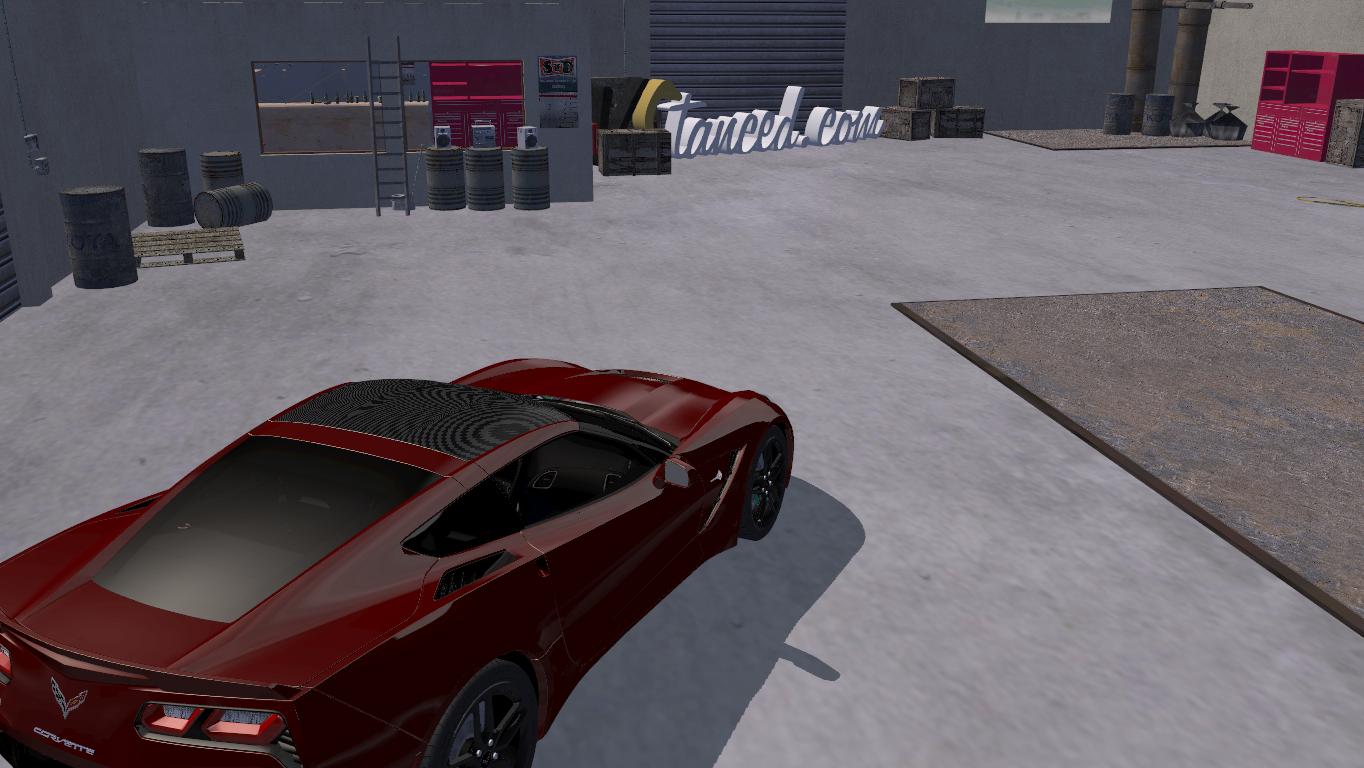
Added 8 minutes later:
Now with fxaa tool:
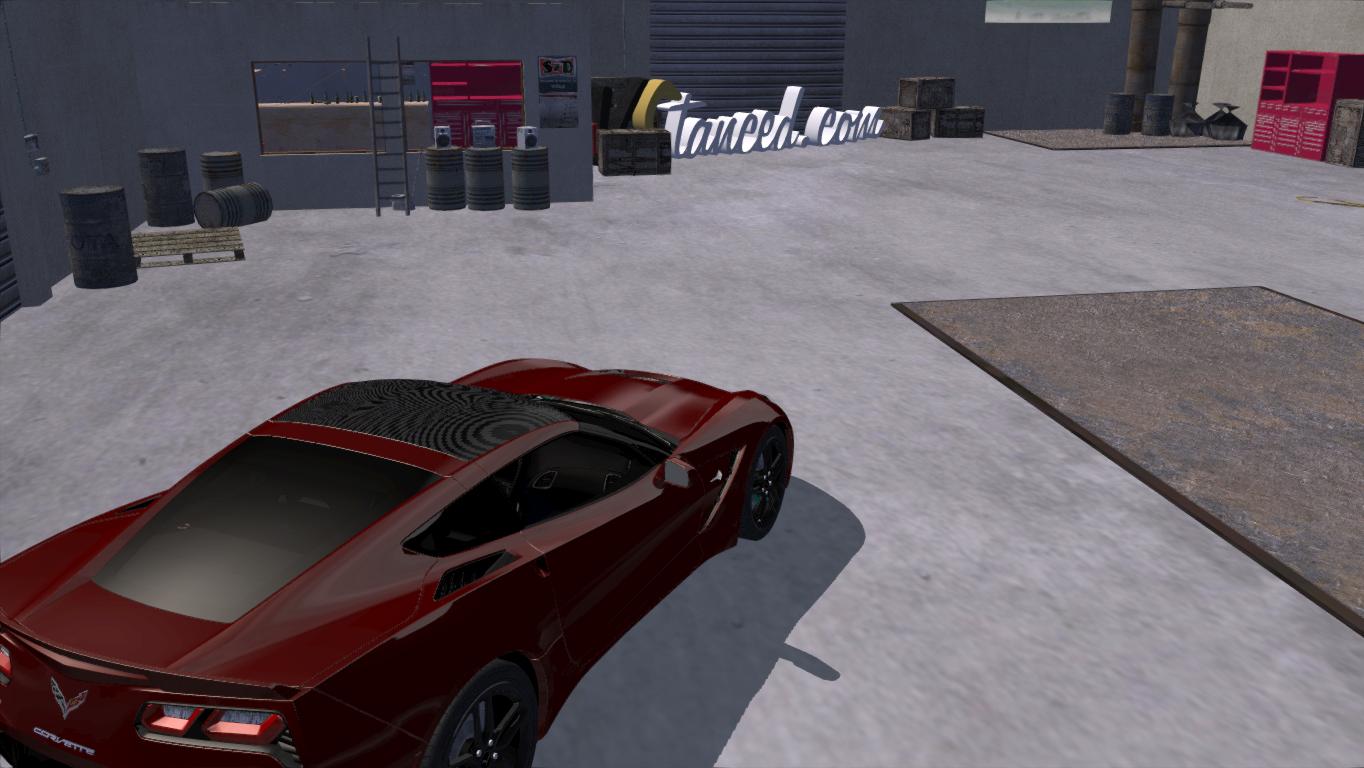

Jan 3, 2015 3:33 pm
this worked fine for me /d/3837-better-everything-sweetfx-setting i just modified it a little, i doesnt look all that nice in game but once you take a pic it looks great here ill make you an example, and if you want exact one i have i can upload it no problem. i have Intel HD graphics cant get any worse that that :/
Added 5 minutes later:
and btw take pictures with F12 and upload to Vstanced uploader for the best quality
Topic starter
Jan 3, 2015 3:58 pm
Thanks Doge but o allready found something out...not what i expect but its a step further:
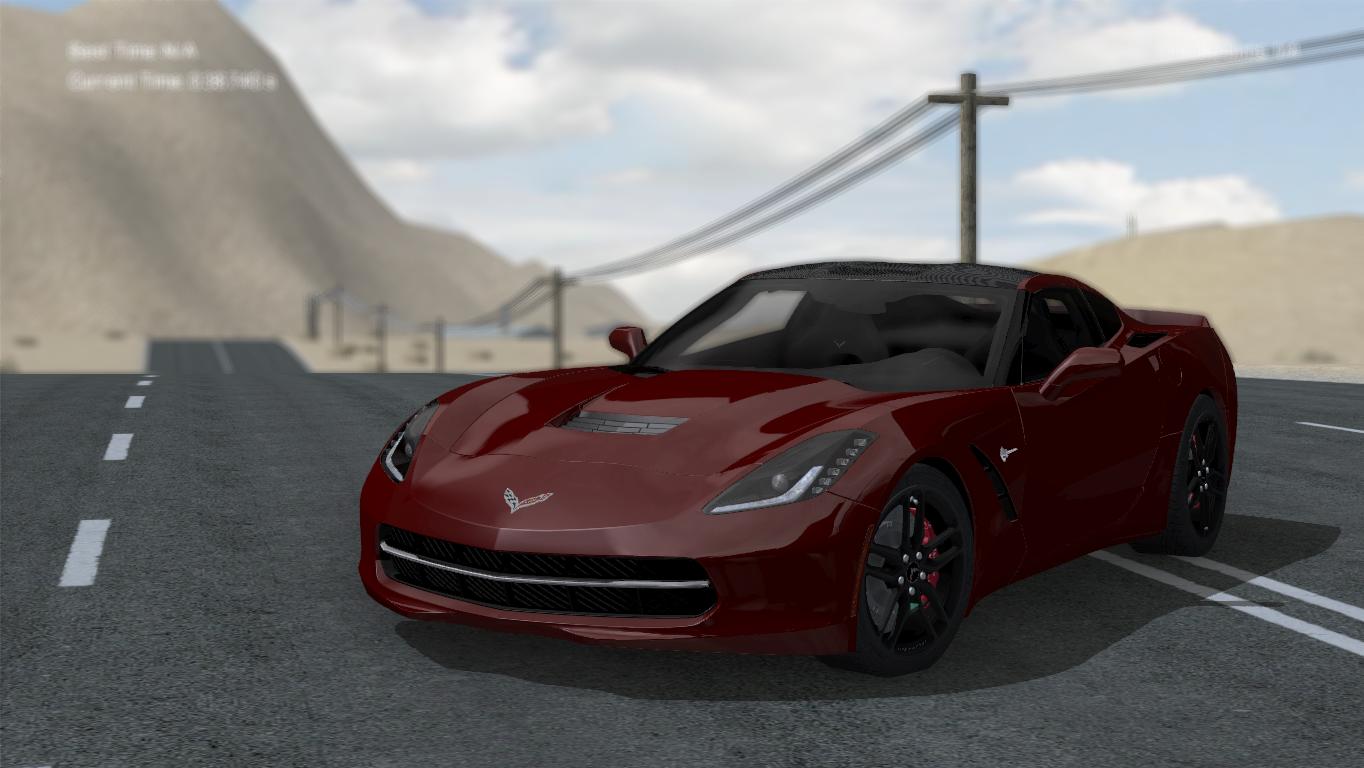
OH and btw im using a nvidia 710m card
Jan 3, 2015 4:11 pm
dont blur if its not zoomed from far away, and take pics with f12
Topic starter
Jan 3, 2015 4:13 pm
Wow the actual ingame pic-taker is waaay more darker,too bad that when i convert it to jpeg it gets at this state
Jan 3, 2015 4:21 pm
convert to png with photoshop
Topic starter
Jan 3, 2015 4:26 pm
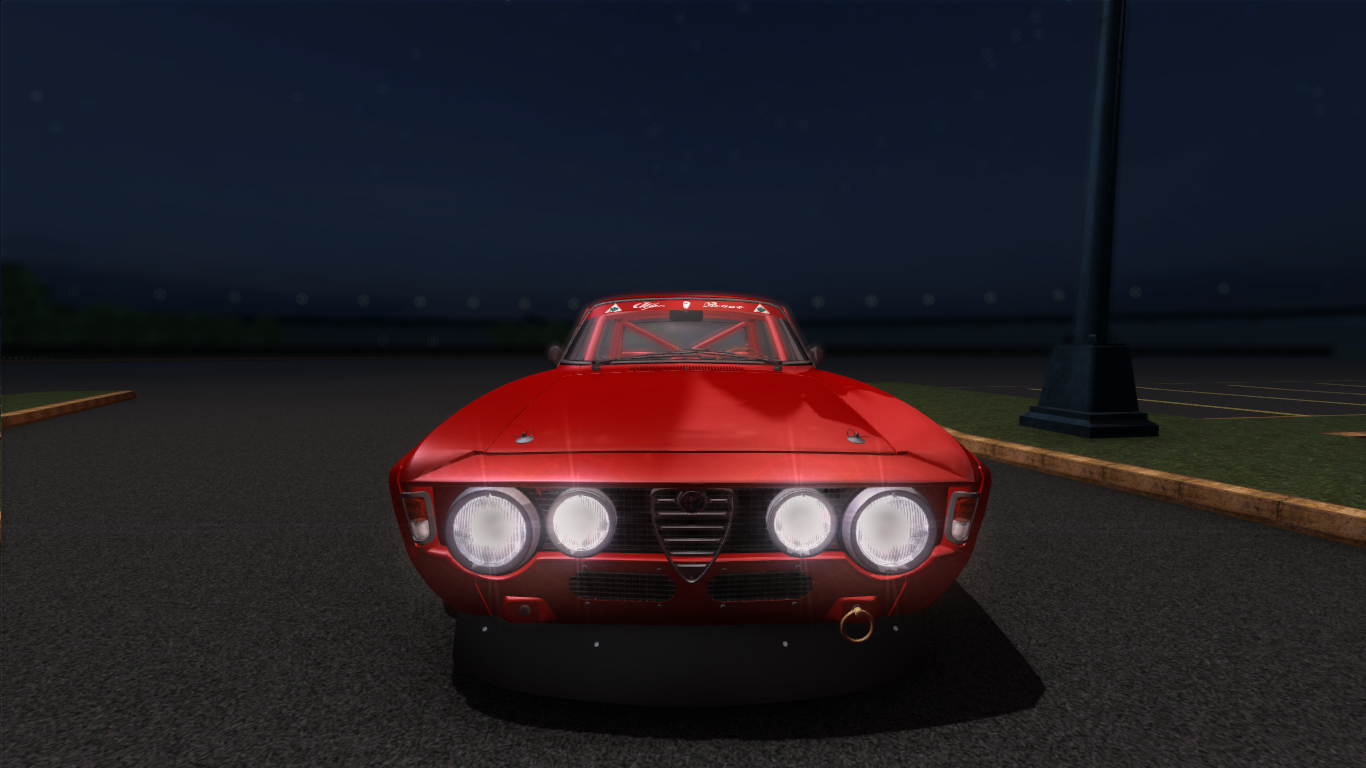
HORRY SHET

Jan 3, 2015 4:28 pm
Drop THIS in your slrr folder, press PrntScrn(printscreen) to take screenies, it is a bland setup, so if you want any effect you'll have to activate them by your own. I always use this instead of slrr's F12 because with this you get better antialiasing and quality overall, check the two pics below(reflections, grill, logos etc):
SLRR
FXAA
Mind what i said before, it's pure SLRR and gpu AA, not FXAA AA.
Jan 3, 2015 5:21 pm
prt sc just takes pic of desktop
Added 9 minutes later:
but any way i cant get better than this with my Intel HD Graphics lol

Jan 3, 2015 10:12 pm
Hey, Doge, isn't it like you want to have good graphics on card that doesn't support gaming at all?
Jan 3, 2015 11:04 pm
# doge :
prt sc just takes pic of desktop
U wot, did you install the FXAA i linked inside your SLRR root? Because if you did and tried the PrntScrn you might have a shitload PNG screenshots in your SLRR root.
Page 1 / 2
Next