Forum
Questions, builds, help and the odd argument. The mods and guides are out front.
Notifications
Clear all

Topic starter
Feb 19, 2015 4:27 pm
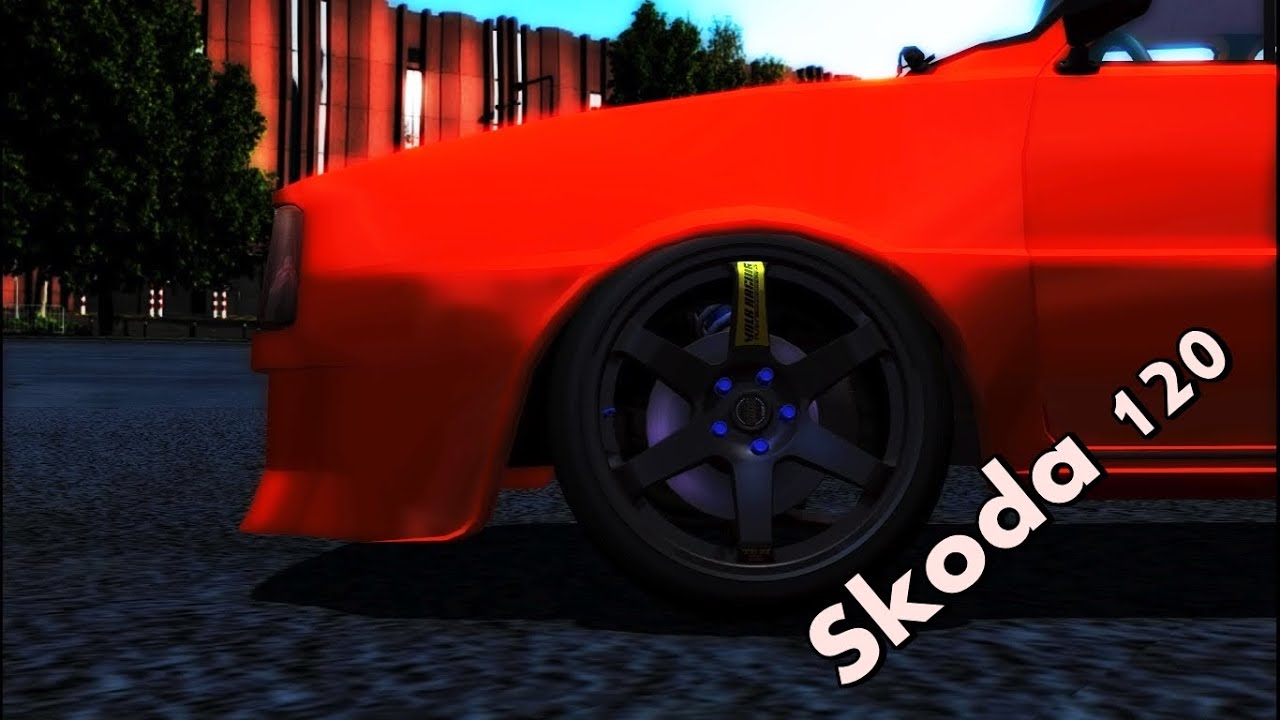
How does some ppl made this awesome footage?!
I just plugged in my ps3 controller and replaced mouse with the controller.
But still can't get something like this

Feb 19, 2015 5:20 pm
You can change the camera angle with the keys: F1 F2 F3 and if you hold right mouse you can look around also the normal arrow keys work
Topic starter
Feb 19, 2015 6:12 pm
Thanks for message!
I already know that, but look at the link i send with it. Everything goes so smooth in that video. When i move around with the arrows everything goes too fast, and not smooth.

Feb 19, 2015 6:26 pm
F9 to unlock your camera so you can rotate it if that's what you want to know?
on the sidenote there is a topic for all of your questions on the forums 😉
ps: hoi buurman 😃
Topic starter
Feb 19, 2015 8:21 pm
# ShadowTuner :
F9 to unlock your camera so you can rotate it if that's what you want to know?
on the sidenote there is a topic for all of your questions on the forums 😉ps: hoi buurman 😃
"dutch" haha yo buurman!
But thats not what i wanted to know, just look the link above 😉 look how the camera angled.

Feb 19, 2015 8:25 pm
Yey, new dutch people coming 😃
Anyway, if you have a controller try using the controller for the F9 camera, because with a controller you can control the free camera easier.

Feb 19, 2015 8:40 pm
Dutchies unite! :awesome:
Topic starter
Feb 21, 2015 11:12 am
Lmao xD
Yeah but what i mean is, when i'm zooming in its going so faaaast 😮
For some good footage i need slow camera.

Feb 21, 2015 11:55 am
if you want a slower camera movement, just use cheat engine to make the game runs slower
may sound weird but it works XD
Topic starter
Feb 24, 2015 3:14 pm
I will try! thank you! 😃
Feb 24, 2015 4:18 pm
you're welcome 😃

Feb 25, 2015 2:49 am
QUESTION ABOUT CAMERA ANGLE!
there are cars which cameras are different, why's that? ill upload pictures so you can see what bothers me xD

Feb 25, 2015 6:00 am
∆ different coordinates in car's _main file

Feb 25, 2015 4:47 pm
u want slower? just click 1 for slowing game to 0.500x or more, or 2 for faster a game to 2.000x time until 4.000x time. if u pc is really slow, i recommend to use number 2 😃
sorry for my english

Mar 1, 2015 8:44 am
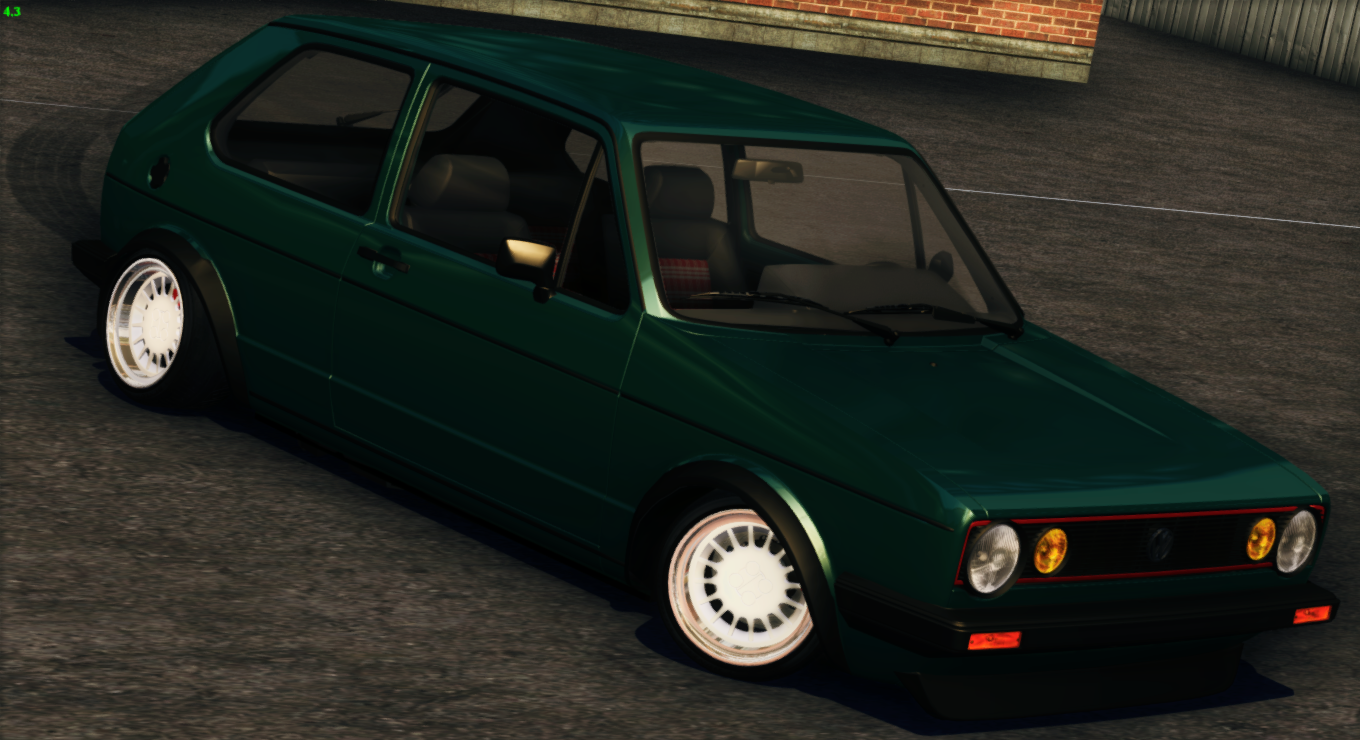
Question, how do some people have roll or twist on their shots? like below...
Page 1 / 2
Next