Forum
Questions, builds, help and the odd argument. The mods and guides are out front.
Notifications
Clear all
Abandoned/Locked Threads
5
Posts
4
Users
0
Reactions
3,702
Views

Topic starter
Nov 4, 2018 5:25 pm
Hey guys. Its been a while from my first and last upload here... I had tons of problems with almost every SLRR game on my PC and almost all of them broke... I cant upload anything with mods included, but, at least my own 2.3.1 SLRR version didn't broke (It had no mods in it). So, i am working on a few projects on the game, and one of them is going to be ready in a few days. Still can't wait to show you guys the result! But, For now and forever, i am done with the Roleplay.

Nov 4, 2018 6:19 pm
Oh hi, another Tokyo guy! I hope your new life goes well in here. If you need help go PM me 🙂

Nov 5, 2018 4:05 am
Oh hello! So you're the guy Franklin told about some time ago. Congrats on the purchase, tke care of his car, would you? 😃
And of course, enjoy the life in Japan, my man! 🙂
And about the image upload........
Spoiler:
There's an image hosting microsite here. You can access them via the image hosting button under the VS logo at the top of the page, or the image uploader button at your profile dashboard (below you profile picture) at the homepage. For a quicker result, just press Ctrl+F on your browser and type image hosting)
- After you accessed the site from one of those buttons, create an account there. Don't worry, it's just as quick as creating a VS account.
- Prepare your images to be uploaded. SLRR screenies are made in .tga format, which isn't accepted by the site. The best thing you can do is convert them into .jpg or .png images first. You can do this by using online converters, MS Paint, or Photoshop (simply re-save them somewhere as .jpg or .png images). You may also polish them with edits beforehand if you want.
- Follow the instructions on the site, and select the converted images to be uploaded.
- Go to the page where your images are uploaded. Open the images in another tabs if there are many of them.
- In the images page, click 'embed codes' tab below the picture, then look for 'image URL' column. Copy the link provided there.
- In the post/reply box here, if you want to indsert that image, click the picture icon on the taskbar (beside the chain icon) or press Ctrl+P. Then, paste the copied image link on the appearing textbox dialog. This will wrap the image in 'img' tag so they can be viewed as an image.
Here's an example, using my Evo from my RP (has been upgraded since).
If I directly pasted the link here, the'll simply appear as a link: 
But if I pressed Ctrl+P beforehand and pasted the link on aformentioned textbox dialog, then the image would appear like this:
I know, this might be a bit confusing and/or fussy to you, but I hope you could understand them 😃

Dec 1, 2018 11:19 pm
Hi dude!
Thanks to you!
I want to see the progress in my old 90'vibes k-swapped winter beater 240!
Here i let some pics back in the day when i finished the swap and make some little things...
Spoiler: 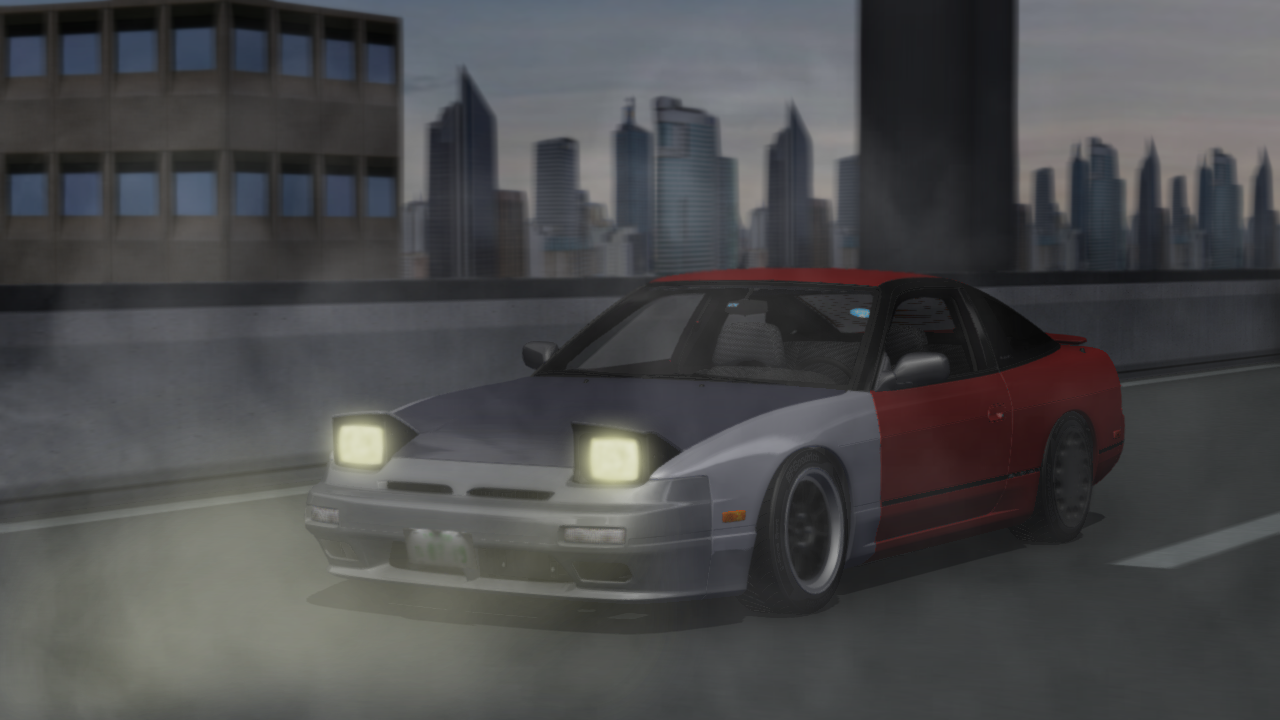
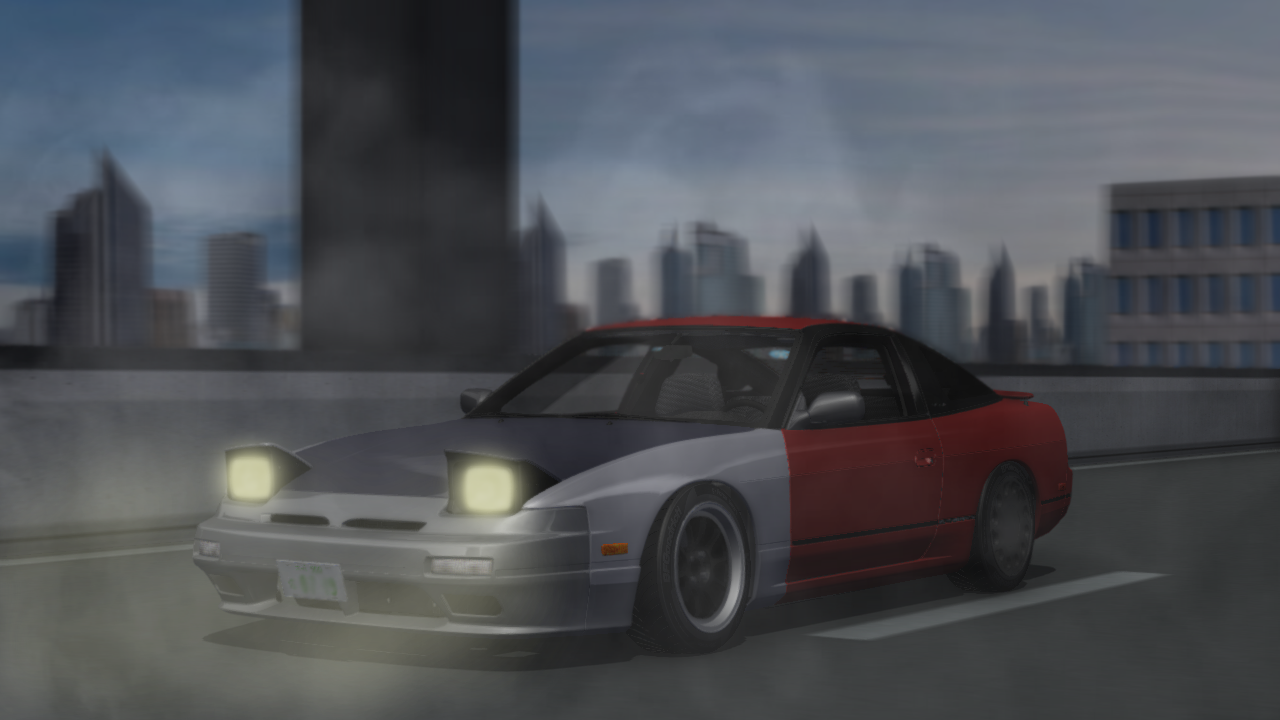
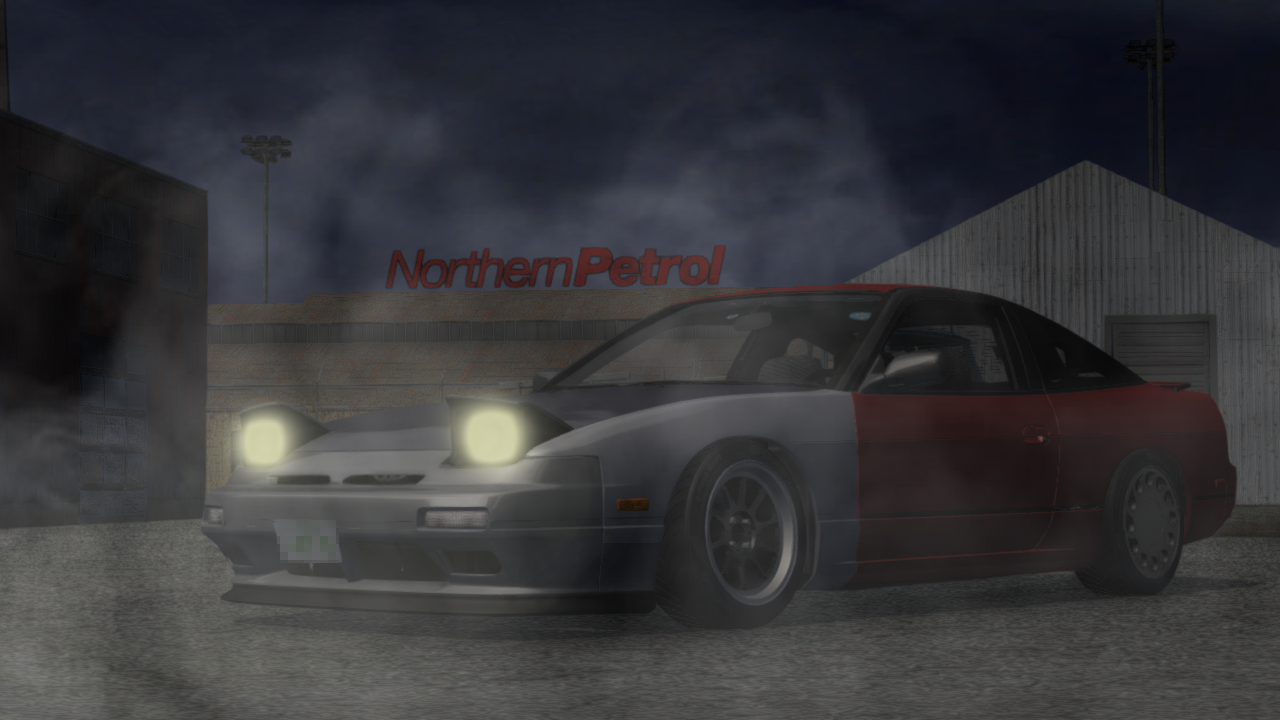
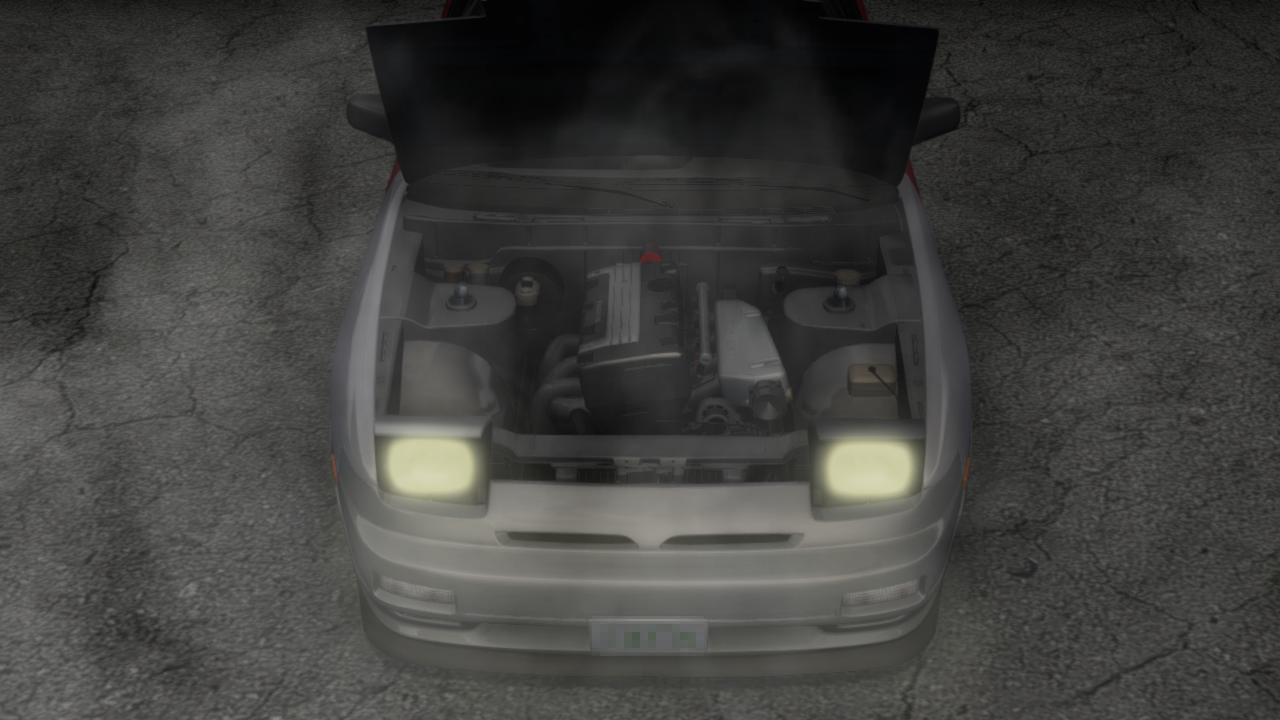
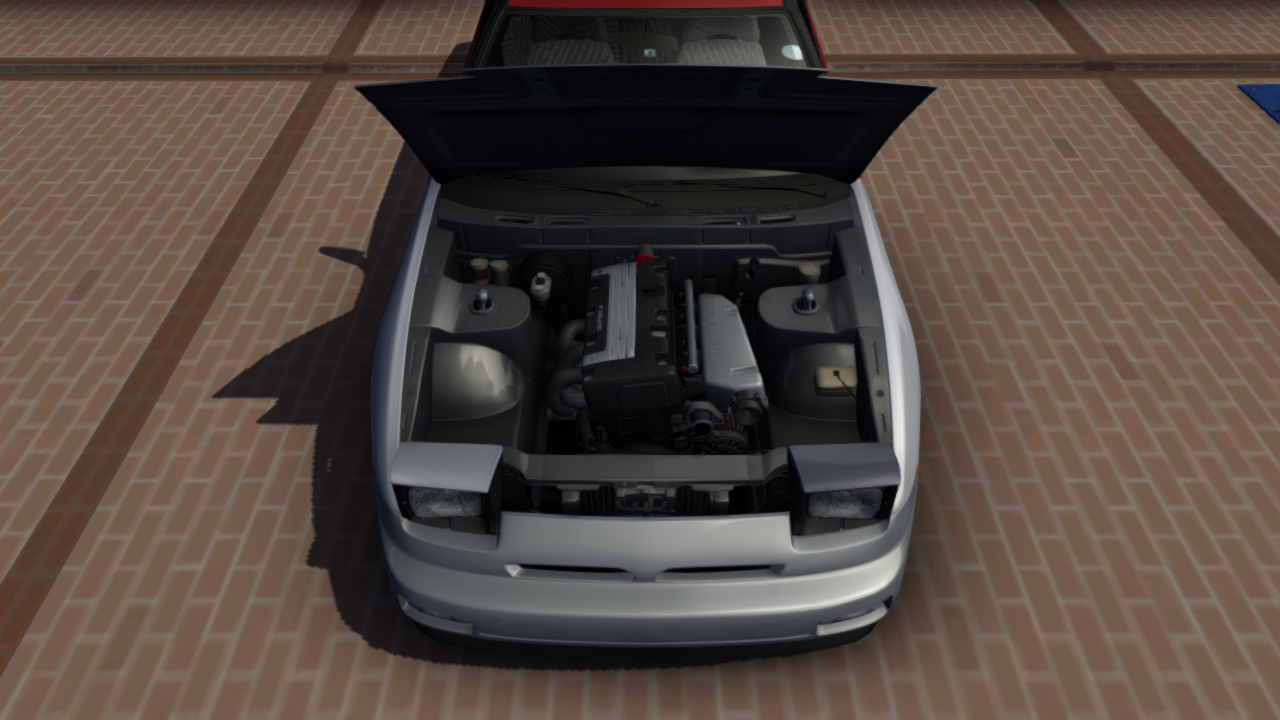
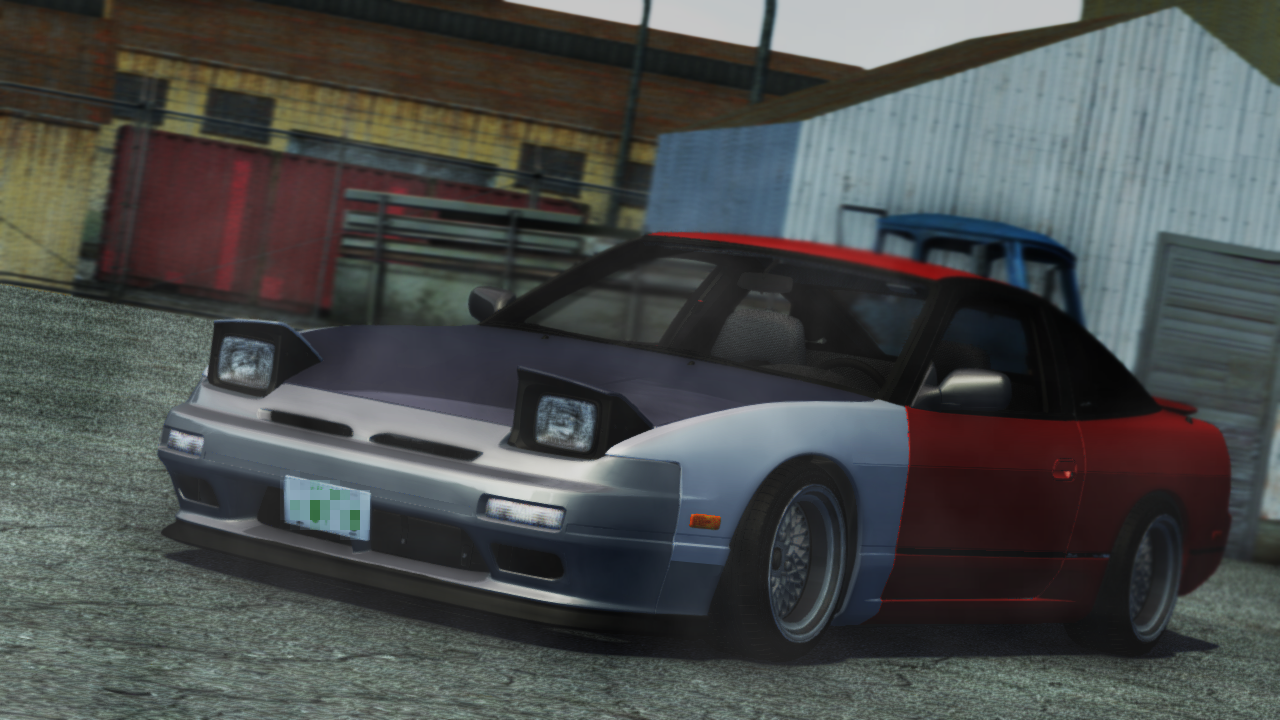
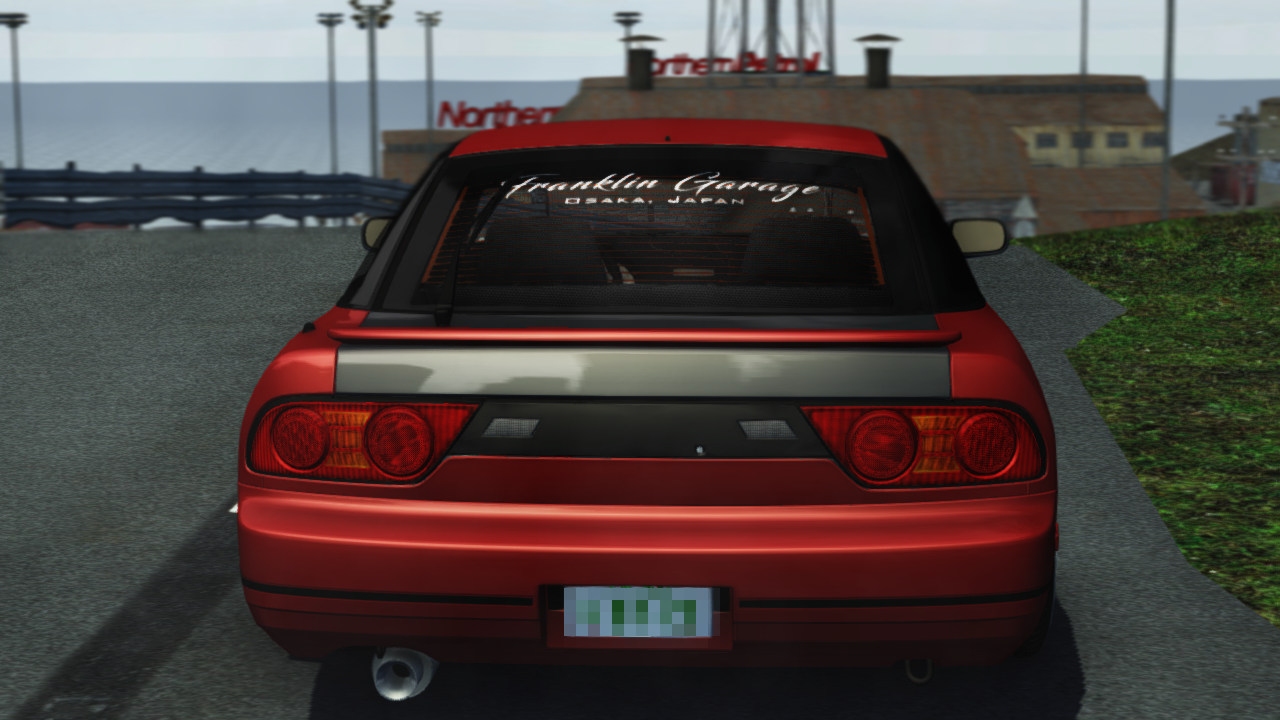
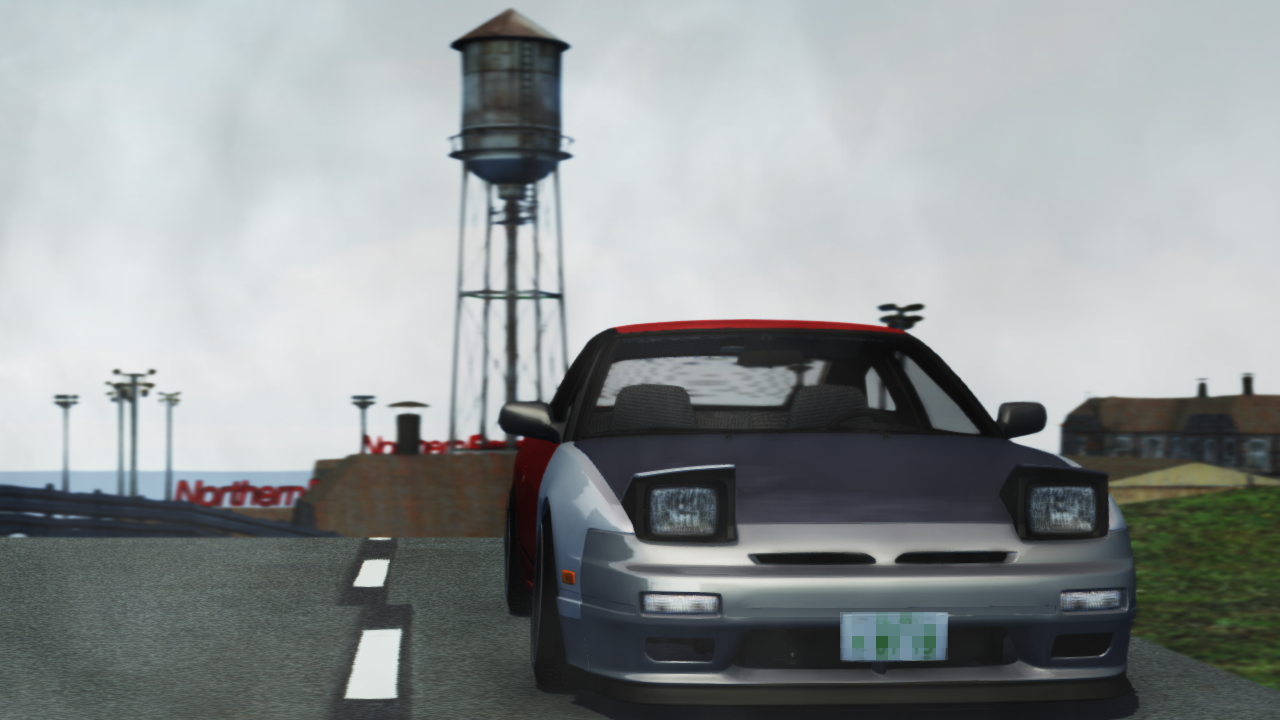
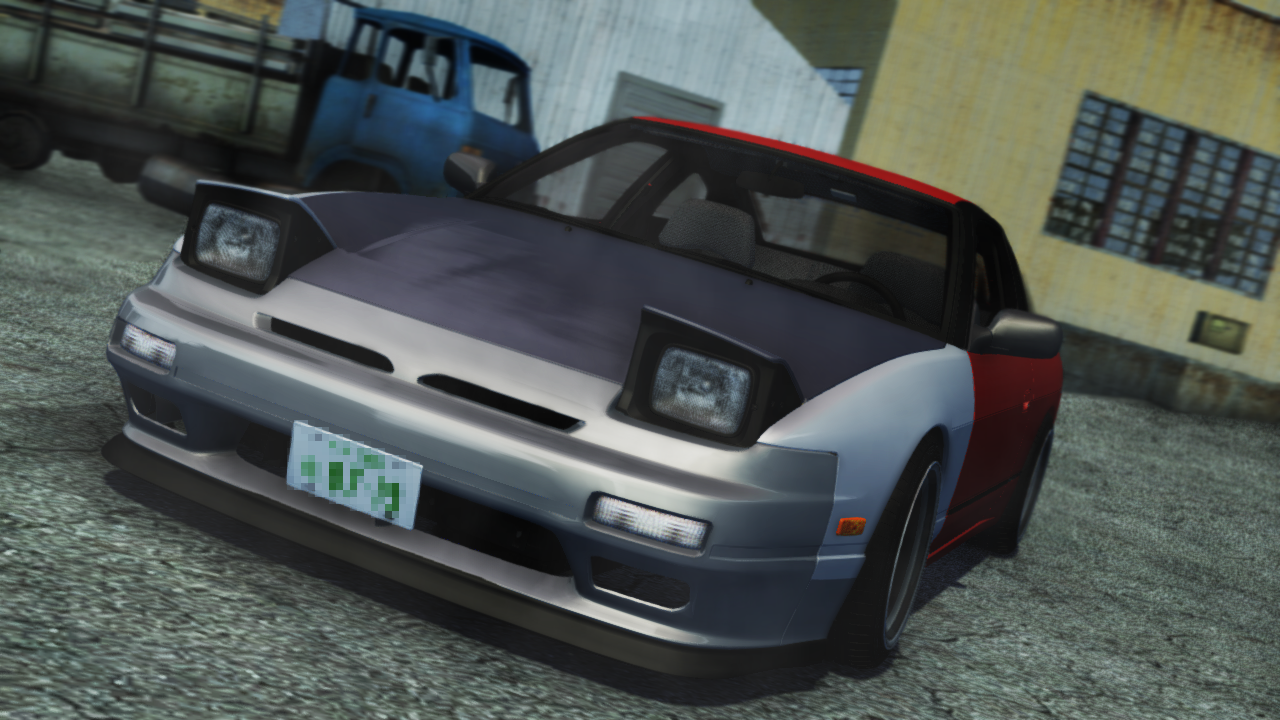
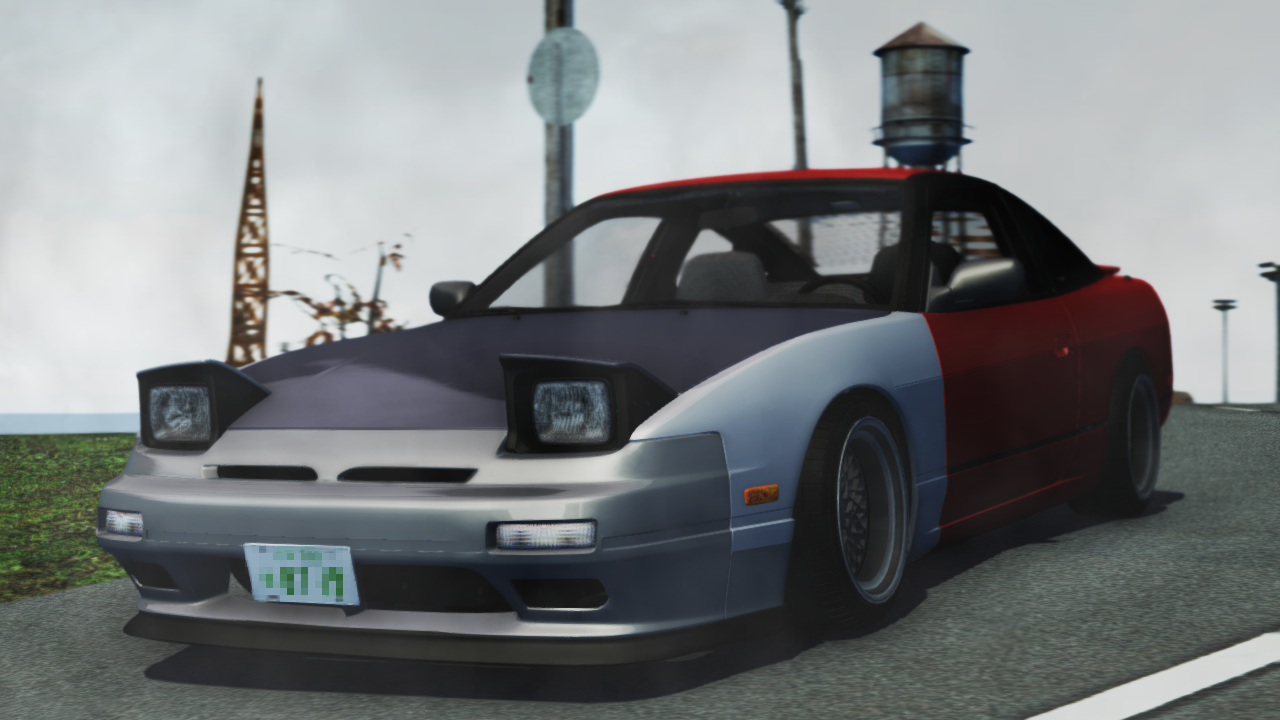
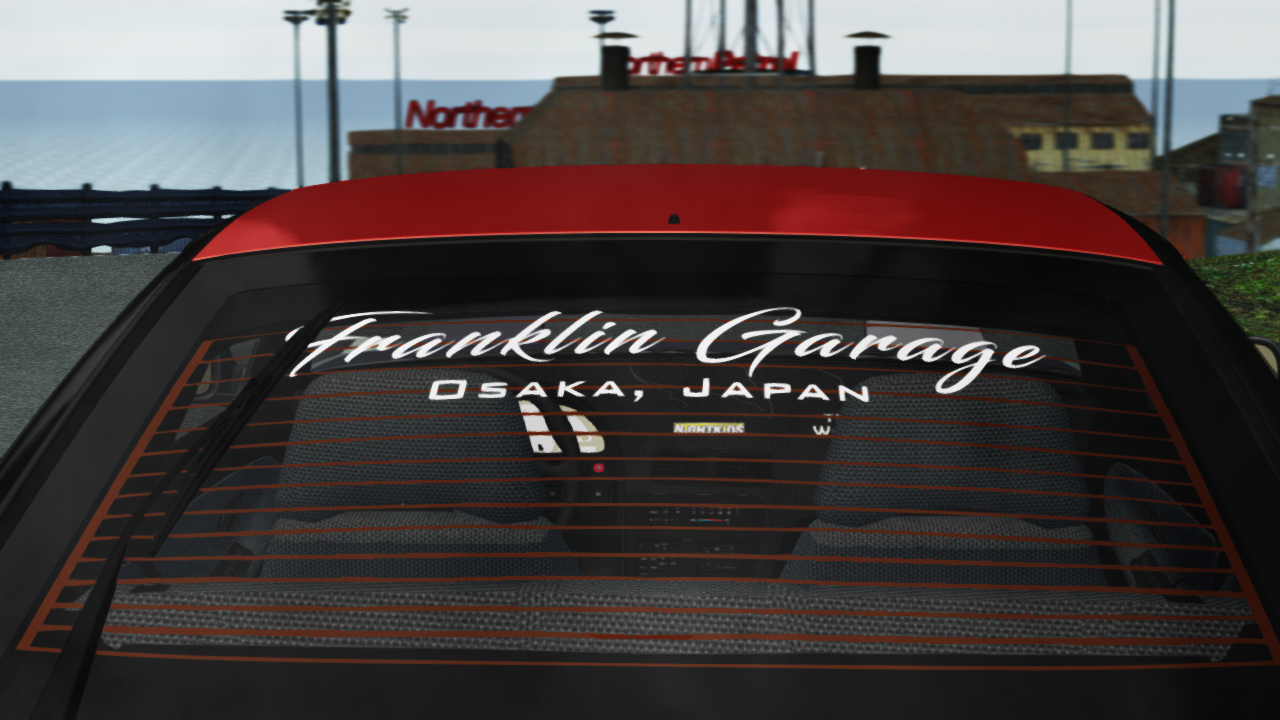
Goddamn! I still miss that thing!
Take care of it plz
Only things needed are new dash (it's cracked , you need to swap that part or repair it) and a coat of paint in the mismatched panels, but that is up on ur taste, take care of it!
Enjoy the Japan life! if u need something hmu
Peace
Topic starter
Jun 20, 2019 5:52 am
Can you lock this thread please?