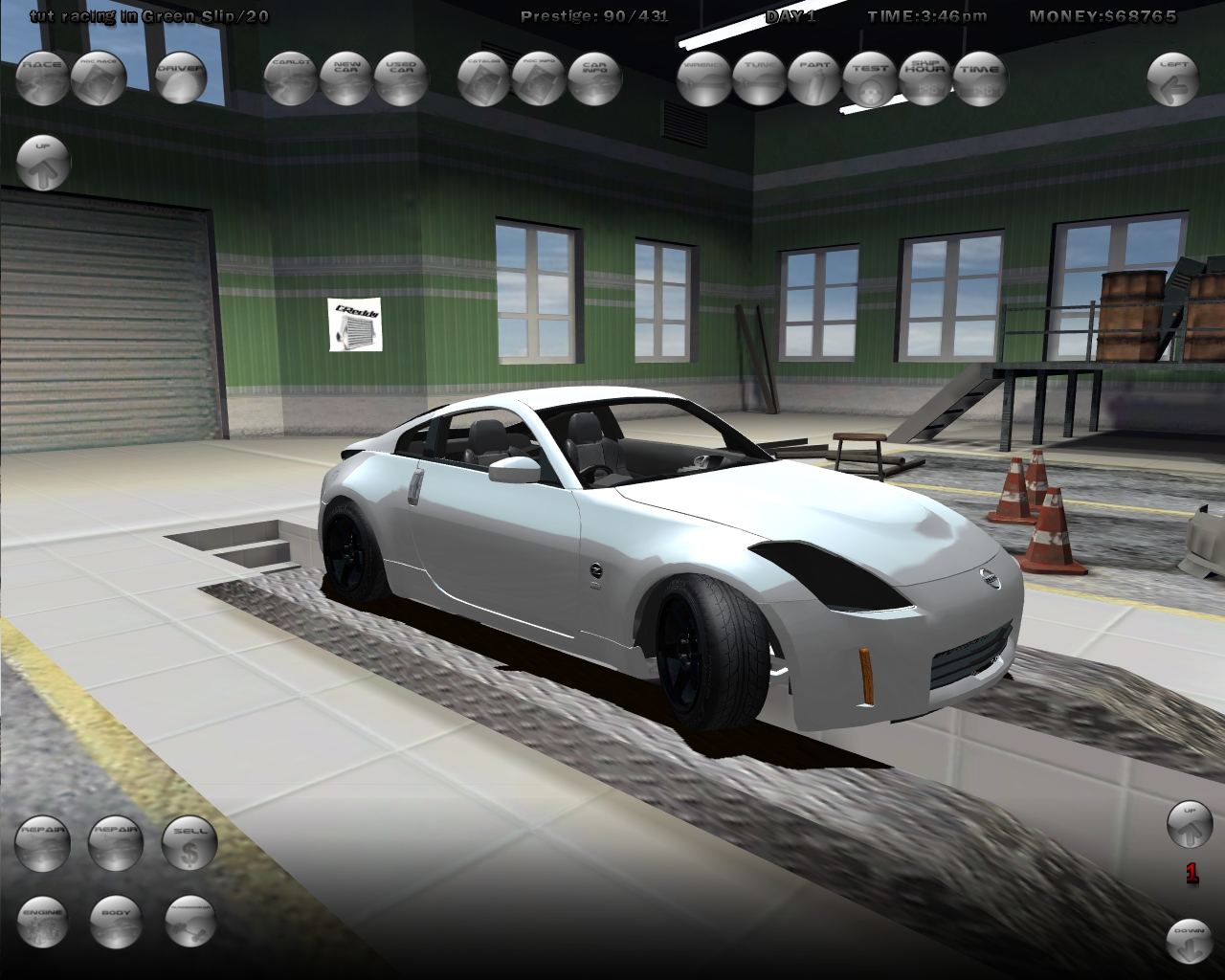
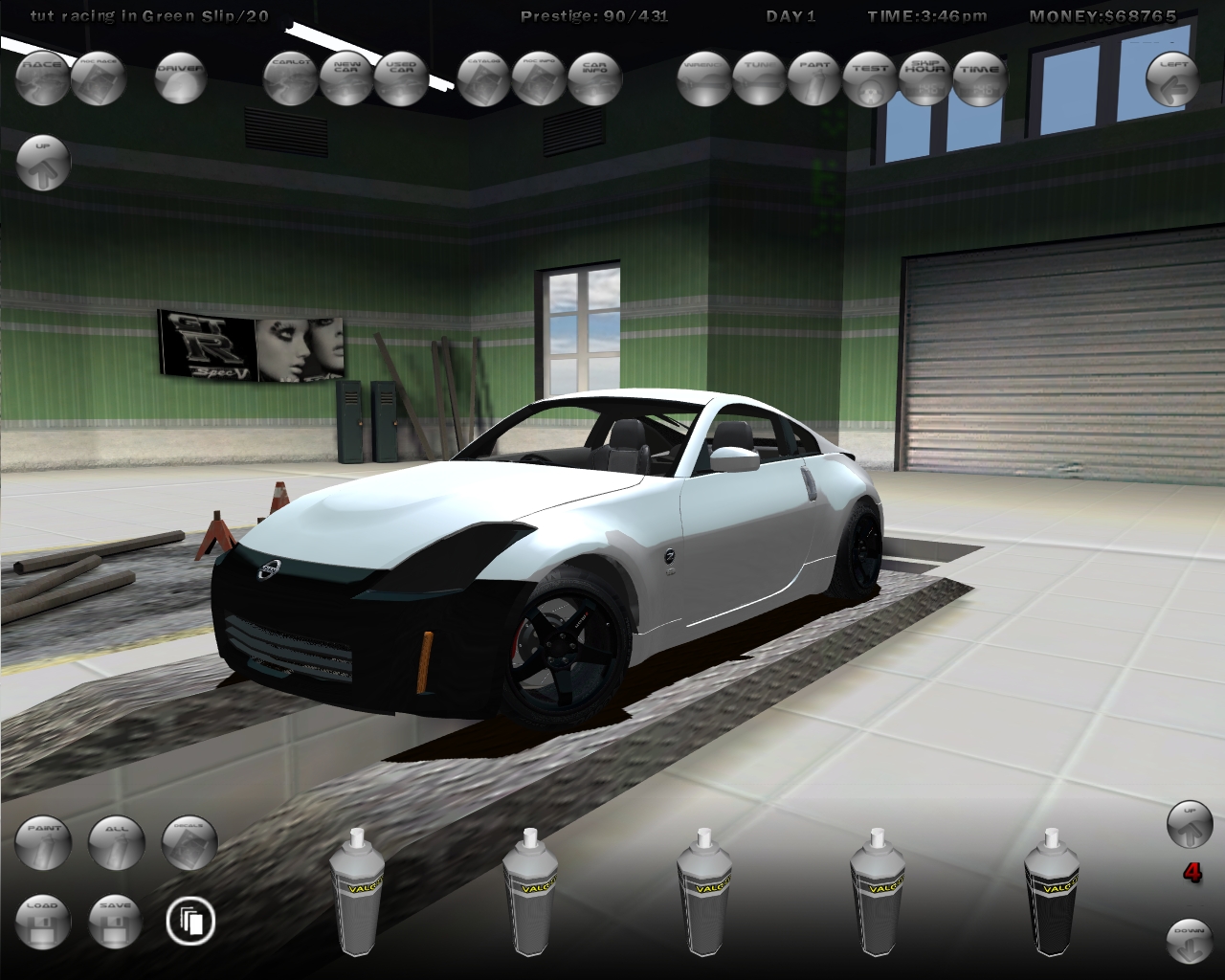
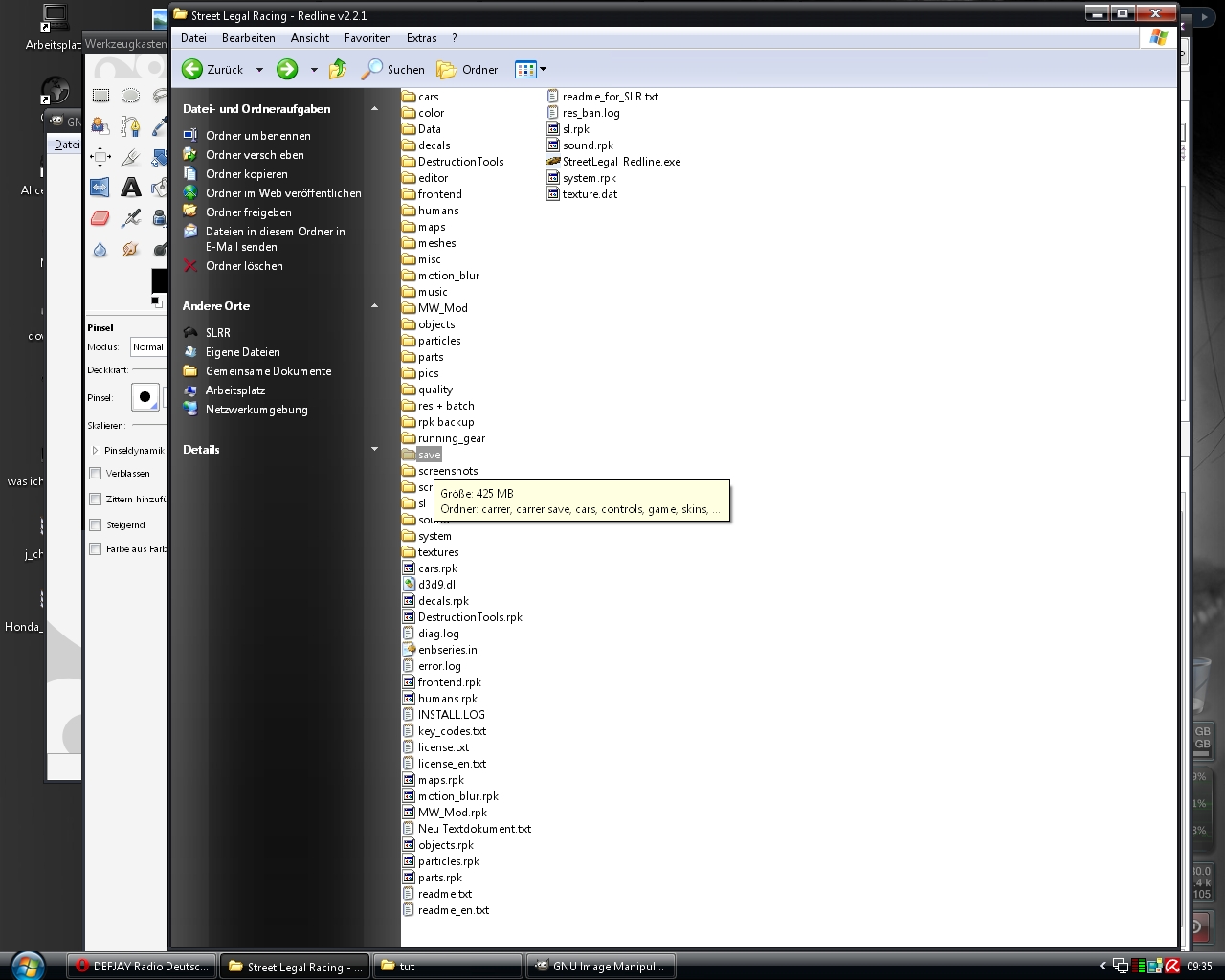
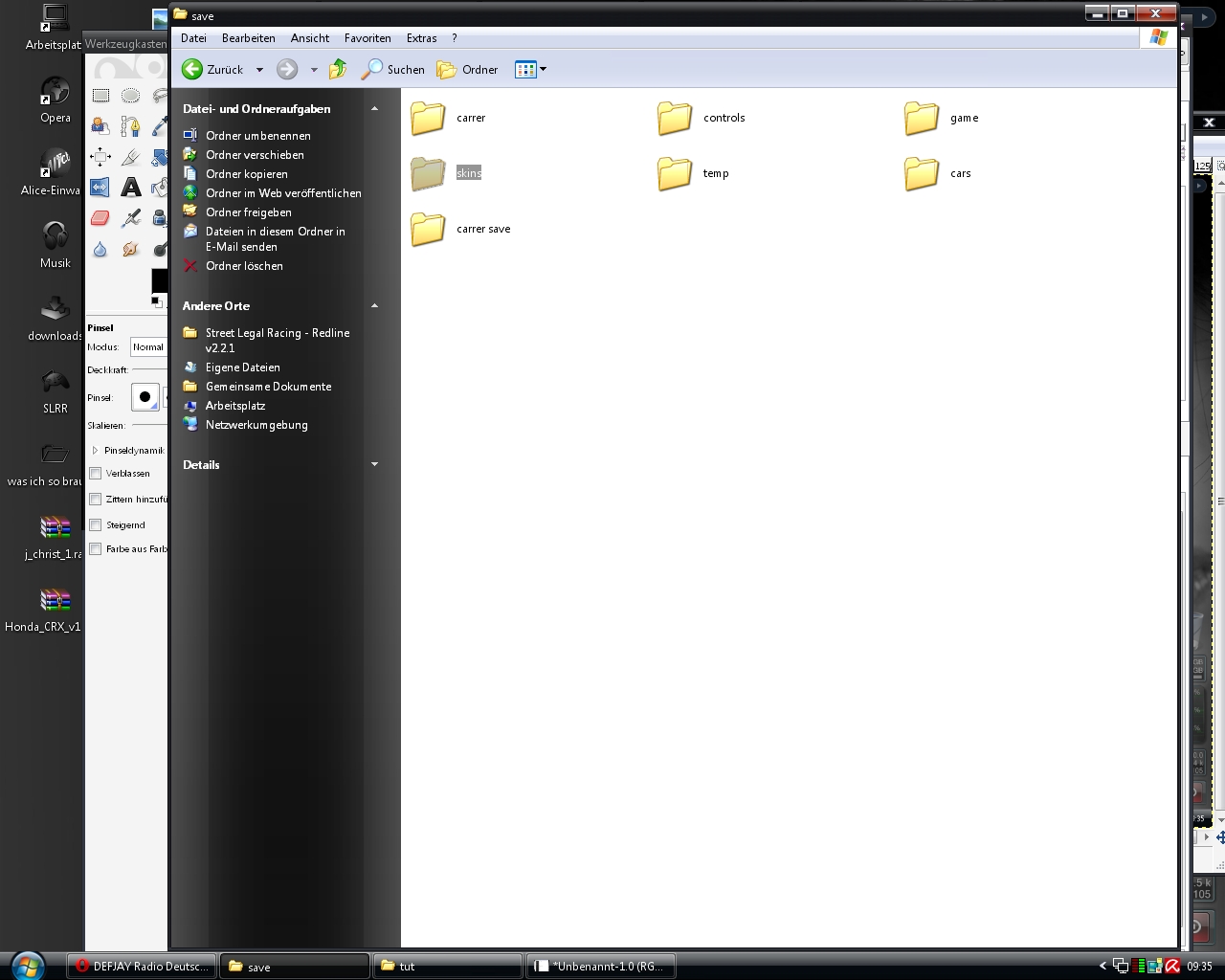
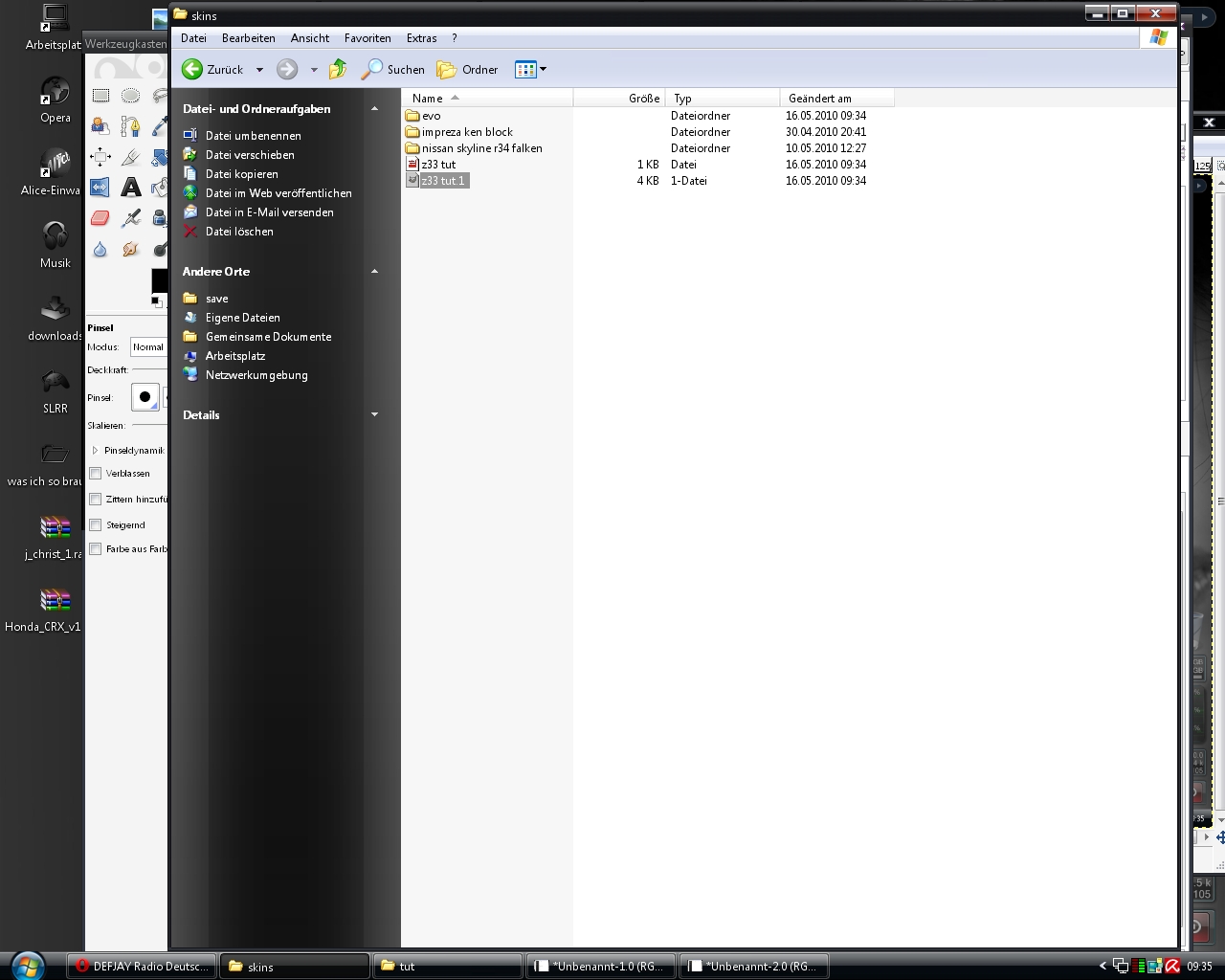
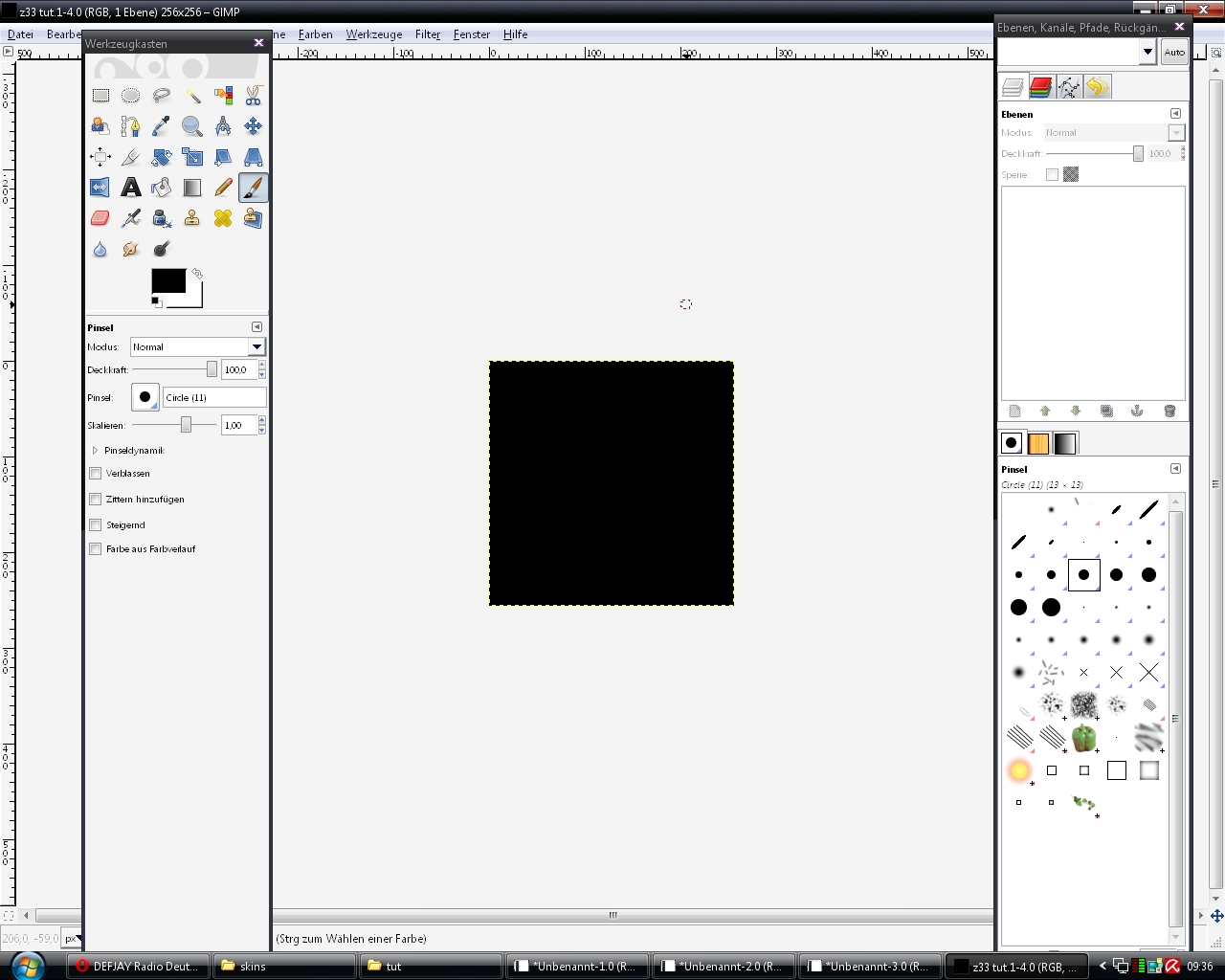
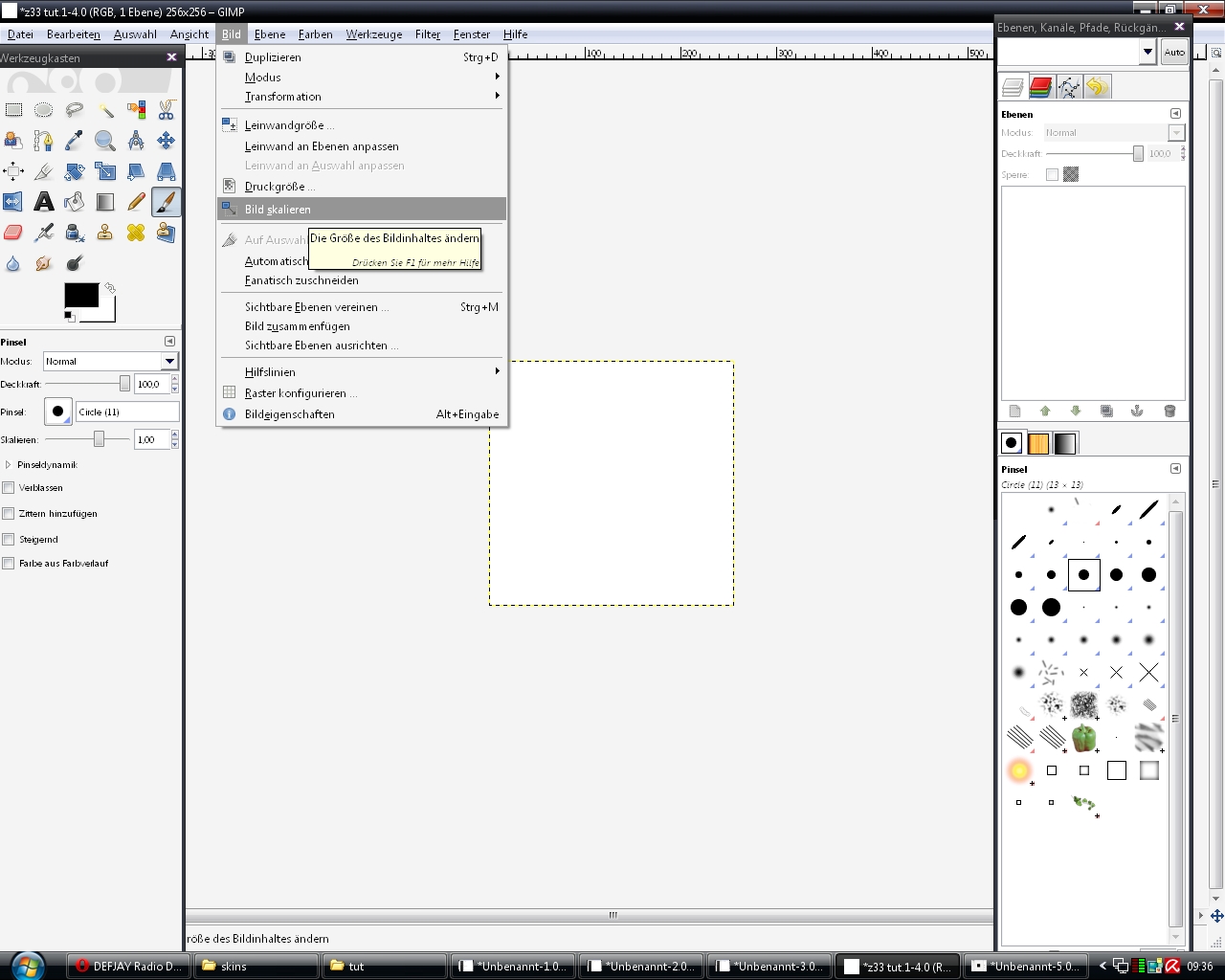
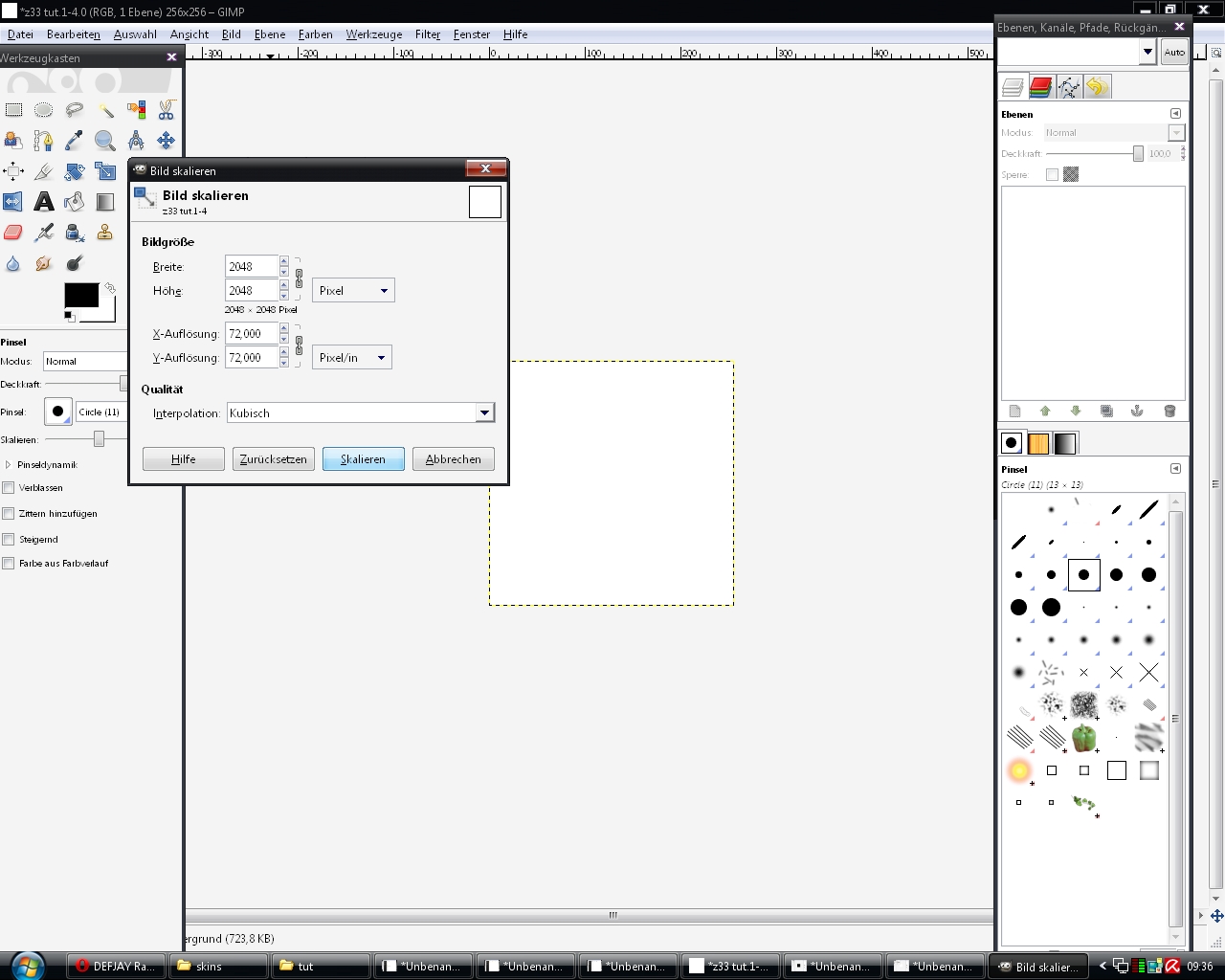
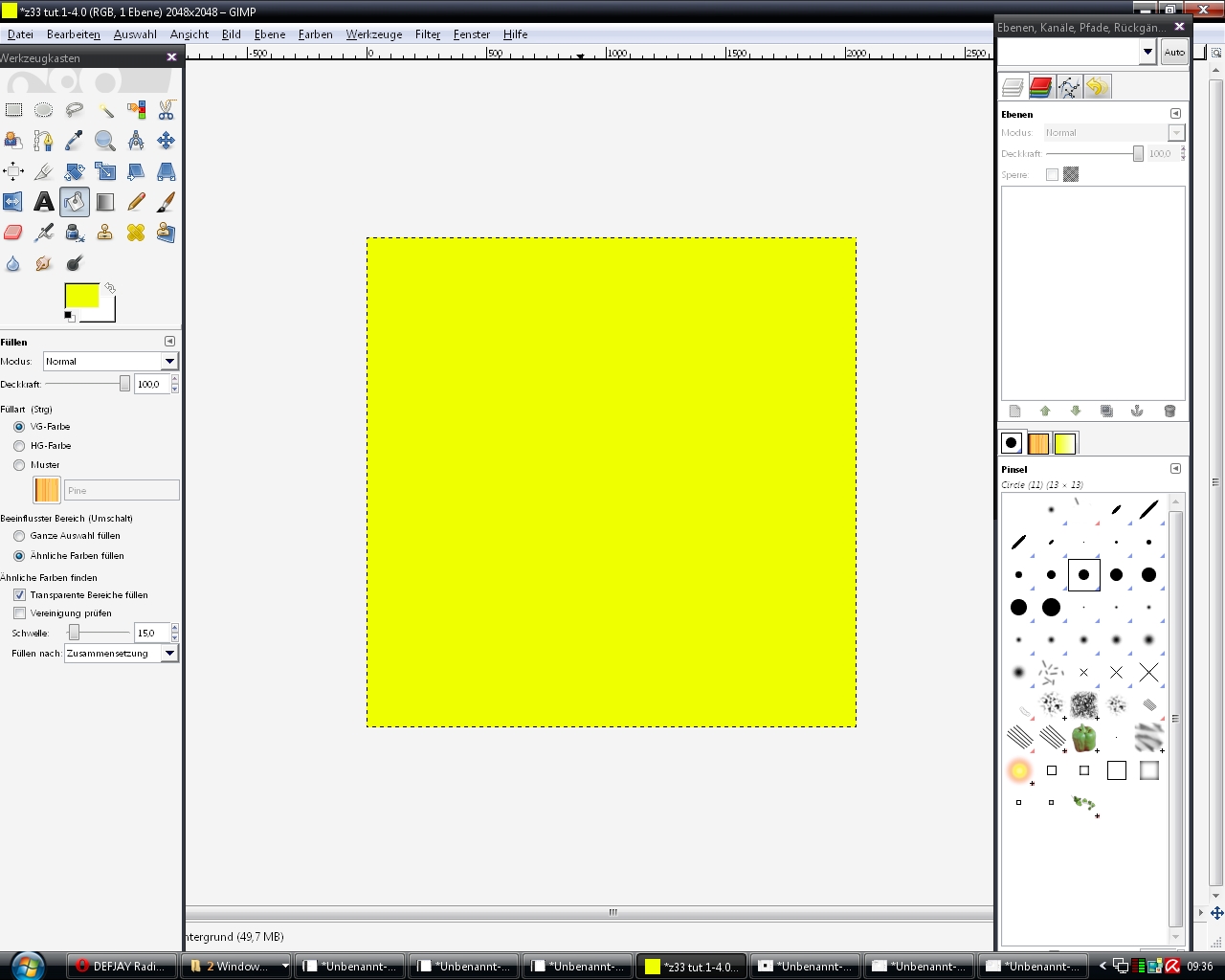
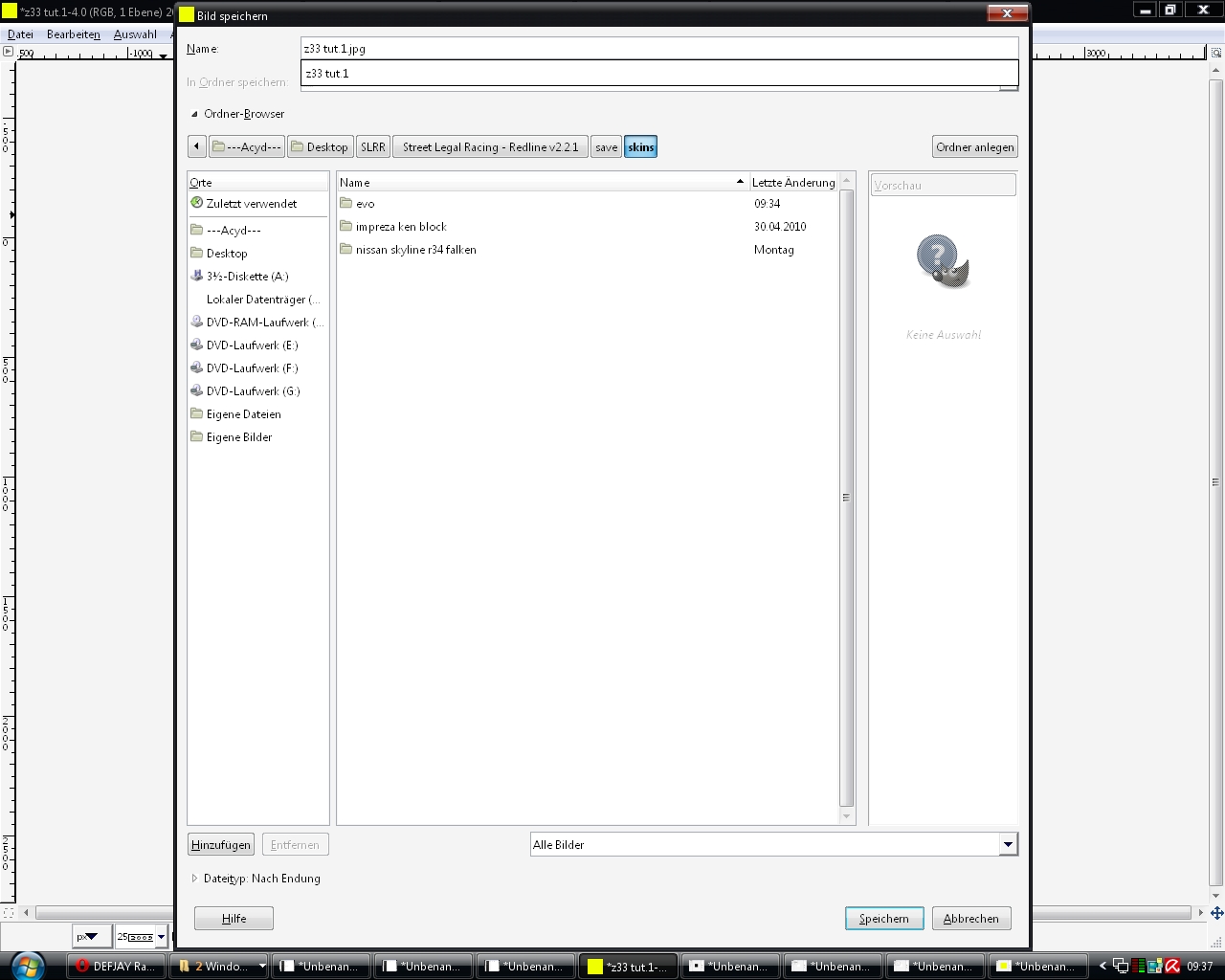
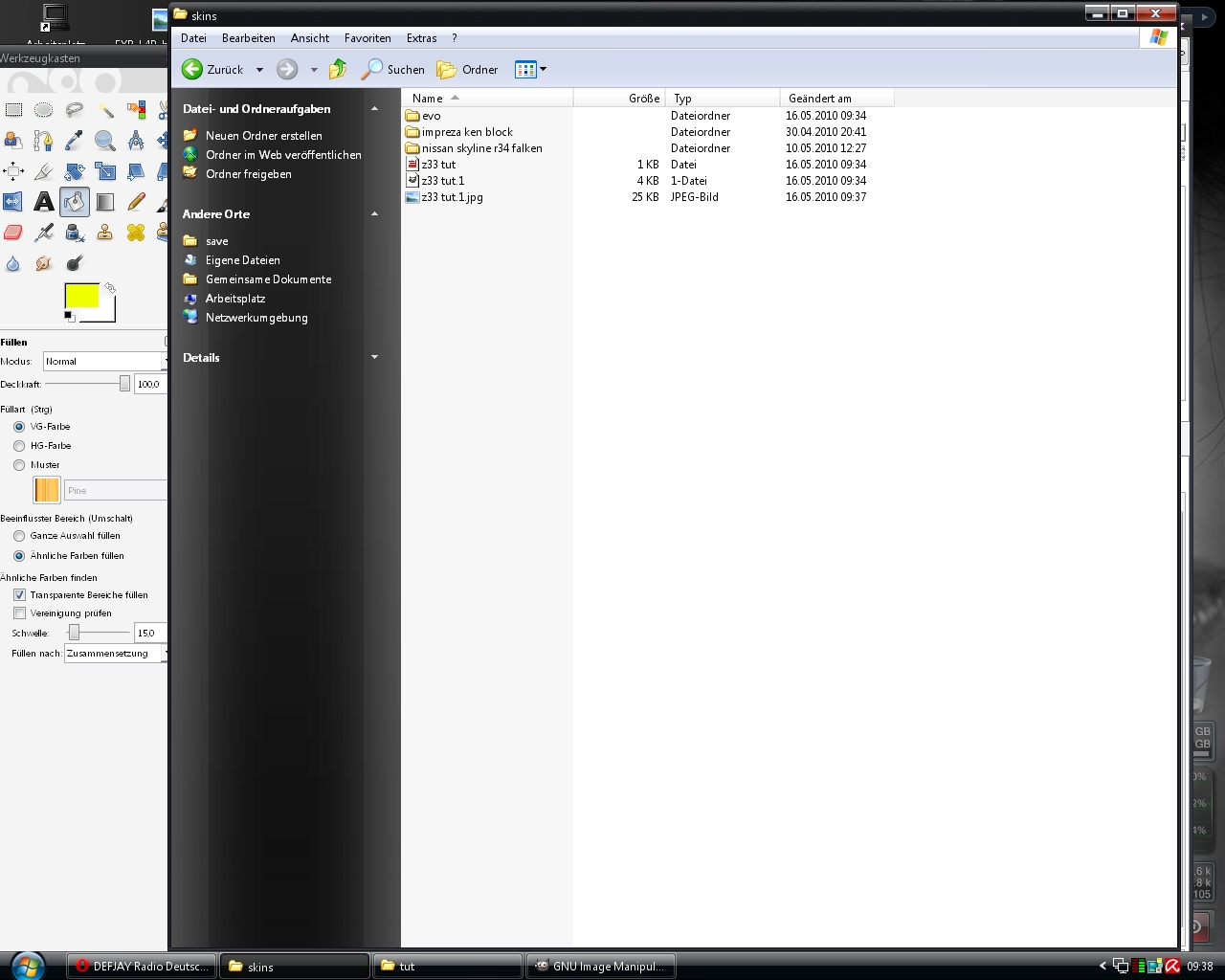
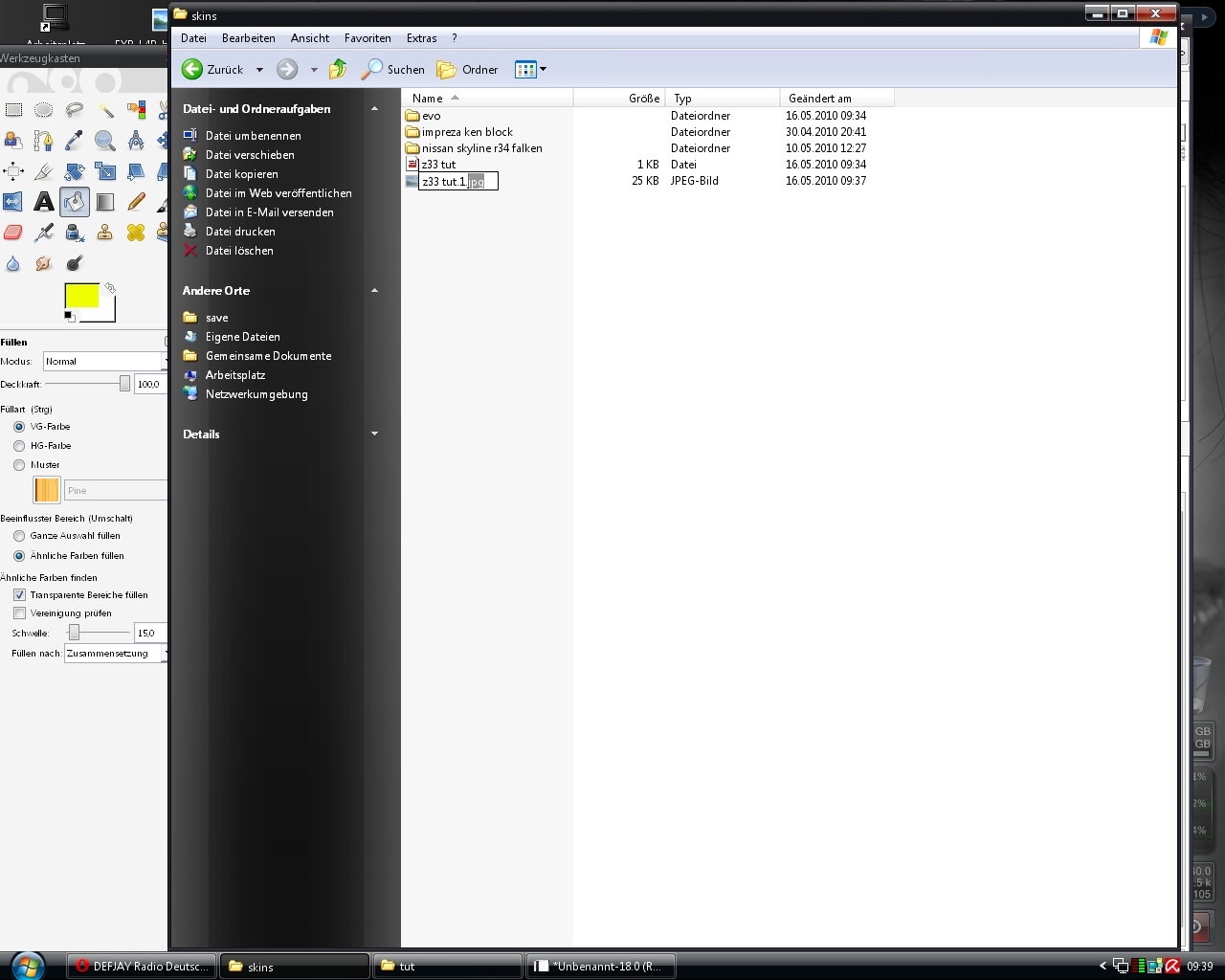
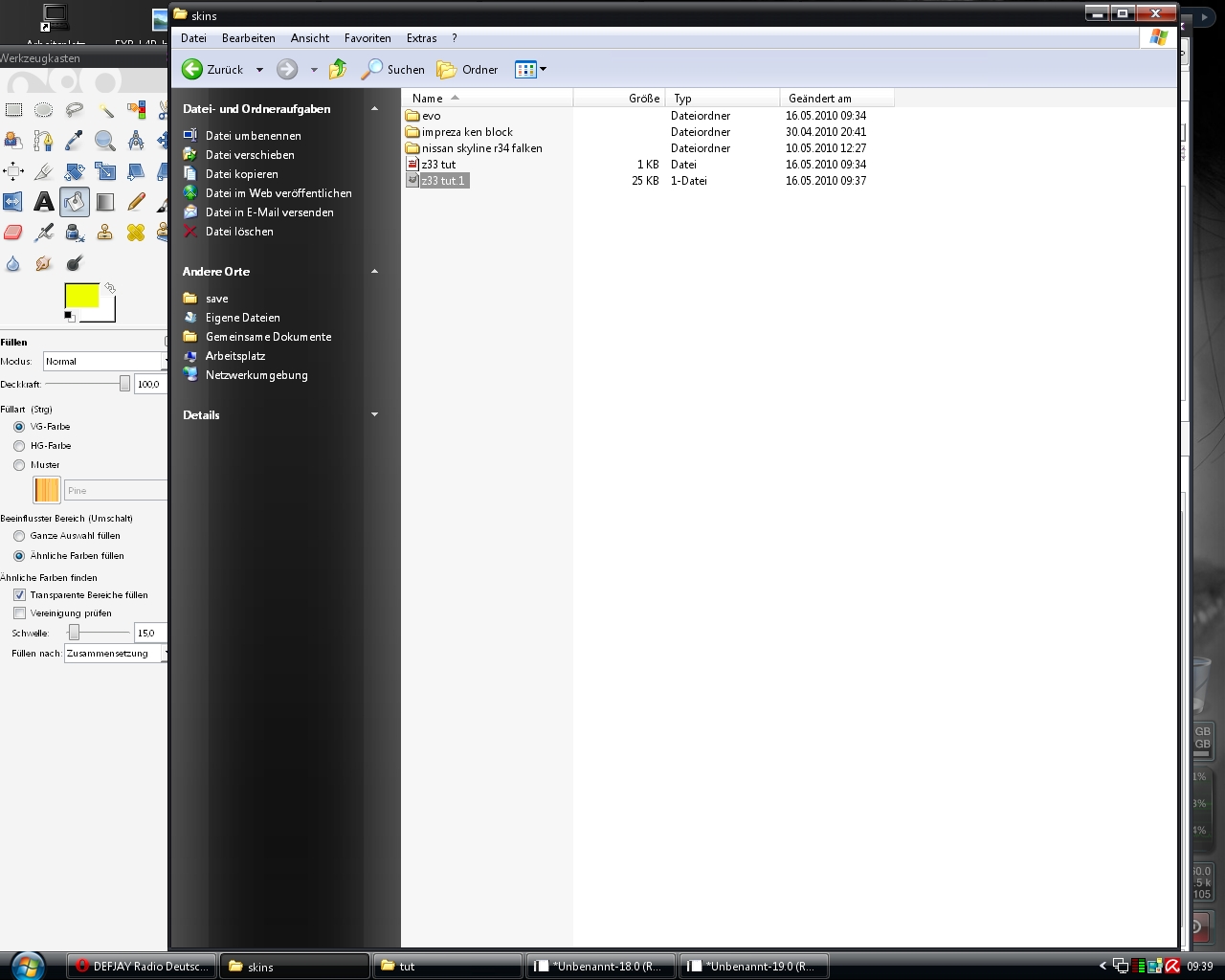
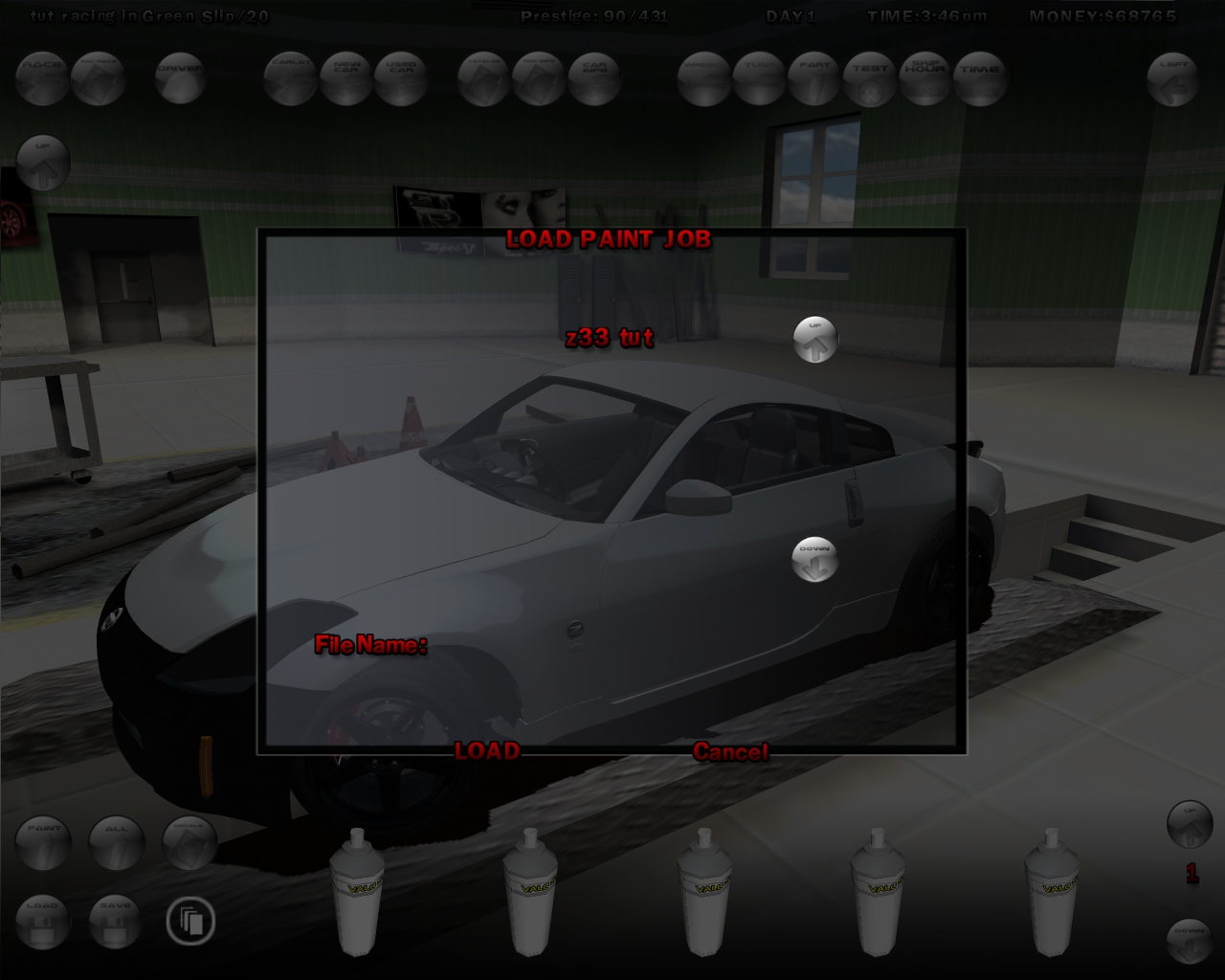
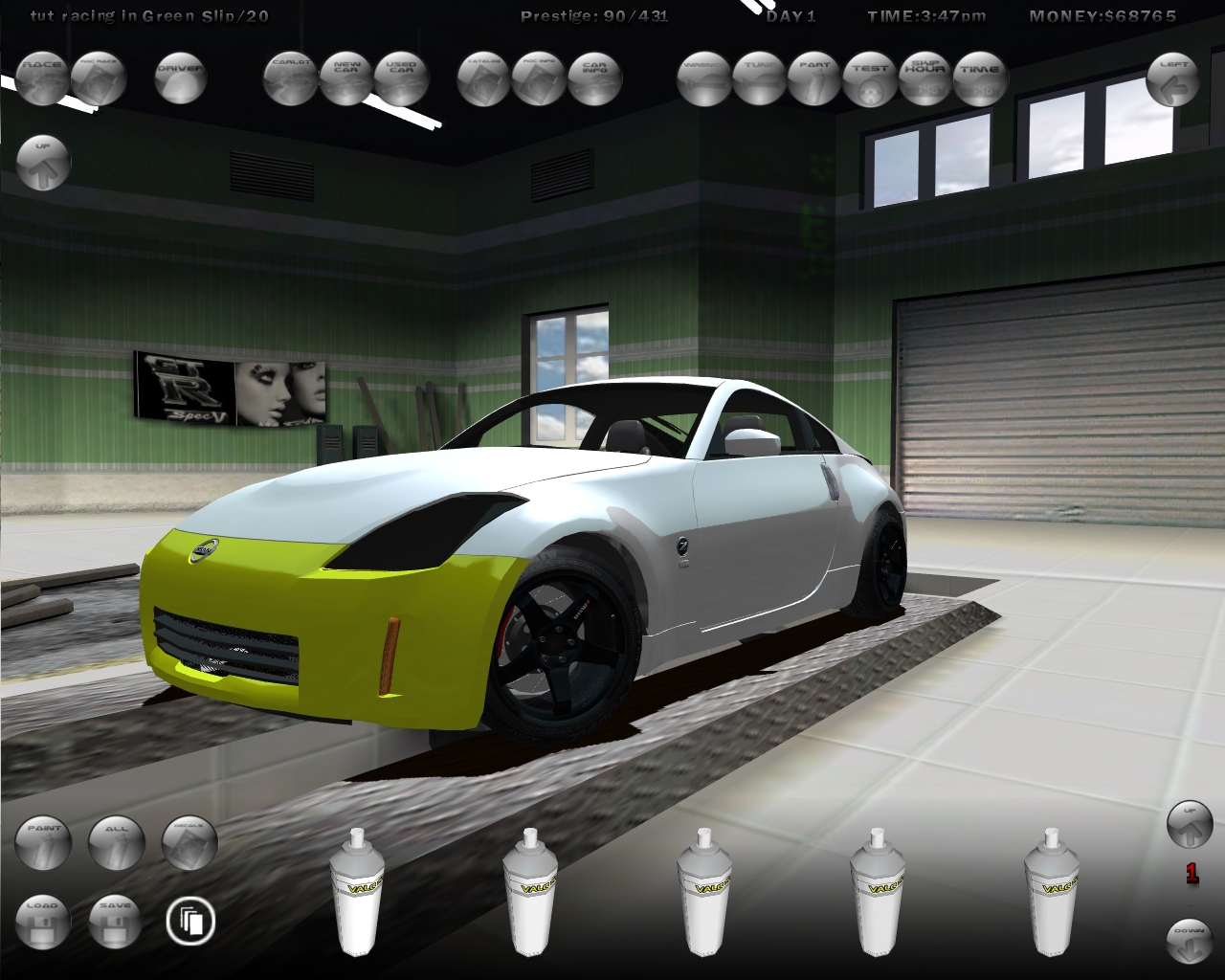
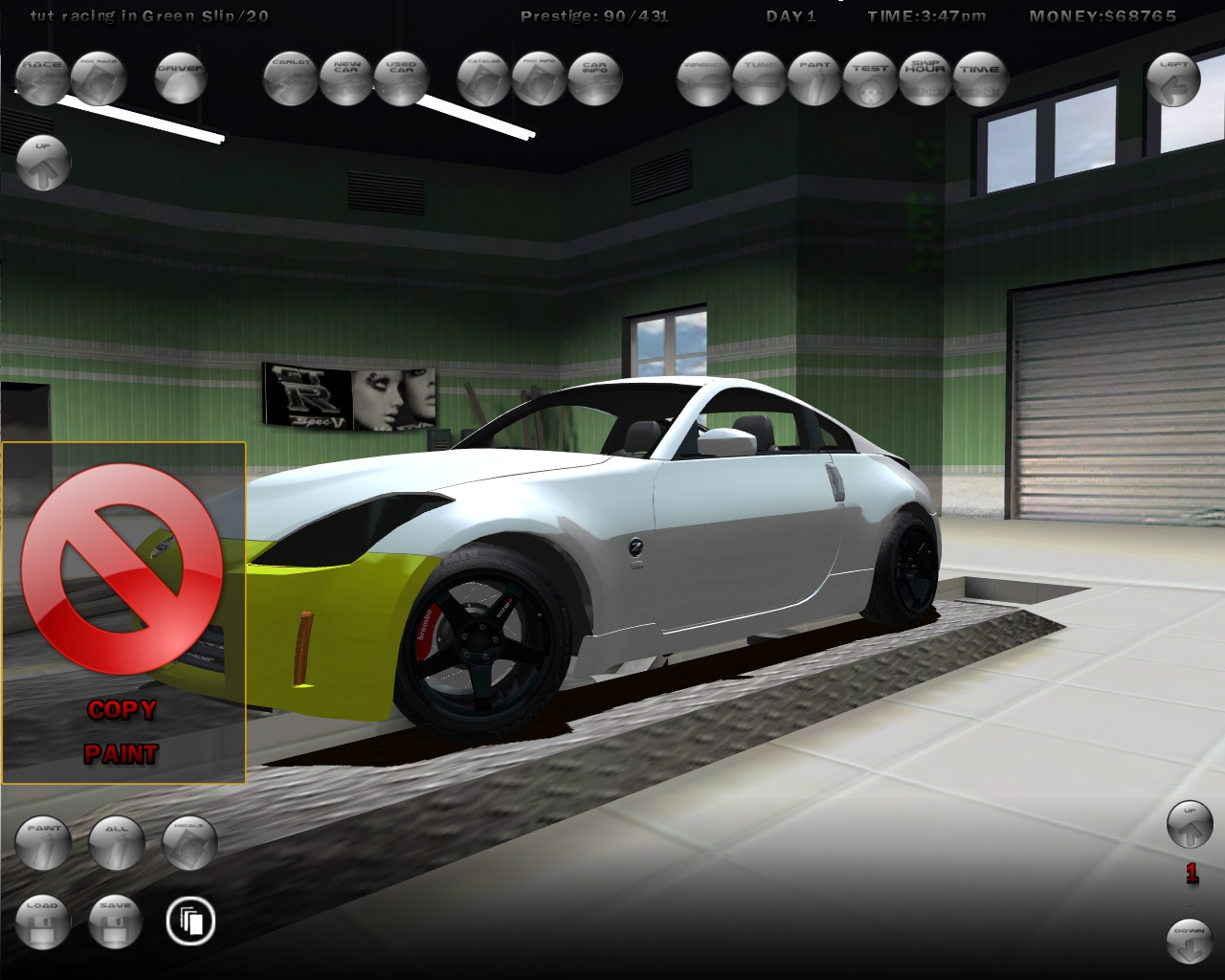
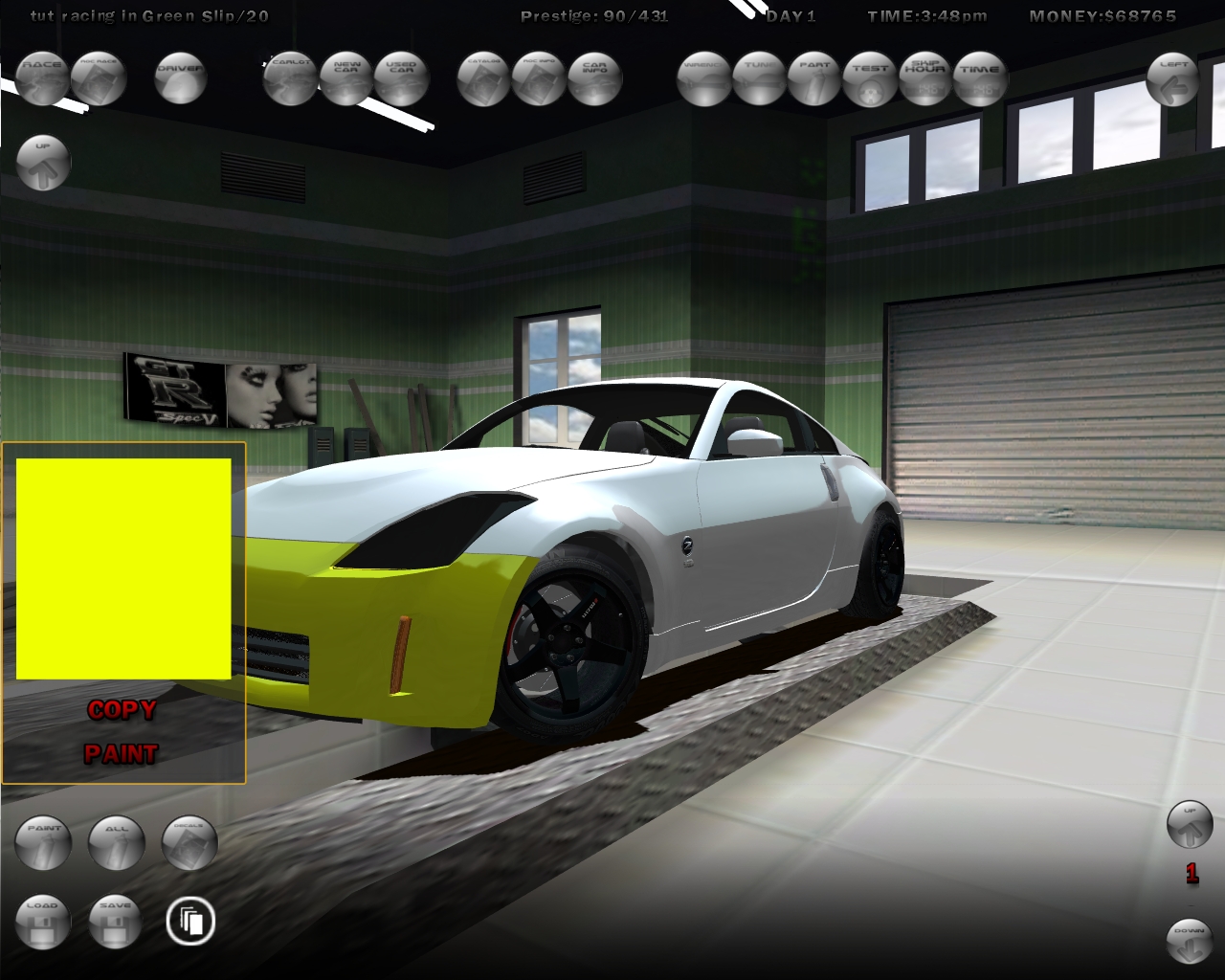
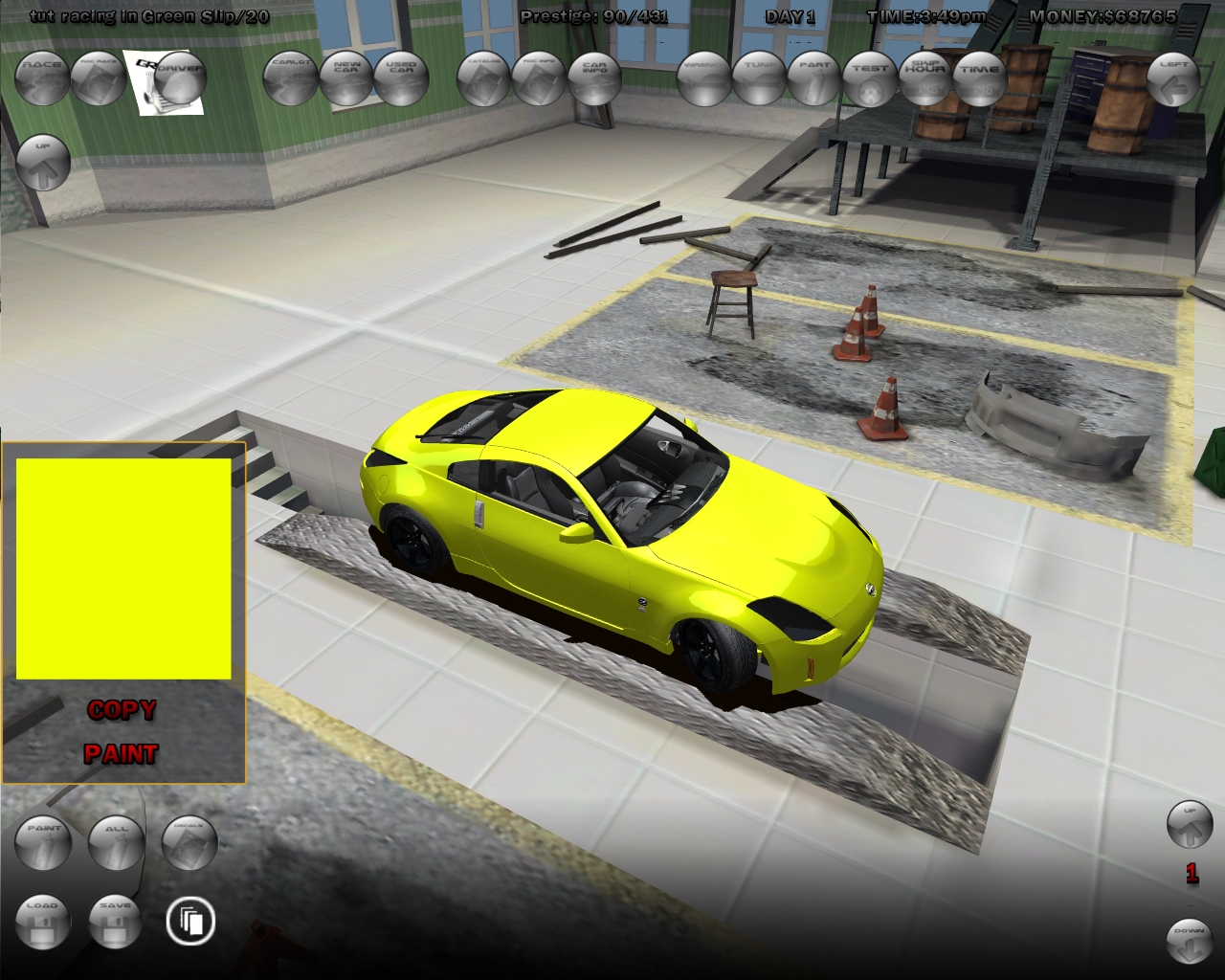
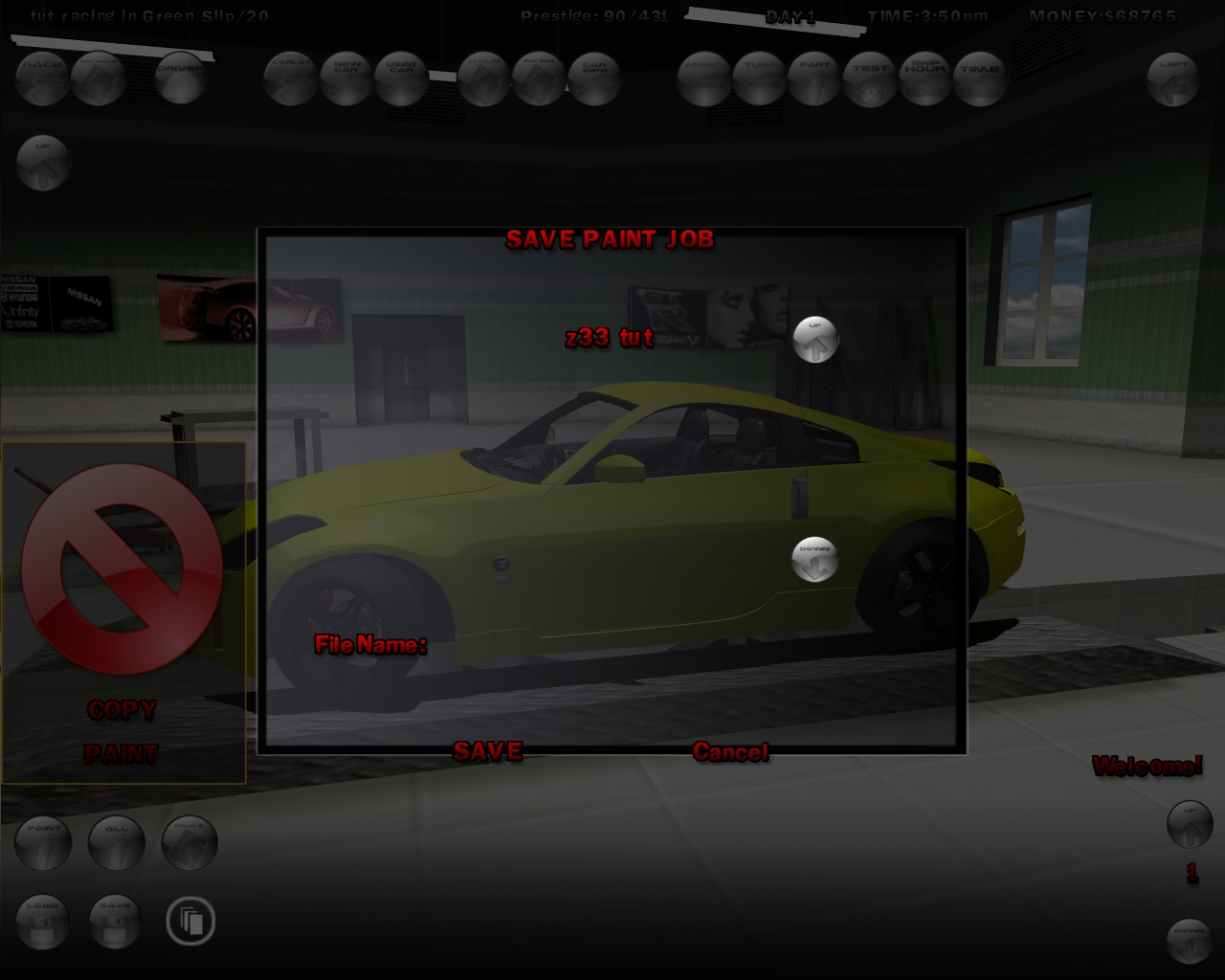
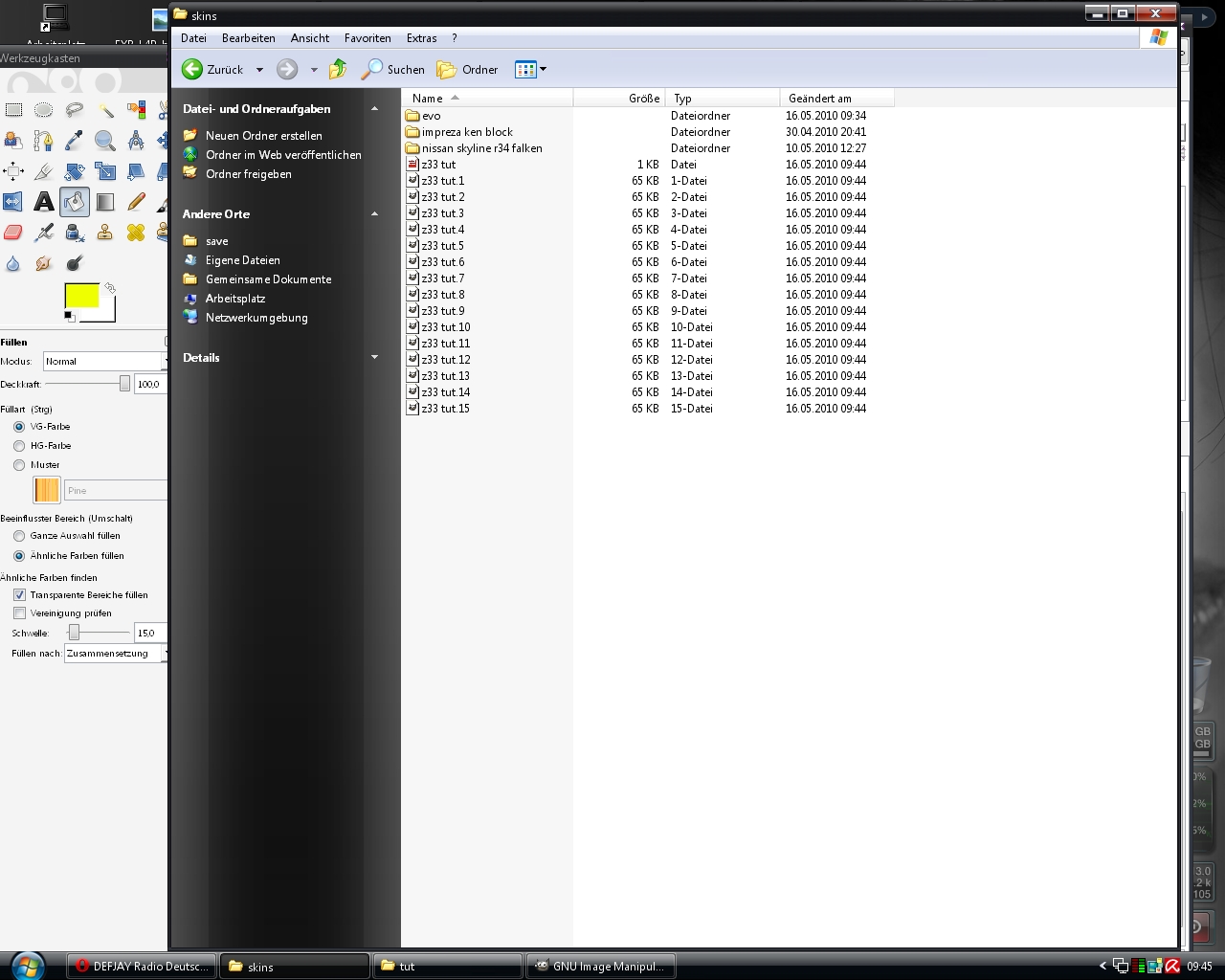
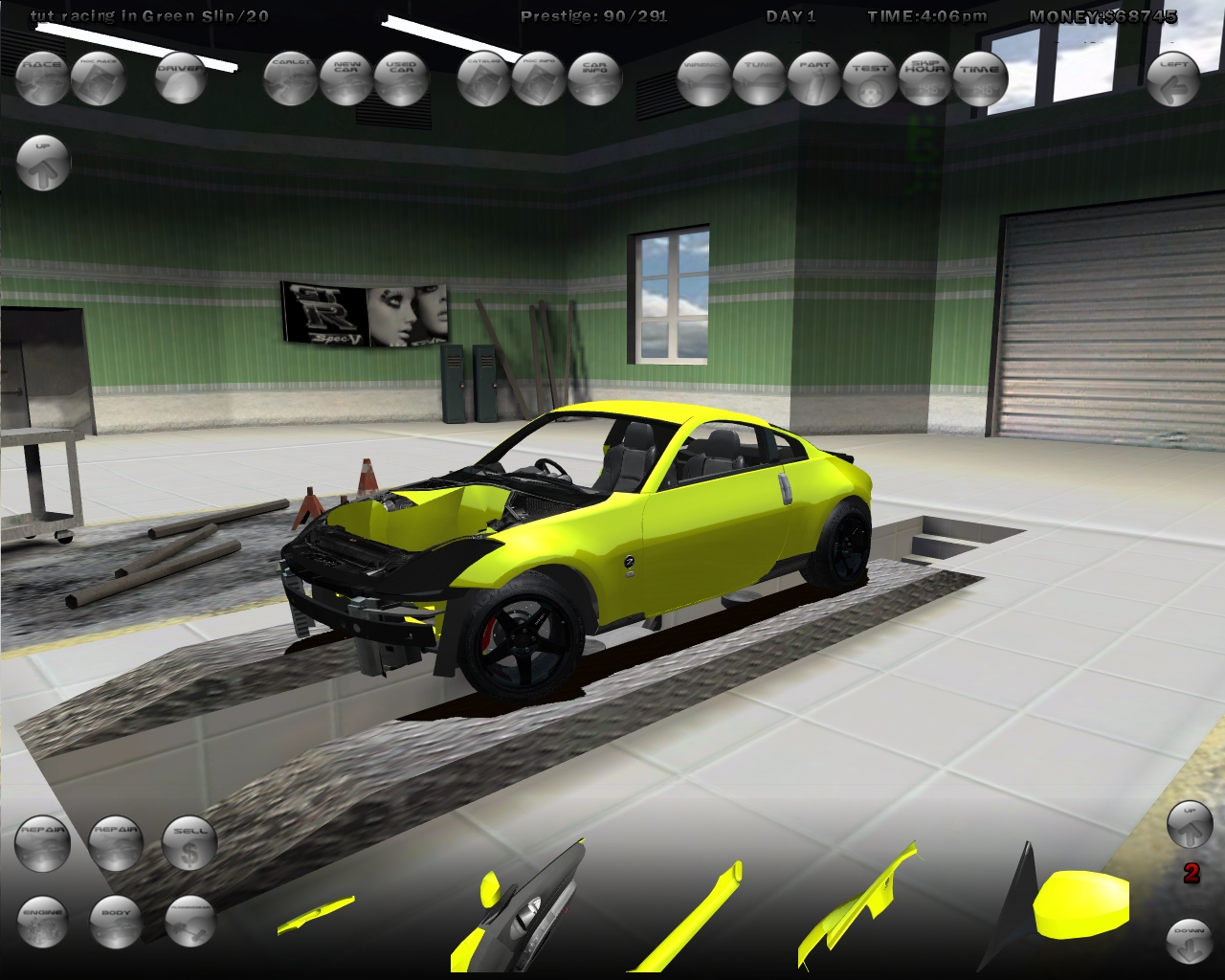
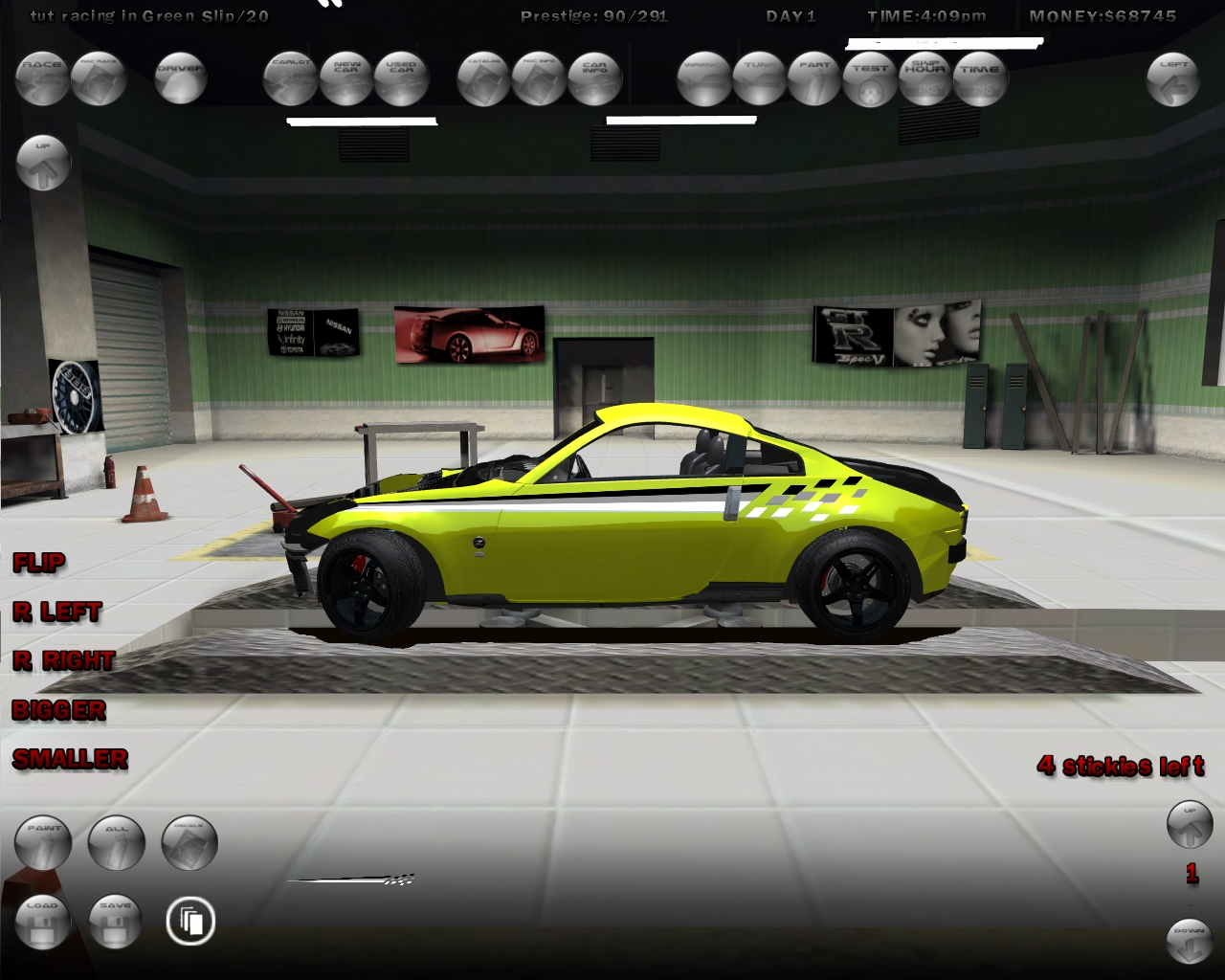
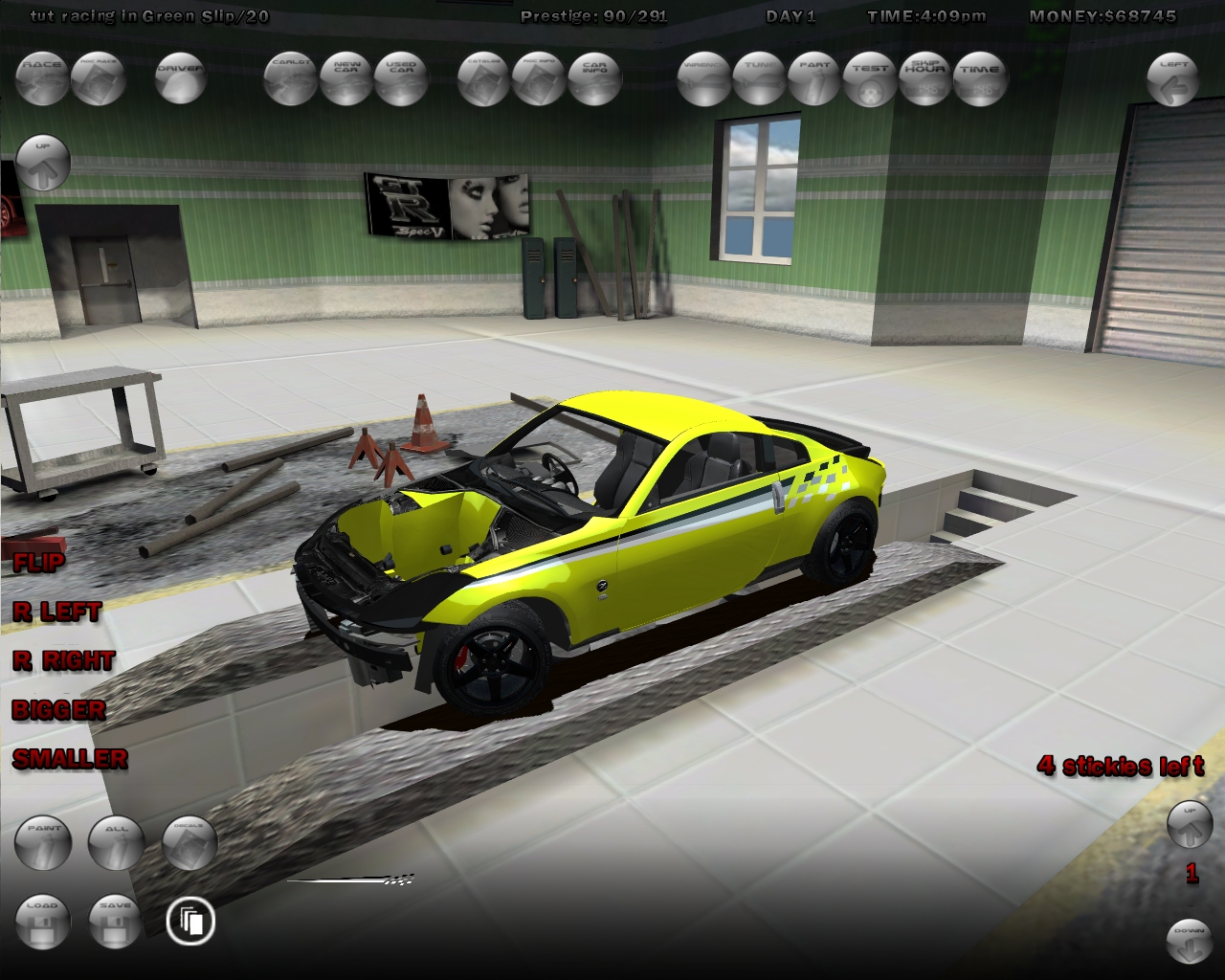
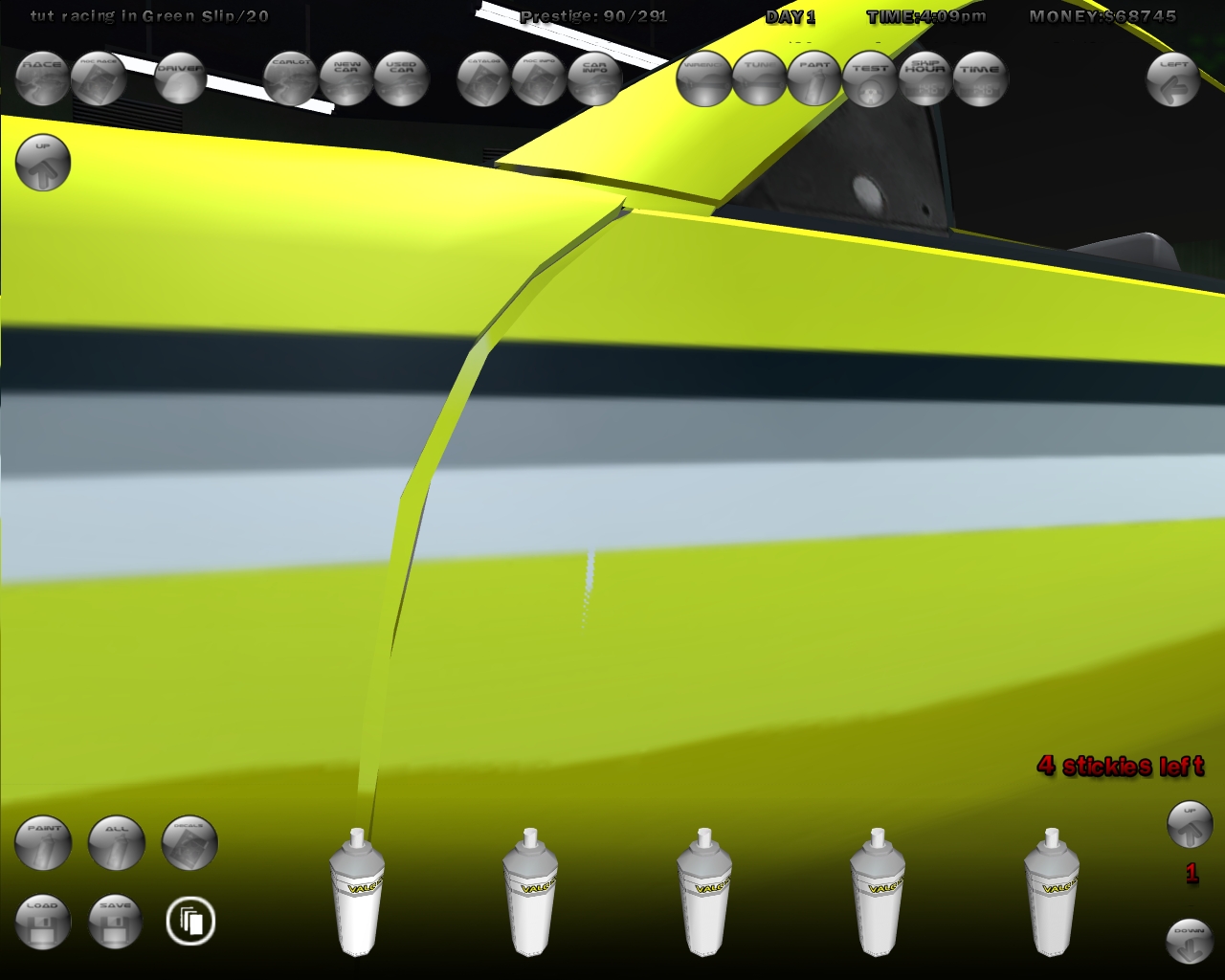
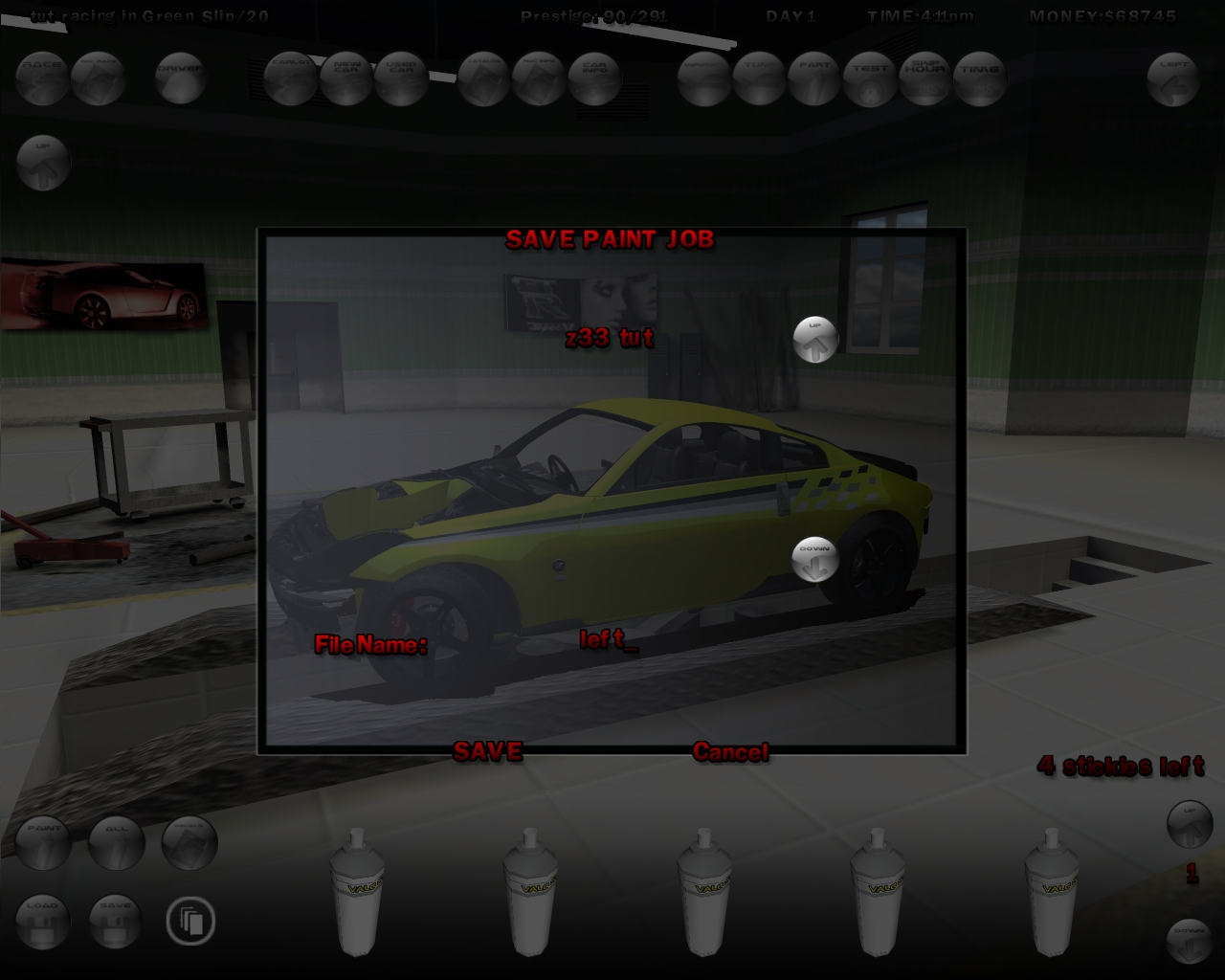
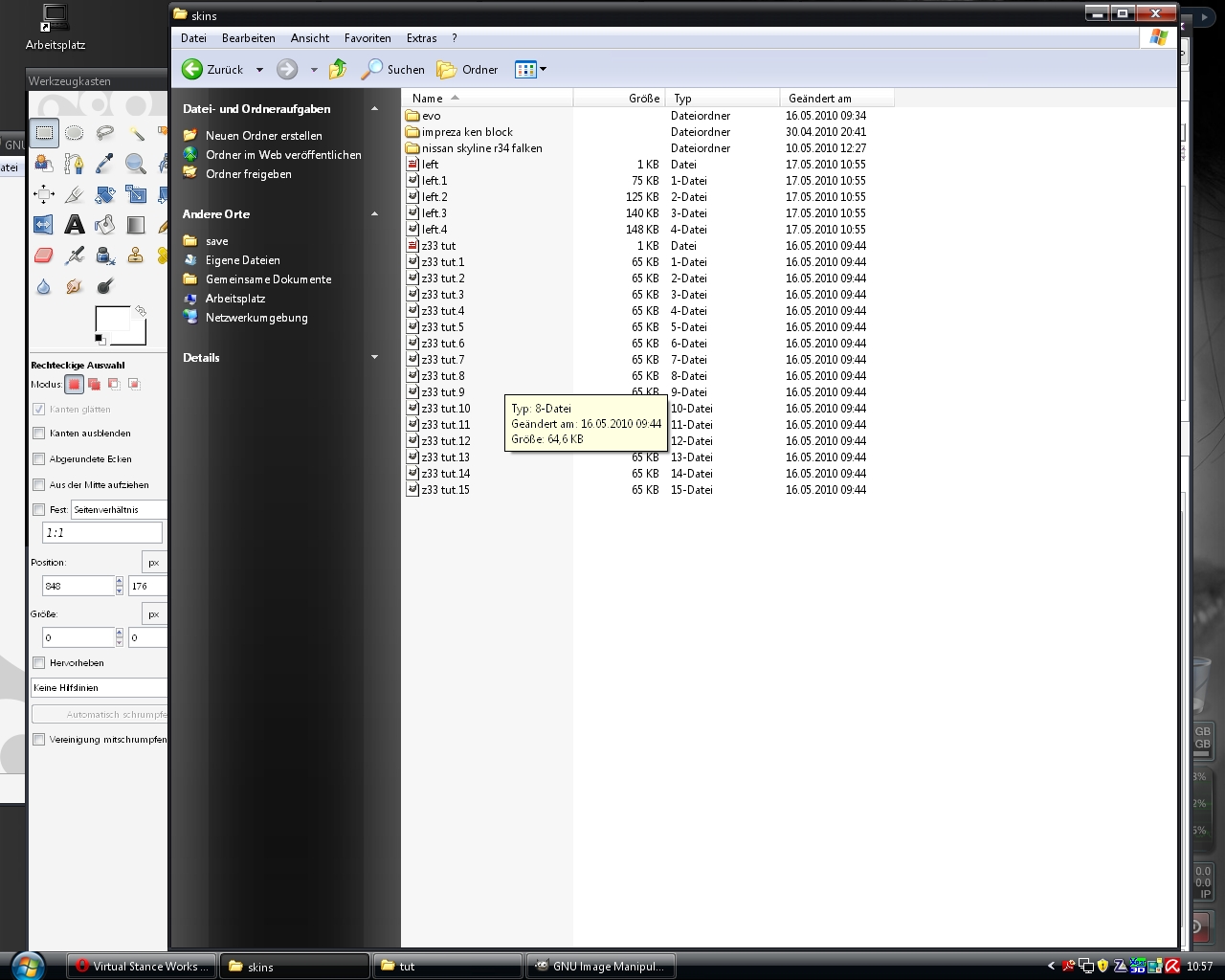
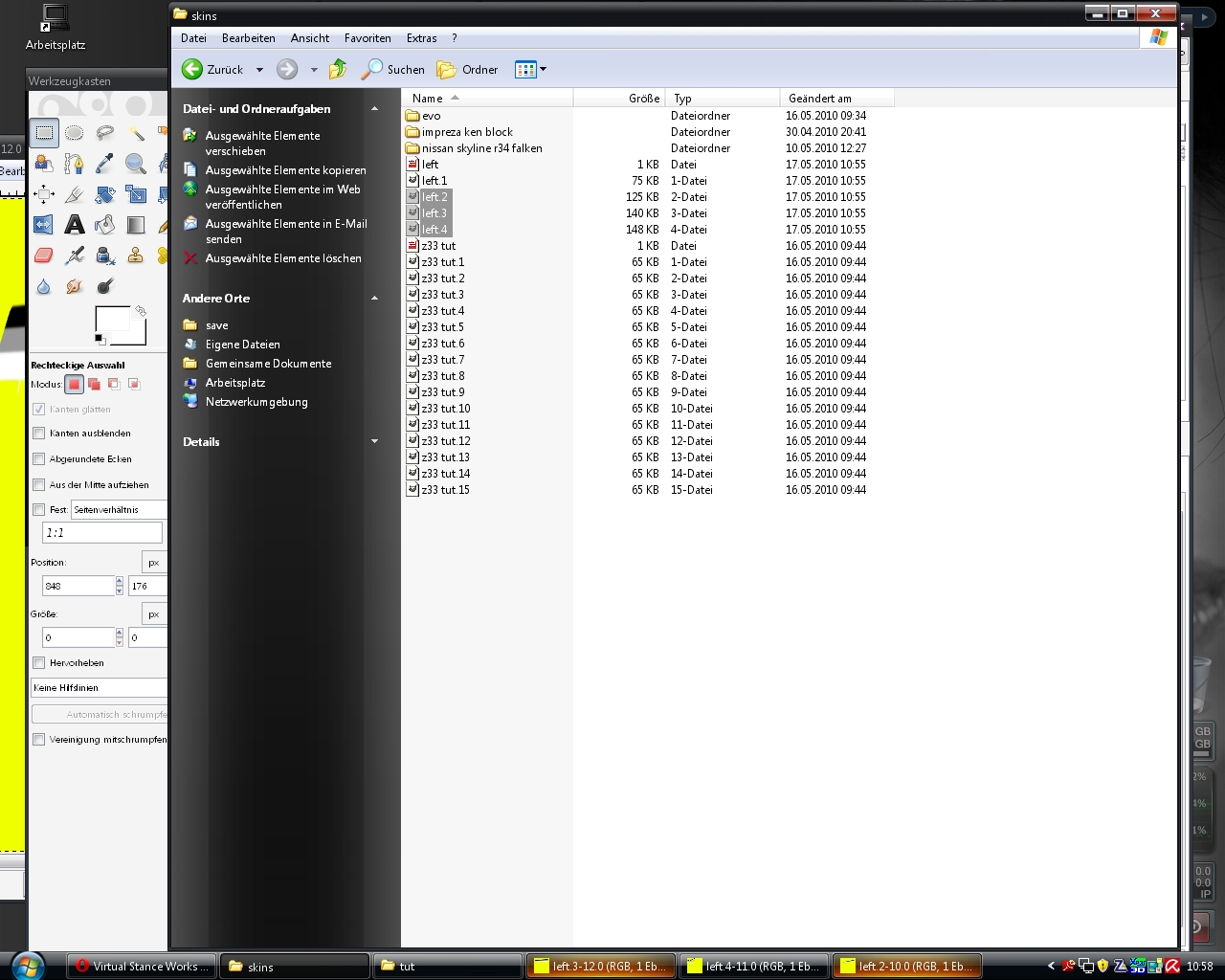
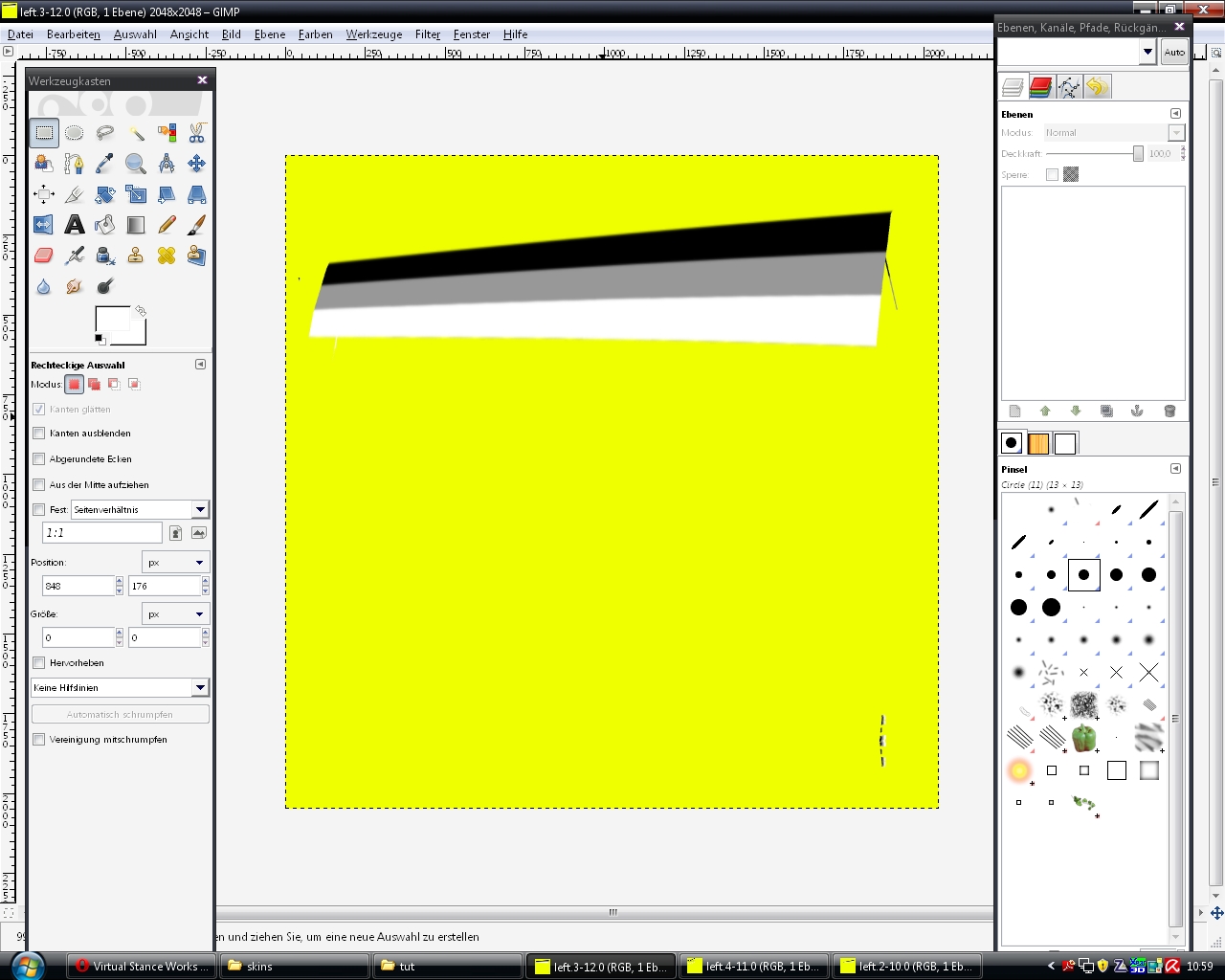
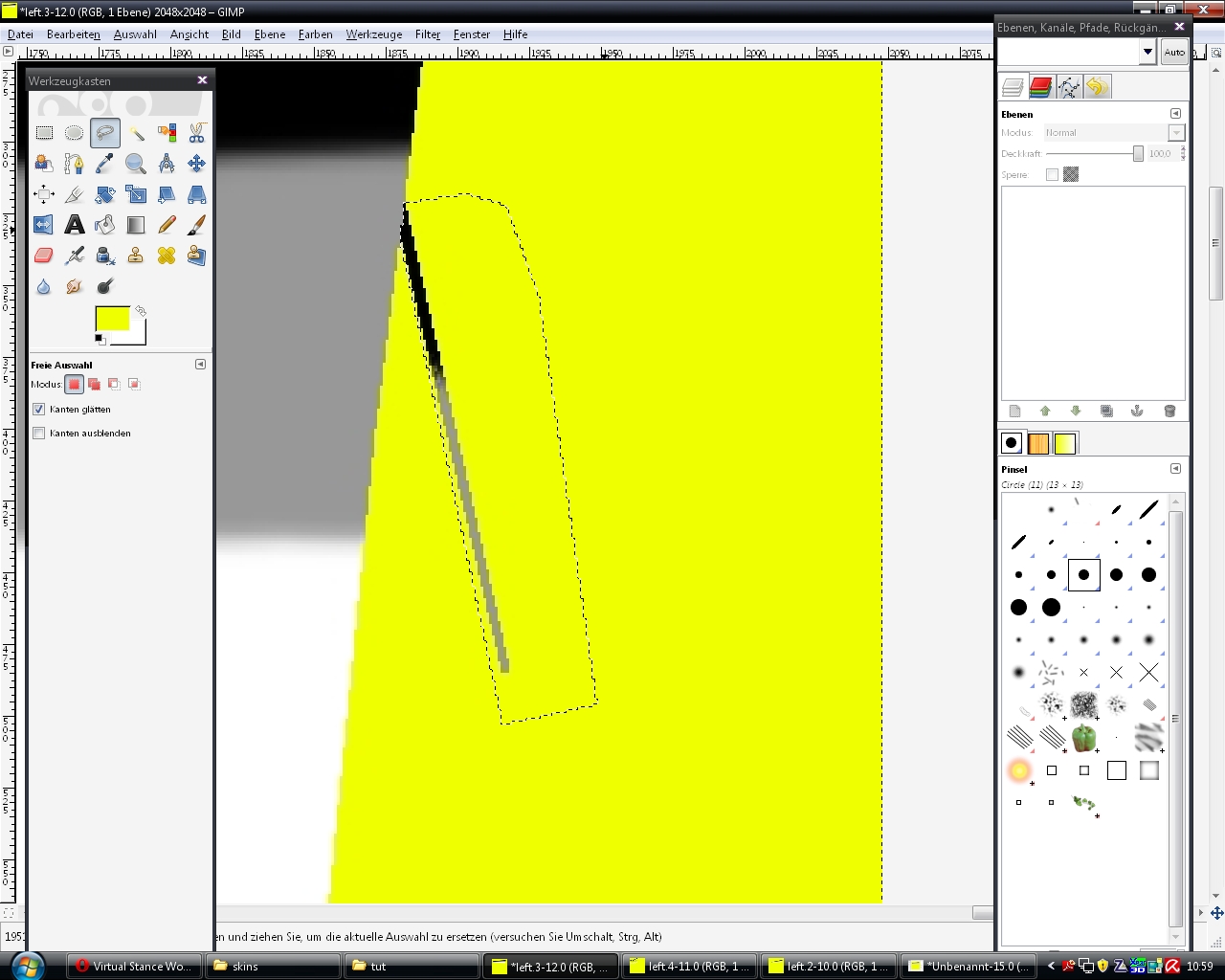
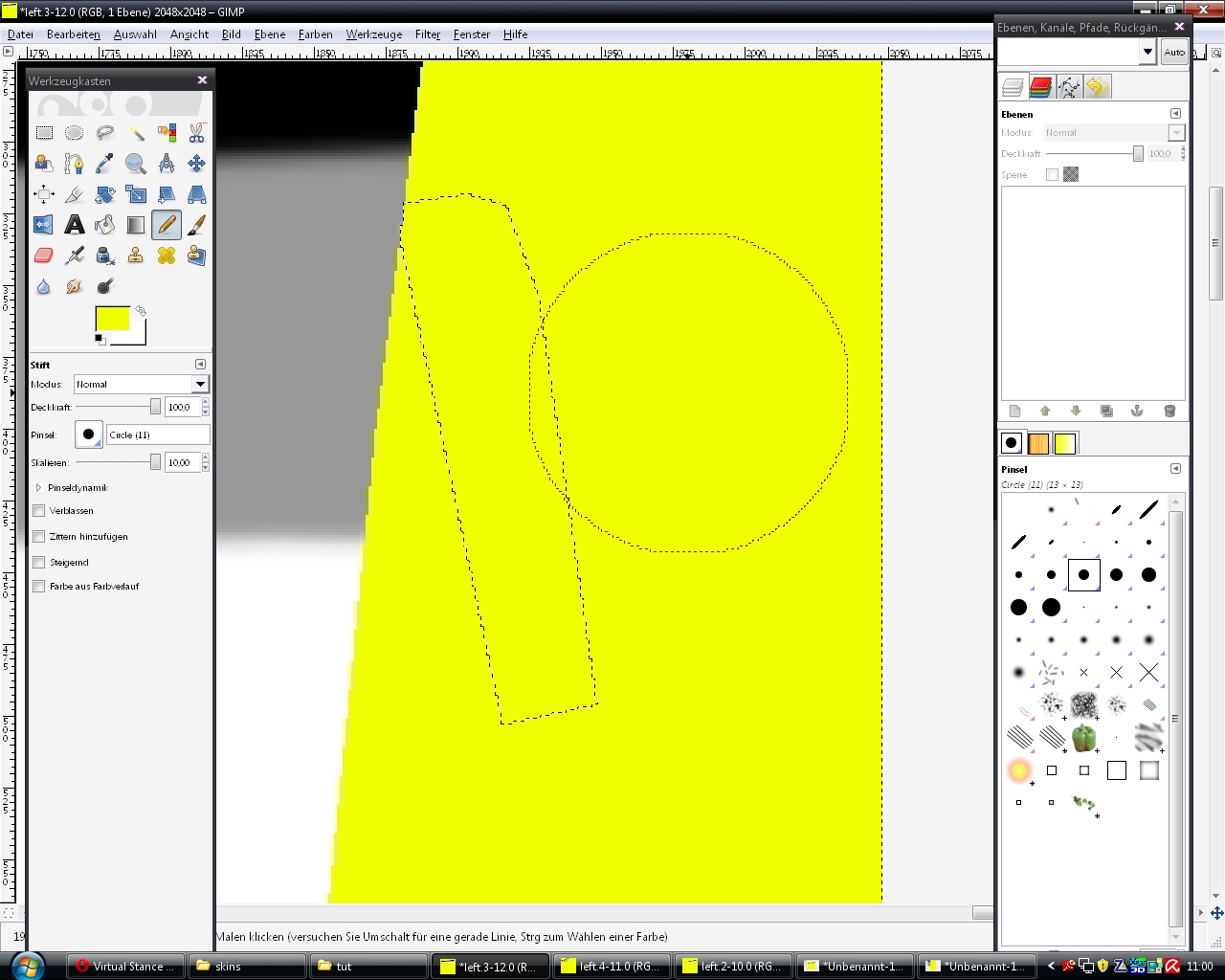
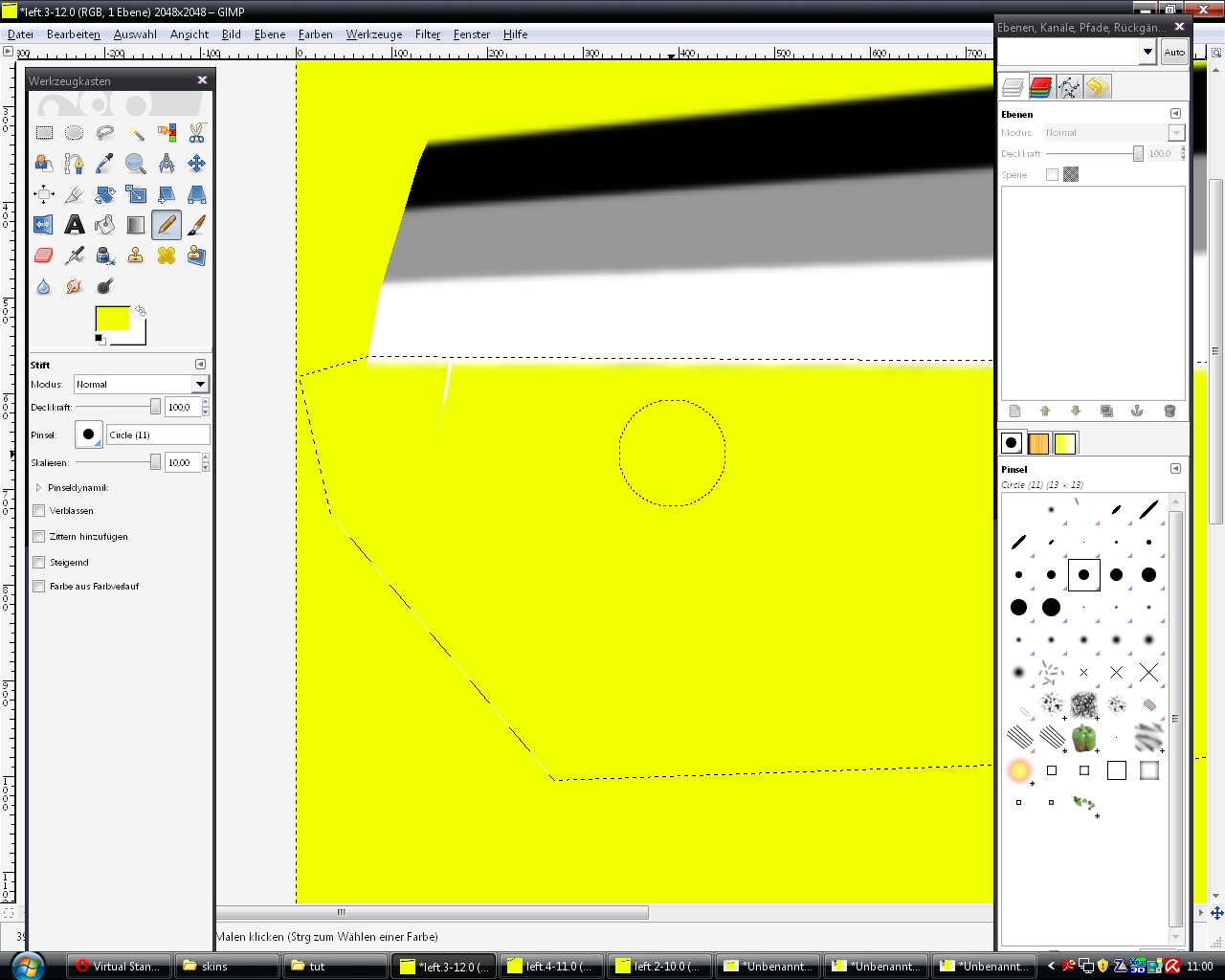
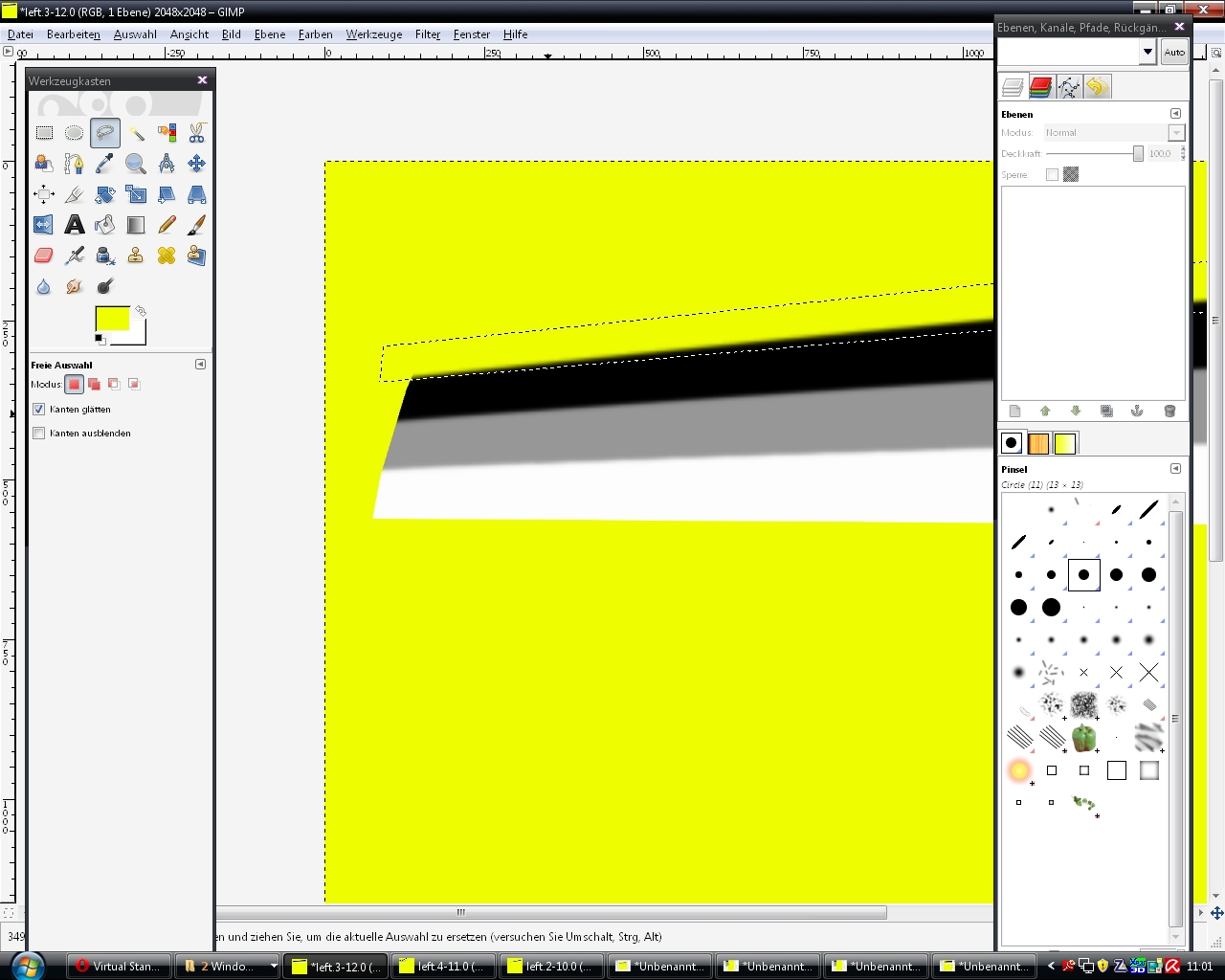
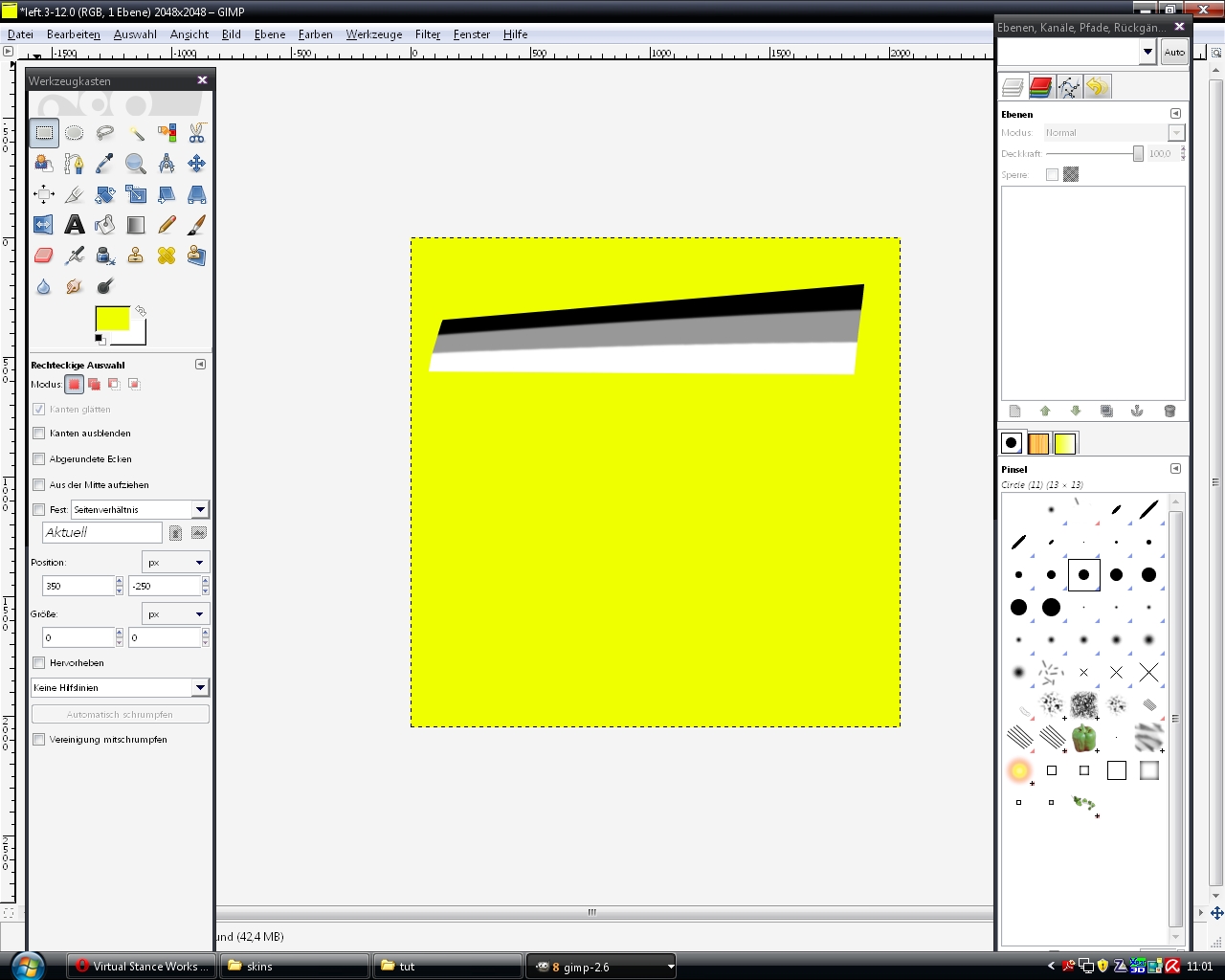
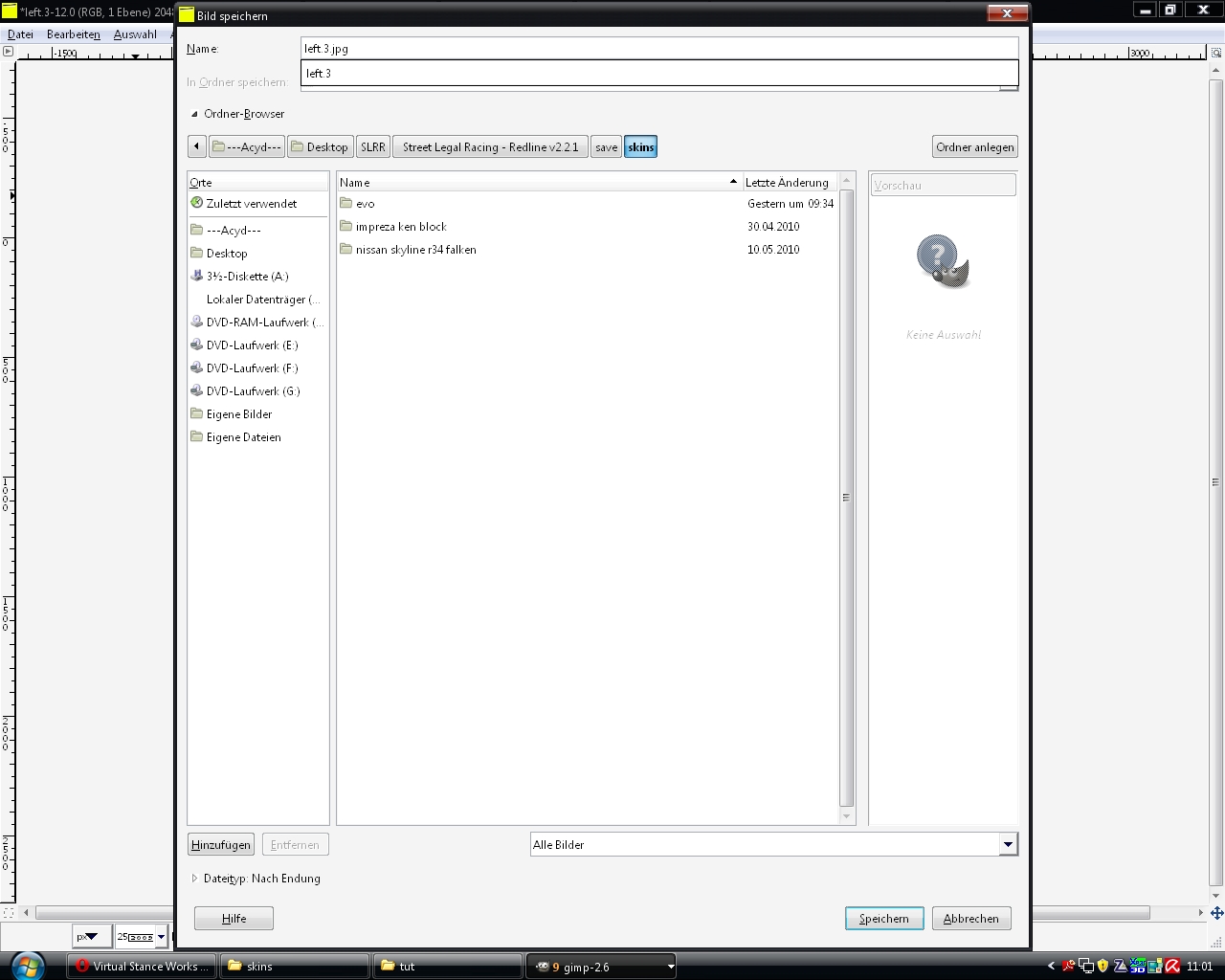
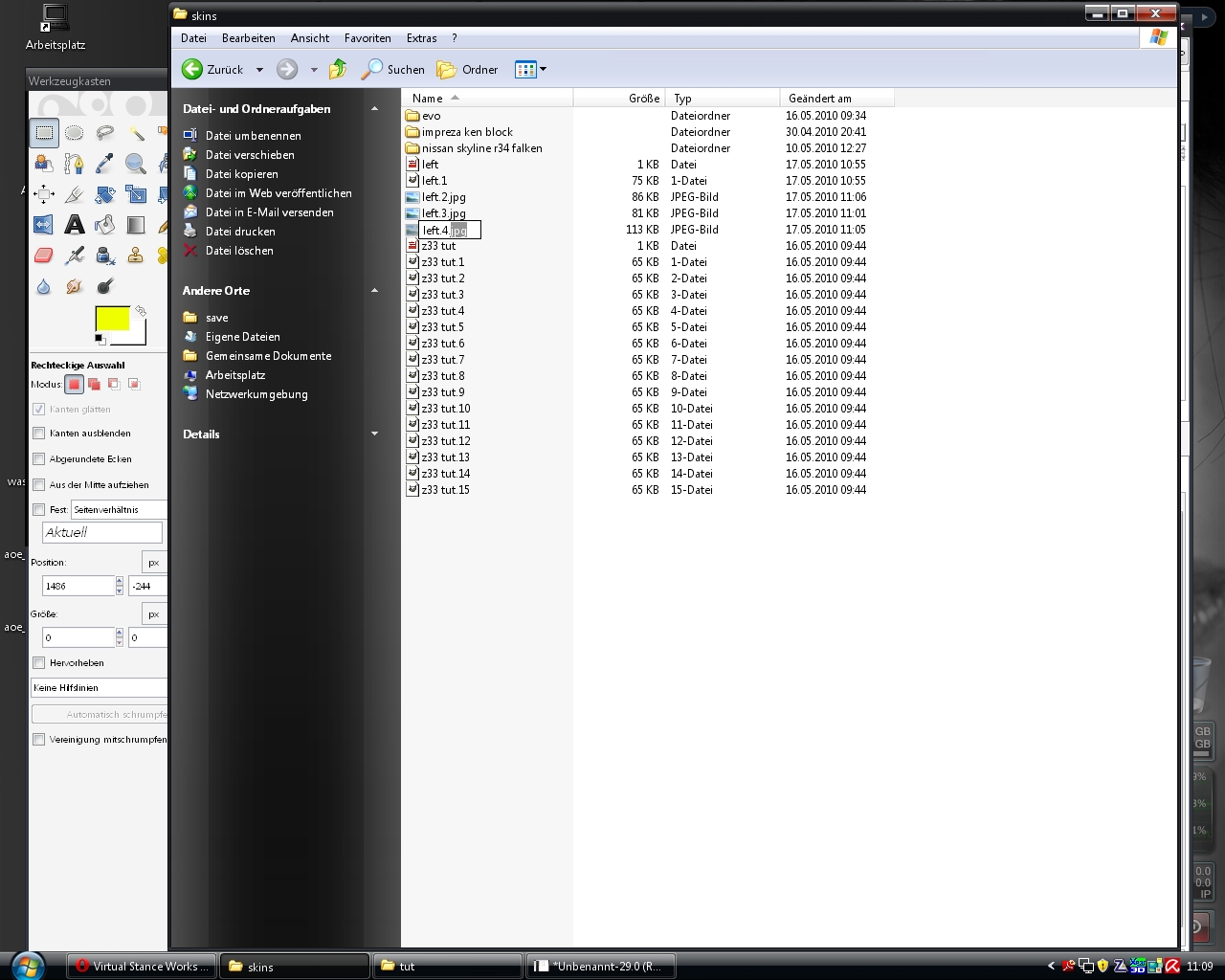
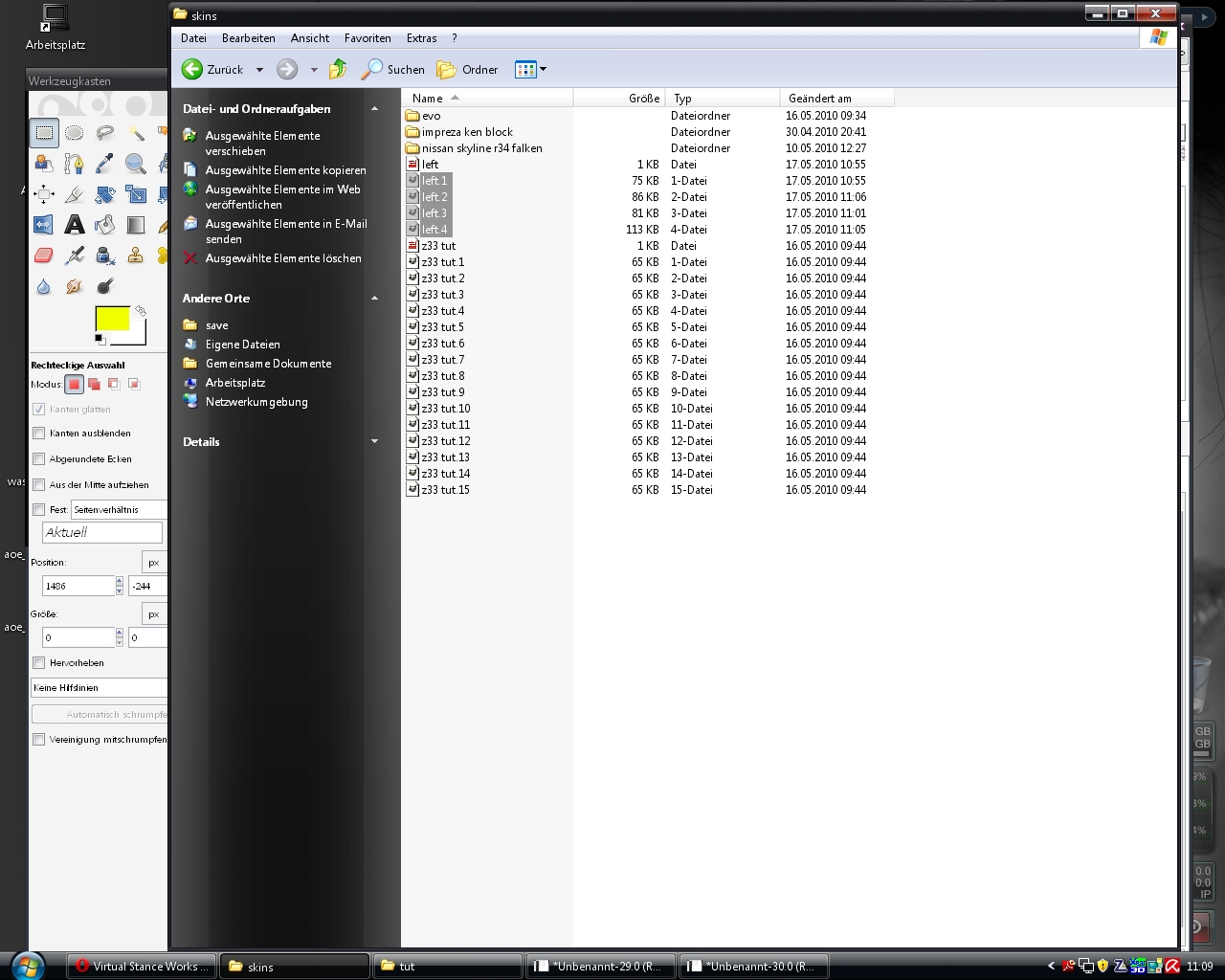
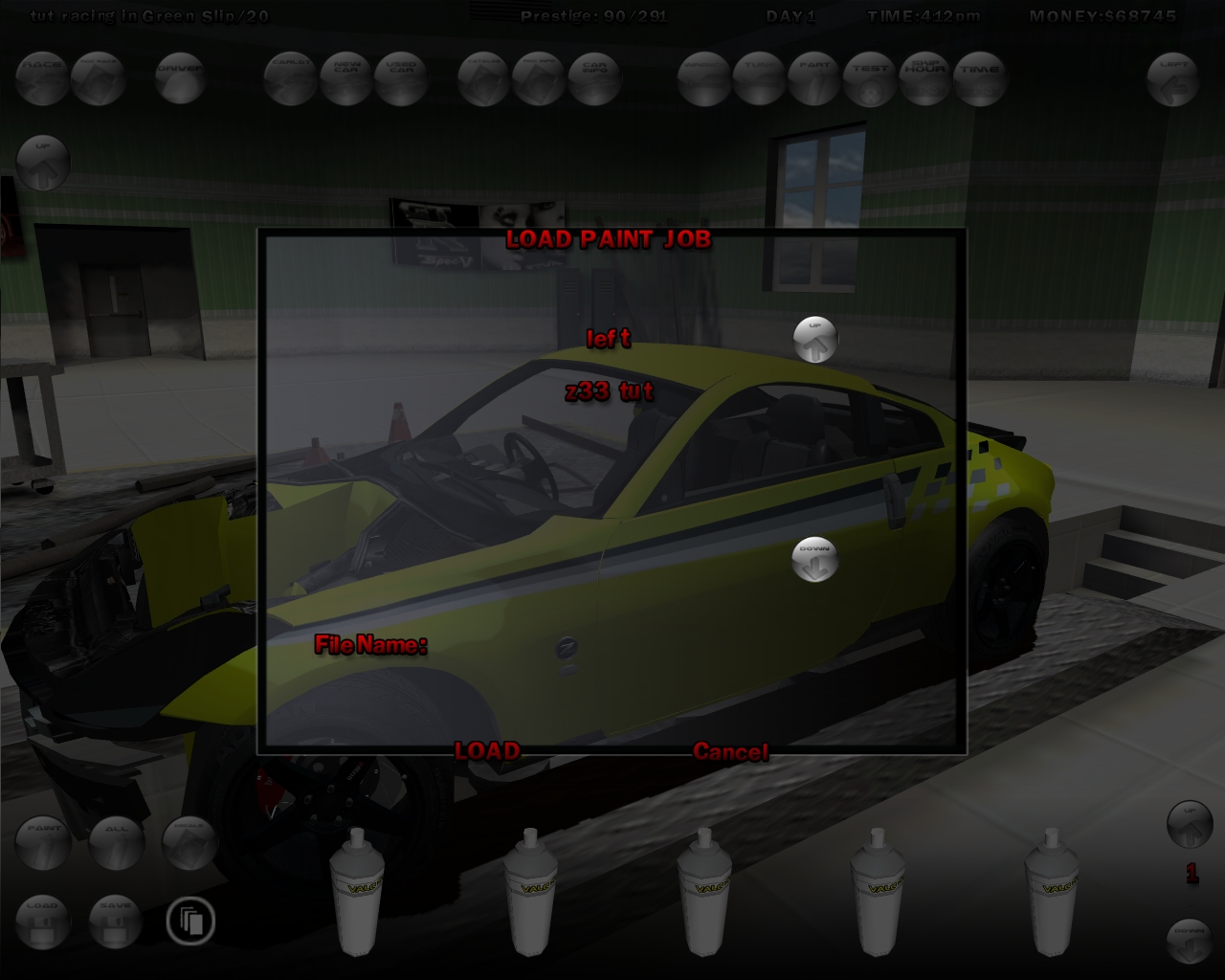
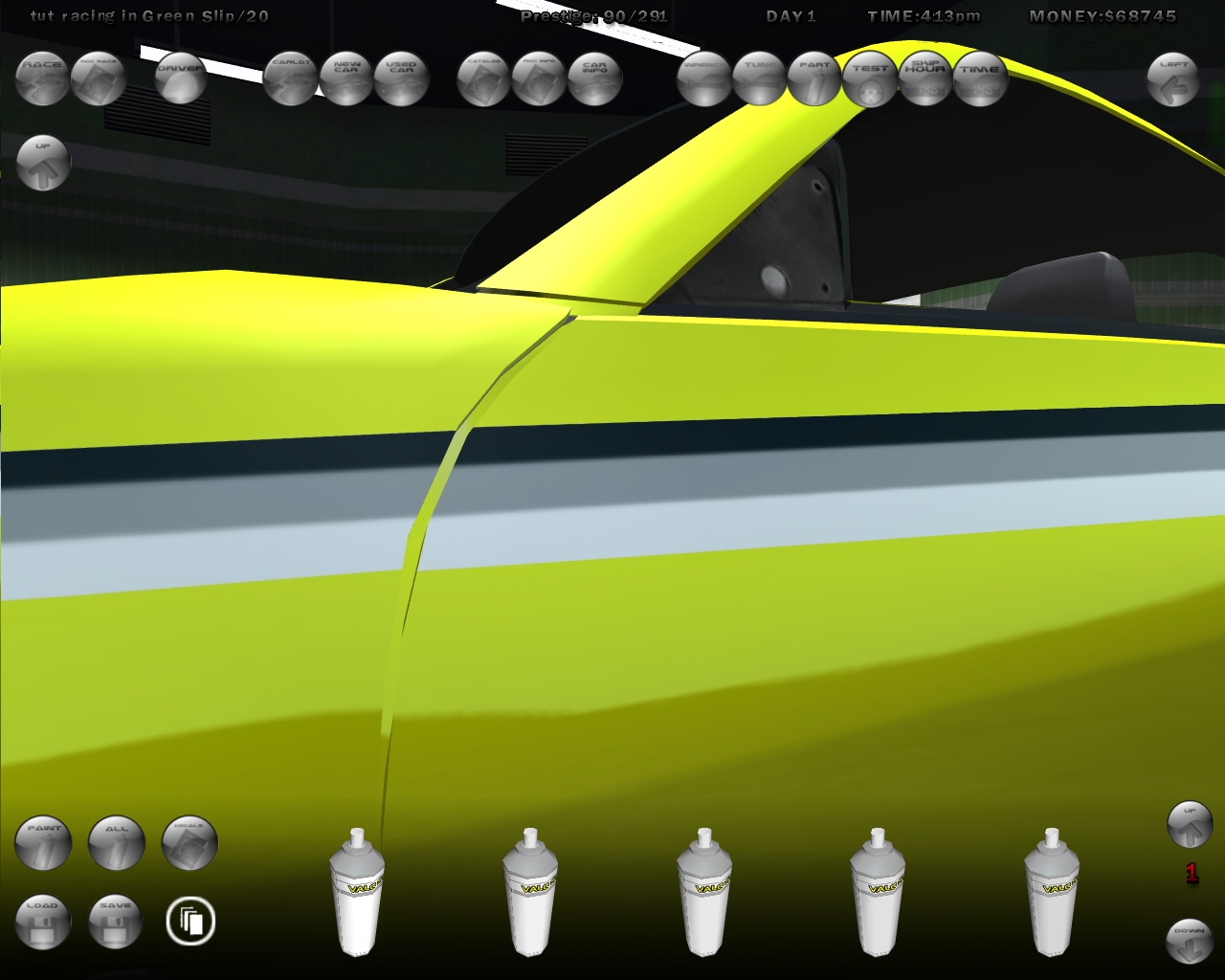
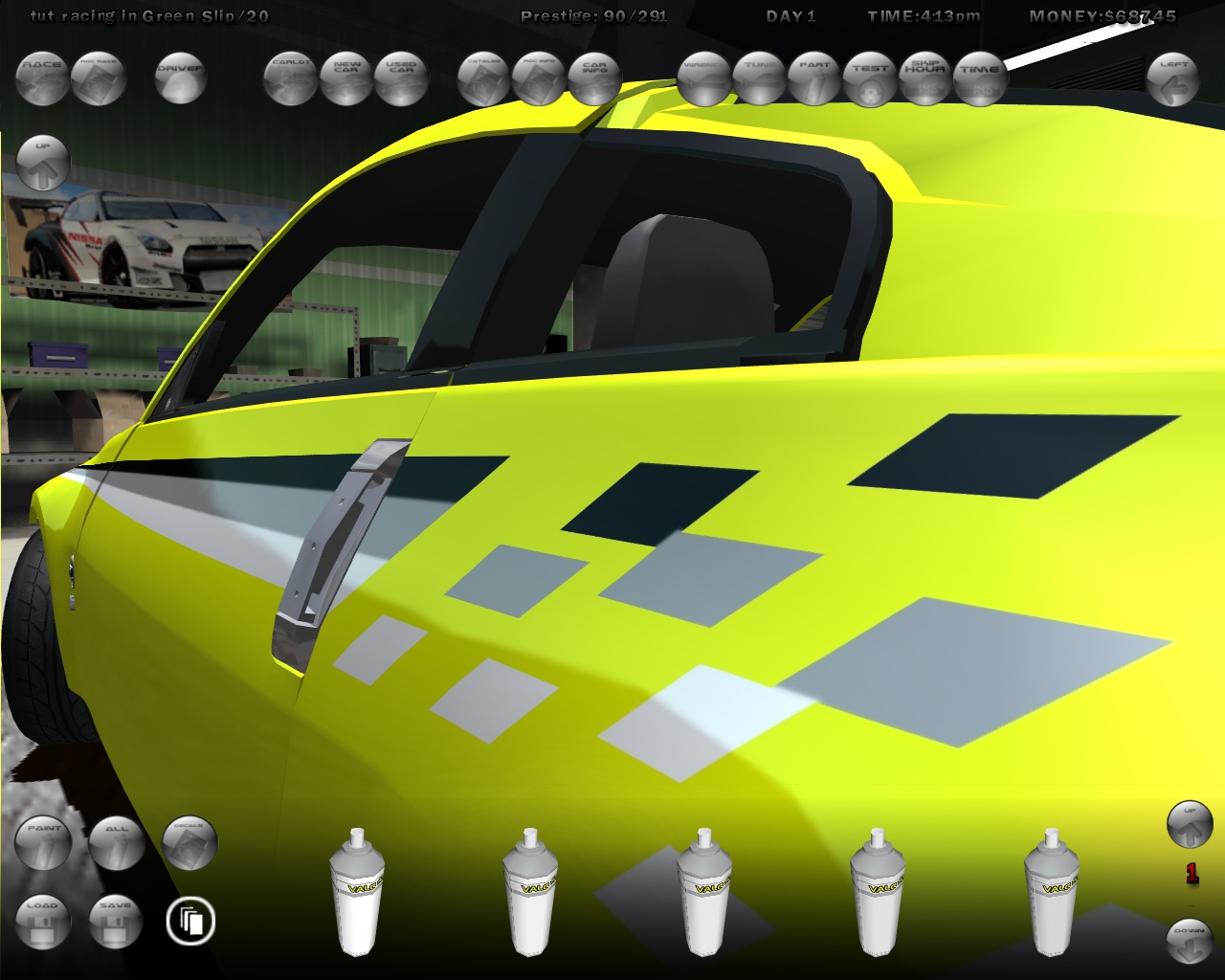
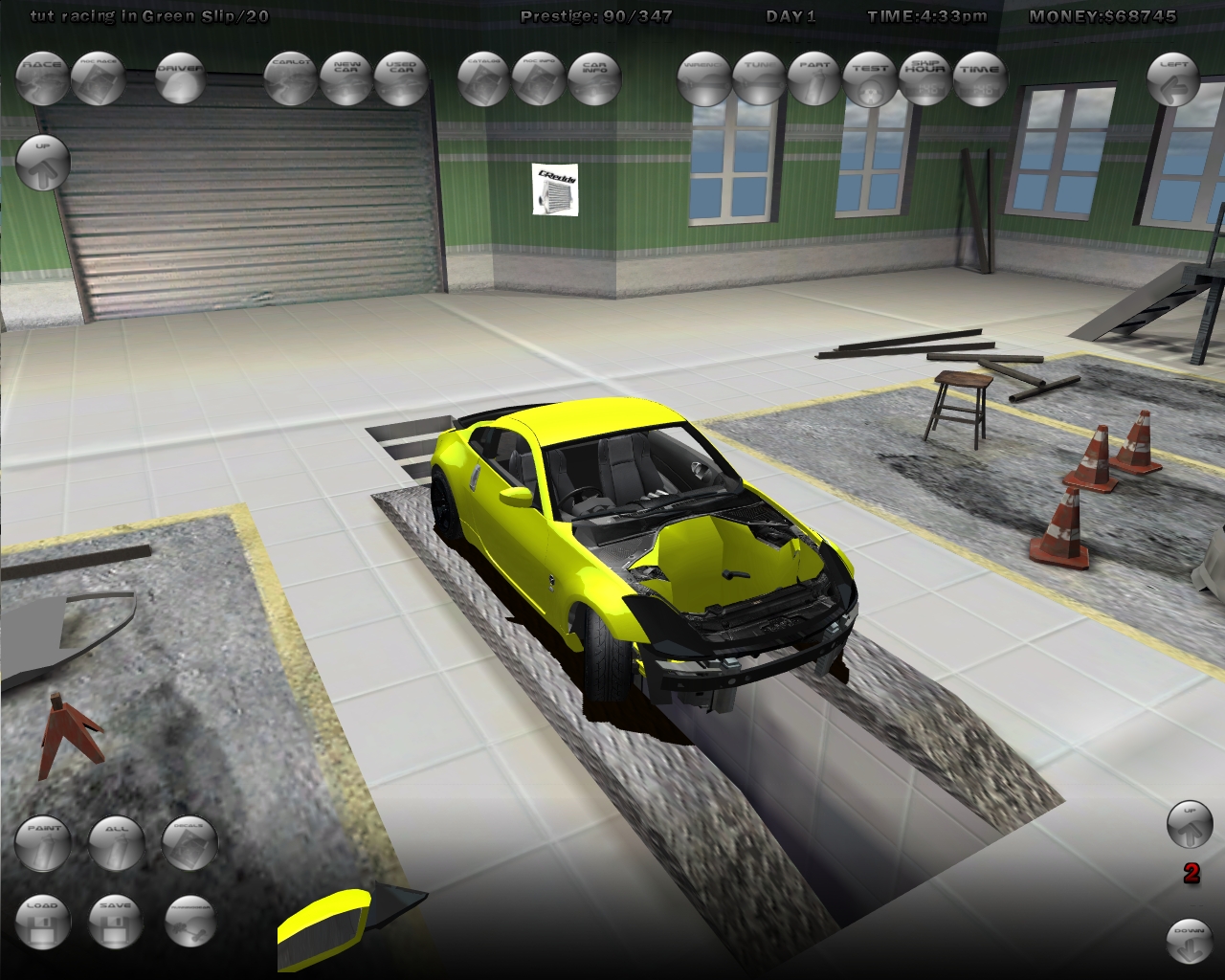
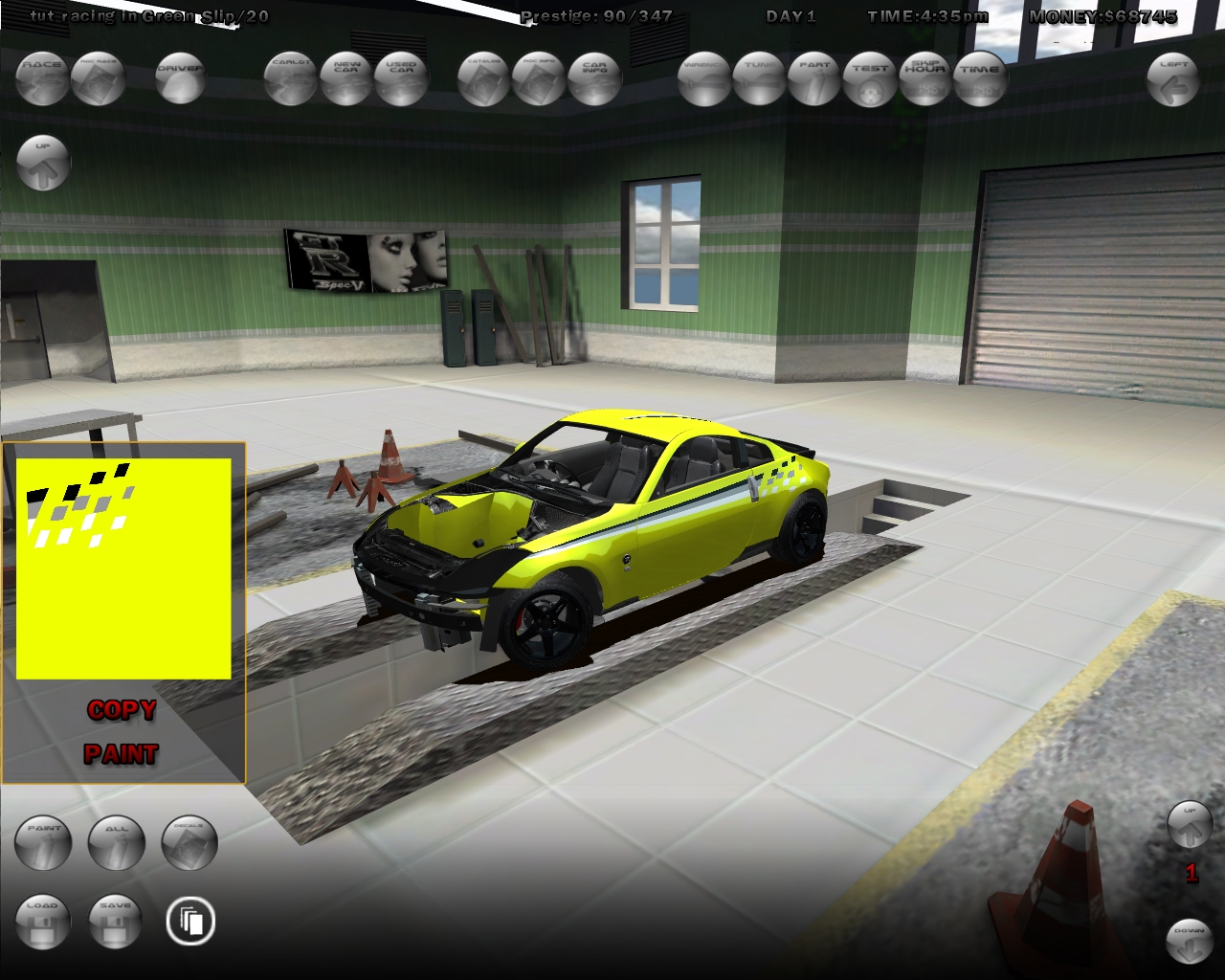
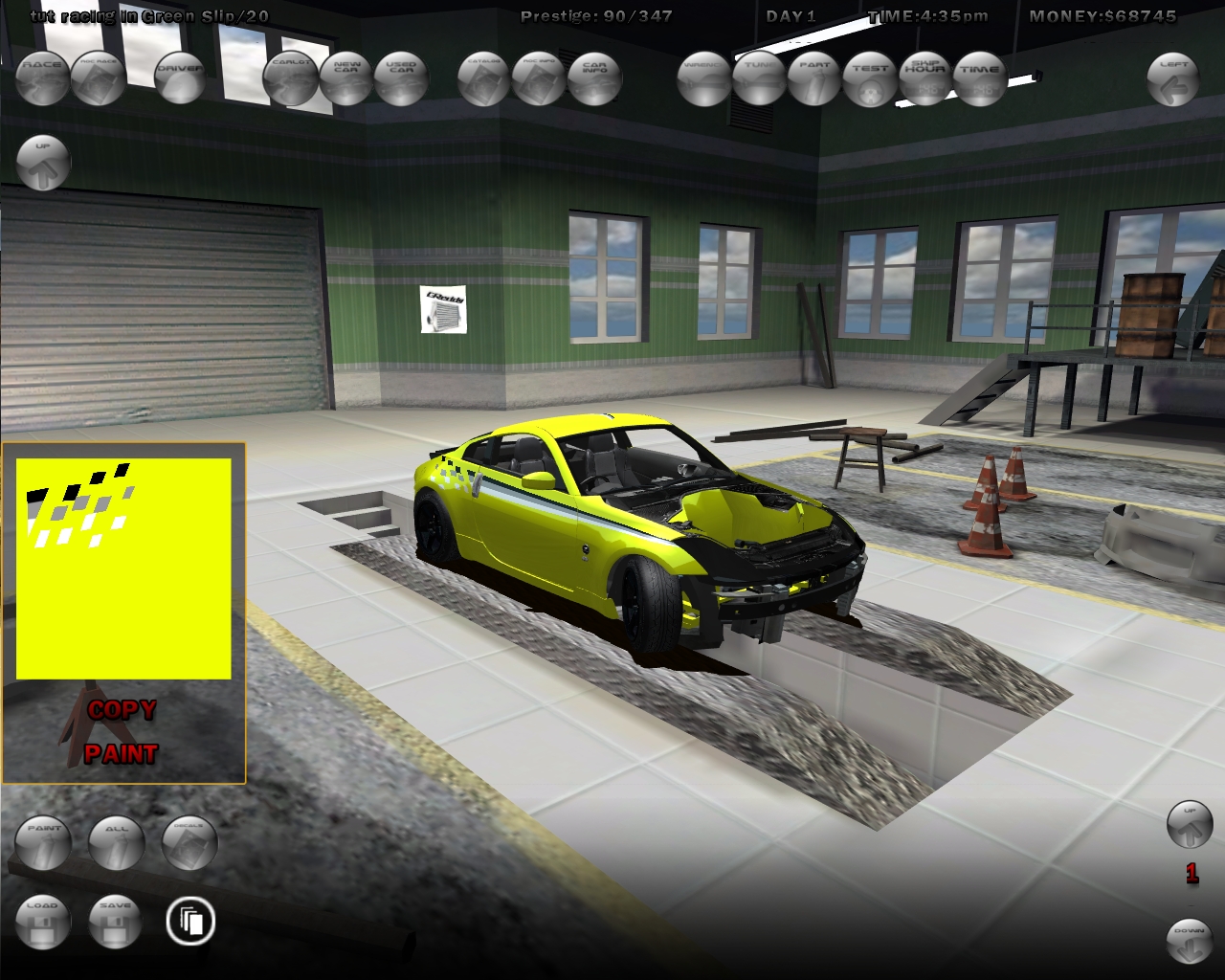
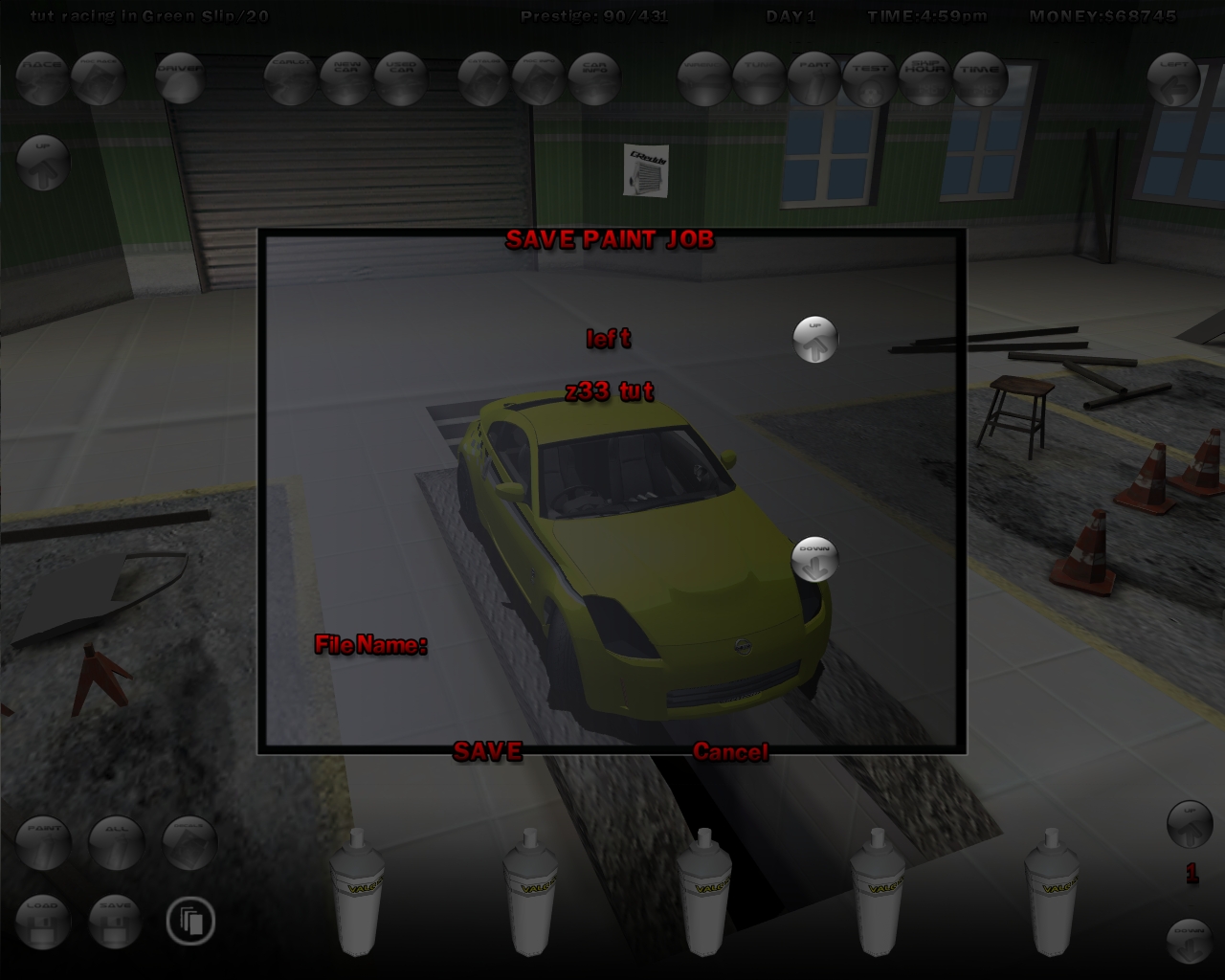
Acyd_93 HQ Paintjob Tutorial from Acyd buy a new car and all body parts paint one part in black save the pj and leave the game go into skin folder open the file with gimp/photoshop clear the pic and rezise to 1024x 1024 or 2048x2048 paint the hole pic in your favorite color save this with xxx.JPG go into your skin folder you can see 3 files the first file is the game load file the second file is the old skin file ( delete ) and rename the JPG file ( remove JPG ) back in the game and load your PJ you can see the black font bumper now in your edit color use the copy and piant tool in slrr ( copy the font bumper and paint the all parts ) now save the hole PJ you can see in your skin folder the hole PJ remove all parts up to those decalable want now put a decal on car you can see little mapping mistakes ( not all cars have this problem ) save the PJ ( left, right, front or back ) leave slrr and go too your skin folder you can see the saved ( left ) skin open all three files with gimp/photoshop you can see the blurry edges and the mapping mistakes use the free choose and select the wrong things paint the choose ( with all files ) result save your edit pics with .JPG on the end back in the game and load your work ( you can see...is not blurry ) add the other side parts and use the copy and paint tool copy the left door too the right door copy the left frontquaterpanel too the right frontquaterpanel... and save No file was attached to this page. Archived from VStanced • Street Legal Racing Tutorials • 2010-05-17
Daniel Can u share the one for HQ Decal thing too? Sad i cant use it on my current game since it crashes when i press save PJ 🙁
Acyd_93 i make a new tut for decals ! my accound on gsm is delete and on gsm is the decal tut! give me time and i make a new one 🙂
tempest when i save my pj with "zenki" name, then i go to skins folder, i cannot open it with photoshop. here's the file screenshot_18_14486.png
uchuujin For safety.. I think you'll just need to buy the body first. Because some parts are paintable.