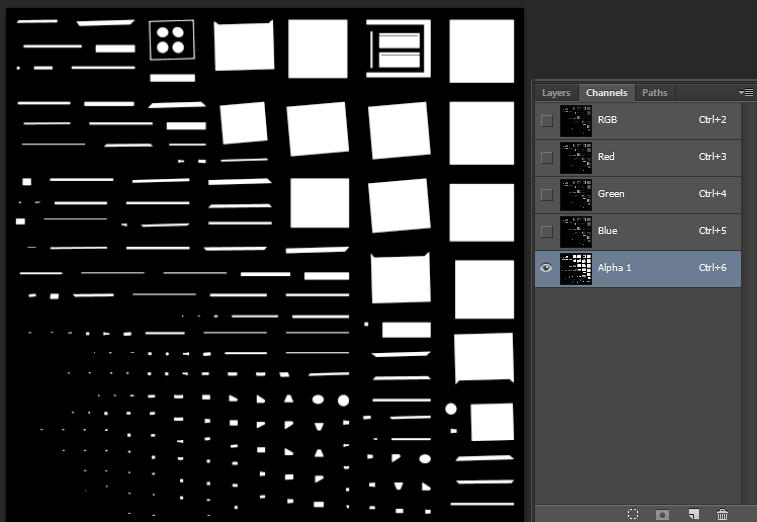
After a small research i can tell you that it's using(when you merge all the toolboxes in one file) the texture lr_smod_toolchest_05_00_01_SM.tga instead than one for each toolbox(as it is when they're not merged).
So the tool isnt, as i said before, reindexing the textures.
I'm gonna do some hex editing and see if i manage manually reindexing, in order to make them follow the correct loading order, and let you know what i come up with.
ps: it does index properly the diffuse textures but not the self-illumination ones, it only picks the last one(i have checked and verified that it happens exactly the same in all the merged files) and applies it to all the materials.
Added 21 minutes later:
Nevermind, i'm just struggling to understand V3's structure, besides from reflection amount, specular level, specular color and material color... fml
Added 10 minutes later:
I went on with tests, i only kept the ground mesh and the merged toolchest one, changed the loading order, it was supposed to show different textures ingame but nope, it only works if i change the 2nd texture in the loading order, let me show you
Added 9 minutes later:
Stock loading order after merging:
pre

loading order after first edit:
pre
loading order after second edit:
pre
So in short, it isnt re-indexing the self-illumination textures, it's only applying one for all the materials in the scene(contrary to what i said before, it's the first from the top, the lr_smod_toolchest9_SM.tga)
Sorry if i'm spamming your thread, thanks for the help
Added 1 minute later:
I wish V3 materials had the same hex coords as V4 ones, you know, the 06 ##(where ## stands for the number of the texture in the loading order, 00 is the first and so on)