How to Mod Assetto Corsa EVO
Assetto Corsa EVO is moddable now — officially, and without Content Manager. That last part matters. If you came from the original Assetto Corsa, none of your old habits carry over: there is no launcher to point at a folder, no Custom Shaders Patch, no drag-and-drop into the game directory. EVO keeps its mods somewhere else entirely, and it has two traps that catch almost everybody the first time.
Here is the whole process: where mods live, how to install a car, how to use one online, how to run a modded server, and what the SDK can and cannot do yet.
What changed, and when
Three updates matter. Knowing which one introduced what keeps you off outdated instructions.
- Update 0.7 — 3 June 2026. The ACE SDK arrived through the Tools section of your Steam library. Car editing only, and mods were single-player only.
- Update 0.8 — 9 July 2026. Multiplayer mod support, plus Kyalami, three new cars and a reworked VR pipeline.
- Update 0.8.1. Server-side handling was formalised. Mods now have to be re-exported to generate a JSON file before a server will accept them as compatible content — anything built earlier needs doing again.
What you can and cannot mod today
Set expectations before you go shopping.
You can install and drive community cars — completely new vehicles or modified versions of existing ones — in single player, and in multiplayer when the server allows it. You can also build your own with the official SDK.
You cannot install track mods yet. The first SDK release covers cars only; track tools are confirmed for a later update. There is also no Custom Shaders Patch equivalent, no third-party graphics extensions and no app ecosystem like the one that grew around the original game.
In other words: EVO modding today is roughly where the original was in its opening months — real, functional, early.
Before you start: two things that break installations
Antivirus and firewall exclusions. Add your Steam installation folder and the Saved Games\ACE folder as exceptions in your antivirus, Windows protection and firewall settings. Security software loves to quarantine mod files quietly; the symptom is a mod that installs cleanly and simply never shows up.
Know where the user folder is. Everything below happens in your Windows user directory, not inside the Steam game folder. That is the first habit to unlearn from the original Assetto Corsa.
Installing a car mod
Once you know the path, it takes about thirty seconds.
- Open
C:\Users\[YOUR USERNAME]\Saved Games\ACE\mods. - If the
modsfolder does not exist, create it. That is normal on a fresh install. - Download the mod and extract the archive. Do not copy the compressed file into the folder.
- Copy the folder(s) from inside the extracted archive into
mods. - Launch the game. The car appears in the in-game vehicle hub with whatever liveries the creator included.
There is no enabling step, no launcher and no config file to edit.

The folder-inside-a-folder trap
This is the mistake behind most failed installs, and it carried over from the original game. Extracting some archives leaves you with a folder containing another folder of the same name. The one you want is the inner folder — the one that directly holds the mod’s data files and subfolders. Copy the outer wrapper and the game finds nothing, silently.
Quick check: open the folder you are about to copy. If it contains a single folder with the same name, go one level deeper.
Where to get EVO mods
The scene is young but moving fast. The first wave included a driveable banana; what followed has been more serious.
Our Assetto Corsa EVO library carries the cars we have tested and rehosted ourselves — every file on ModsFire, every screenshot taken from the mod, every author credited, no paywalls. At the time of writing there are 26: Pessio’s Abarth 1000 TCR, Ceky Performance’s Porsche 992 GT3 RS Manthey pack and BMW M3 Touring 24H, The Race Project’s Formula One 2026 season, Sim Dream’s 963 LMDh and Grand Prix 2026 pack, and a growing set of road cars.
Quality varies enormously this early. Read the description and the credits before installing, and if a creator calls their work a beta, treat it as one. If a download is dead, use the report link on the mod page and we will look for a copy.

Using mods in multiplayer
Multiplayer mod support arrived with 0.8, and one rule catches people out constantly: every driver must have the mod installed locally. The server does not push content to clients. If you want to join a modded lobby, the car has to be in your own Saved Games\ACE\mods folder before you connect.
That means checking the server description — or asking the community running it — before you join.
Running a modded dedicated server
If you host for a league or a group of friends, the 0.8.1 changes are mandatory reading.
- Re-export the mod through the SDK if it was built before 0.8.1. This generates the JSON file the server needs.
- Put the modded car in
Saved Games\ACE-Server\mods. - Put the accompanying
[modded_car].jsonfile in the same folder. - Launch
ServerLauncher.exeand include the modded content in your car restrictions. - Start the server.
- Tell every driver to put the same car in their own
Saved Games\ACE\modsfolder.
0.8.1 also lets the server load cars straight from the ACE-Server folder, which makes running several configurations much less painful.
Building your own car with the ACE SDK
The SDK is free to anyone who owns the game and lives in the Tools section of your Steam library, next to the game.
Right now it is a car editor: add, remove or adjust parts on existing vehicles, or build one from scratch. It uses a PBR material pipeline — the same physically based rendering standard Kunos uses internally — which is a meaningful signal that community creators are working with production-grade tooling, not a cut-down version.
One honest caveat from Kunos: this first release is aimed at technically skilled creators. If you have never touched 3D models, material pipelines or physics files, the curve is steep. It is not a livery editor. Livery and track tools are confirmed for later updates.
Troubleshooting
- The mod does not appear in game. Check the folder-inside-a-folder trap first, then confirm your antivirus has not quarantined the files.
- The game will not start after installing a mod. Remove the mod from the folder and relaunch. If it starts, the mod is the cause.
- Persistent startup failures. Kunos recommends deleting the whole
Saved Games\ACEfolder and starting again. Back up your car setups first — they live there too. - Reporting a problem. Attach
log.txtfromSaved Games\ACE. For crashes, zip and attach the wholecrashdumpsfolder from the same place. - Server rejects a mod. Nearly always the missing JSON file. Re-export it through the SDK.
What is still coming
Track modding is the big one, and it is confirmed rather than hoped for. Livery tools are expanding. The wider question is whether EVO grows the kind of ecosystem the original has, where community tooling eventually outgrew anything the developer shipped.
That is not guaranteed. The original had a decade of momentum and a pile of third-party tools Kunos neither built nor sanctioned. EVO’s pipeline is official: better integration, slower and more controlled evolution. But the direction has changed — a studio that once planned to vet every mod is now shipping unrestricted tools during Early Access.
Useful links
- Assetto Corsa EVO mods on VStanced — our tested, rehosted catalogue.
- The VStanced forum — install help, mod requests and broken-link reports.
- The official Kunos forum — SDK documentation and AC EVO support.
- acevo.gg — the official Daily Racing platform introduced with 0.8.
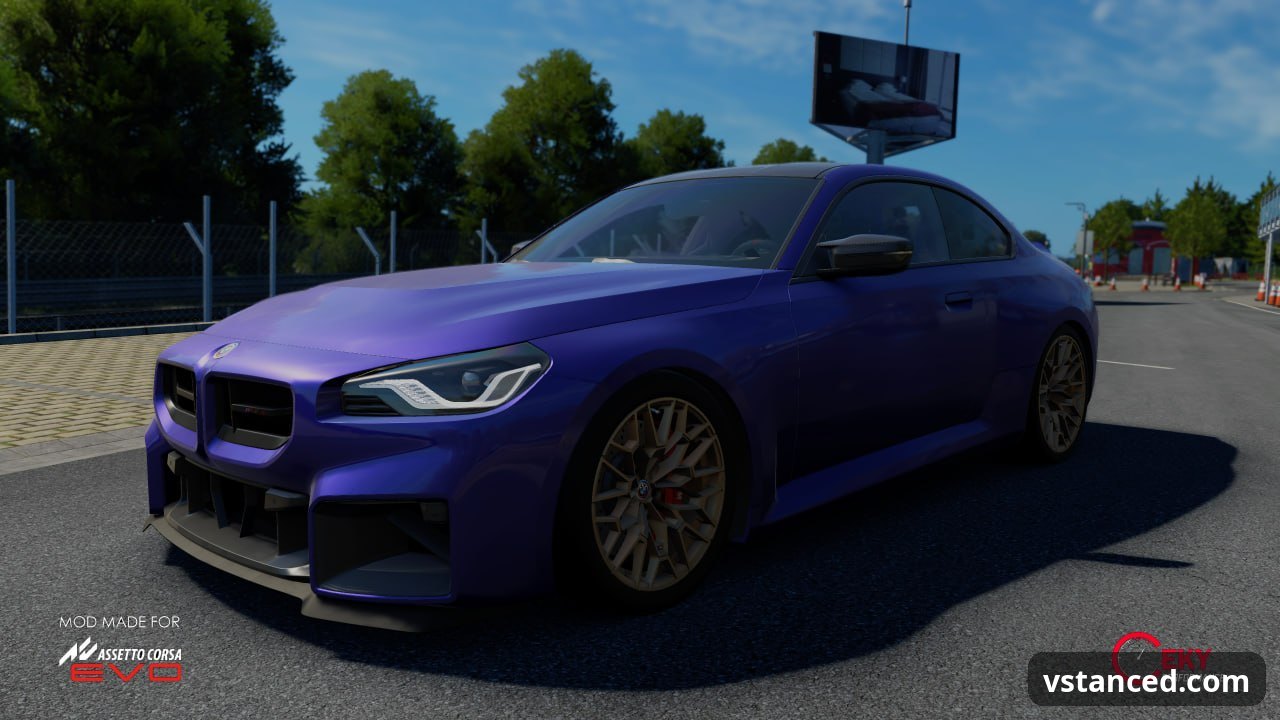
Core process based on BoxThisLap’s AC EVO modding guide; screenshots are from mods in our library and belong to their authors.
Garage talk
No comments yetLeave a comment
Members can comment. Log in or create an account.